




Here's how it works

01. Edit your chapter 91 license lookup online
Type text, add images, blackout confidential details, add comments, highlights and more.

02. Sign it in a few clicks
Draw your signature, type it, upload its image, or use your mobile device as a signature pad.

03. Share your form with others
Send massachusetts waterways via email, link, or fax. You can also download it, export it or print it out.
How to use or fill out Massachusetts Waterways License with our platform

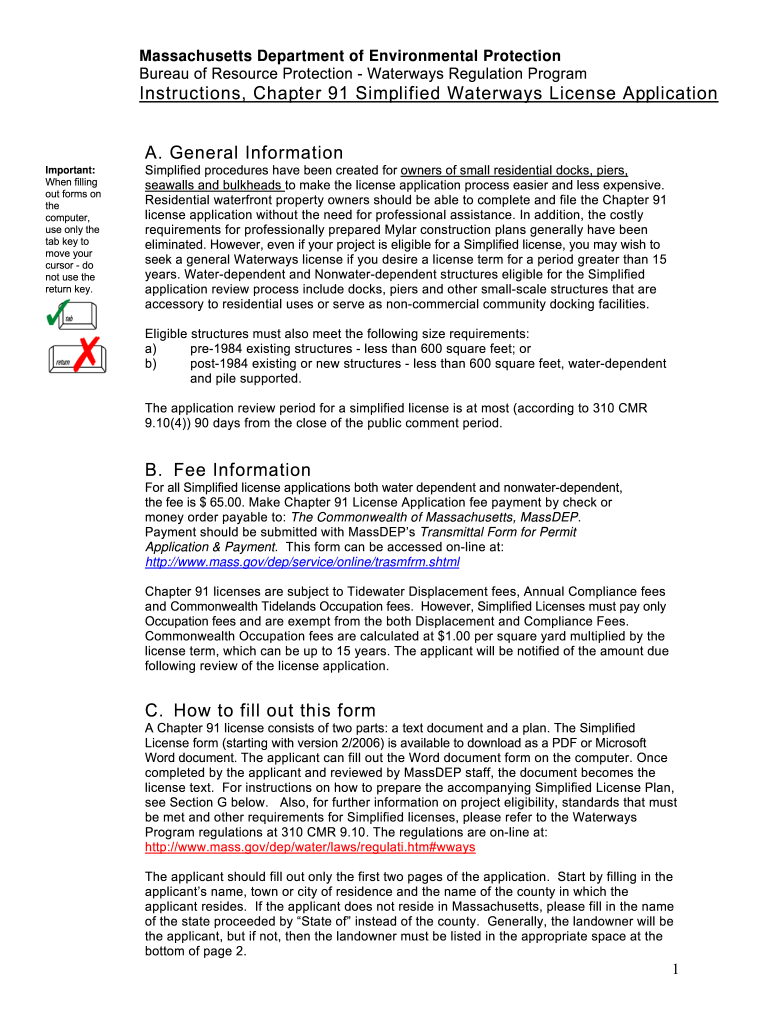
- Click ‘Get Form’ to open the Massachusetts Waterways License application in the editor.
- Begin by filling in your name, town or city of residence, and county. If you reside outside Massachusetts, indicate your state instead of a county.
- Indicate whether you are maintaining an existing structure or constructing a new one by checking the appropriate boxes. List all applicable structures from the provided options.
- Notify the local authority by checking the box confirming notification has been given to either the Board of Selectman or Mayor and City Council.
- Complete the use statement section by selecting maintenance or construction purposes. Fill in the name of the waterbody and its location.
- Provide your address and sign at the designated area. If different from your mailing address, fill in that information as well.
- Leave any remaining fields blank for MassDEP personnel to complete during their review process.
Start using our platform today to streamline your Massachusetts Waterways License application process for free!
Fill out massachusetts waterways license online
It's free
It's free
Security and compliance
At DocHub, your data security is our priority. We follow HIPAA, SOC2, GDPR, and other standards, so you can work on your documents with confidence.
Learn more


