




01. Edit your commercial listing agreement online
Type text, add images, blackout confidential details, add comments, highlights and more.

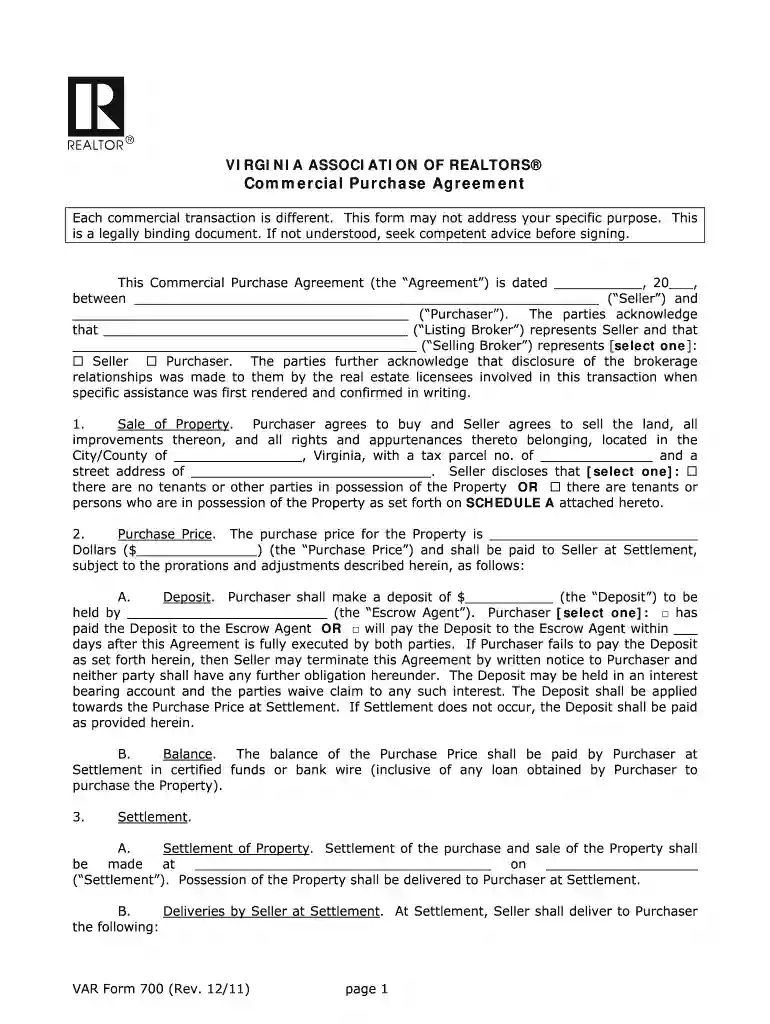
Type text, add images, blackout confidential details, add comments, highlights and more.

Draw your signature, type it, upload its image, or use your mobile device as a signature pad.

Send commercial property purchase agreement via email, link, or fax. You can also download it, export it or print it out.

Start using our platform today to easily complete your Virginia Realtors Commercial Purchase Agreement online for free!
Yes, it is possible with DocHub. This secure and compliant online editor has a phone-based signing option. After you log in to your DocHub account and add your commercial real estate forms to our editor, complete all empty areas and use the Sign feature on the top barf. Click on Create your signature and choose Phone from the available choices. Here, you scan a QR code with your smartphone and draw your signature on your phone display, as you normally do when signing physical papers. If you access DocHub right from your mobile device, you can eSign your form by drawing your eSignature, uploading its picture, or simply with a typed name.
In case your go-to email service is Gmail, you can easily incorporate your DocHub editor into your work. Edit your purchase agreement in real estate with DocHub instruments and attach it to your drafts in Gmail. See how effortless it is to exchange files and collaborate having a swift PDF editing solution at hand.
At DocHub, your data security is our priority. We follow HIPAA, SOC2, GDPR, and other standards, so you can work on your documents with confidence.
In addition to furnishing such DocHubd statement, the applicant shall furnish the name, address and phone number of the owner of record of the property, asRead more
VIRGINIA REALTORS. RESIDENTIAL LEASE. (This is a legally binding contract. If not understood, seek competent advice before signing.) EFFECTIVE DATE OF LEASE:Read more
Lease-purchase agreement means an agreement for the use of personal property by a natural person primarily for personal, family, or household purposes.Read more


