




Here's how it works

01. Edit your va ptsd questionnaire pdf online
Type text, add images, blackout confidential details, add comments, highlights and more.

02. Sign it in a few clicks
Draw your signature, type it, upload its image, or use your mobile device as a signature pad.

03. Share your form with others
Send va ptsd dbq pdf via email, link, or fax. You can also download it, export it or print it out.
How to use or fill out VA Form 21-0960P-3 with DocHub

- Click ‘Get Form’ to open it in the editor.
- Begin by entering the patient/veteran's name and Social Security number at the top of the form. This information is crucial for identification purposes.
- In Section I, answer whether the veteran has been diagnosed with PTSD. If 'Yes', proceed to complete the questionnaire; if 'No', follow instructions for alternative forms.
- Move to Section II and list current diagnoses along with their ICD codes. Ensure accuracy as this section is vital for assessment.
- Continue through Sections III to XI, providing detailed responses regarding symptoms, occupational impairment, and clinical findings. Use our platform’s tools to easily navigate and fill each field.
- Finally, ensure that a psychiatrist or psychologist certifies and signs the form in Section XI before submission.
Start using our platform today to streamline your document editing and form completion process for free!
Fill out va form 21 0960p 3 online
It's free
It's free
See more va form 21 0960p 3 versions
We've got more versions of the va form 21 0960p 3 form. Select the right va form 21 0960p 3 version from the list and start editing it straight away!
Security and compliance
At DocHub, your data security is our priority. We follow HIPAA, SOC2, GDPR, and other standards, so you can work on your documents with confidence.
Learn more


Related forms
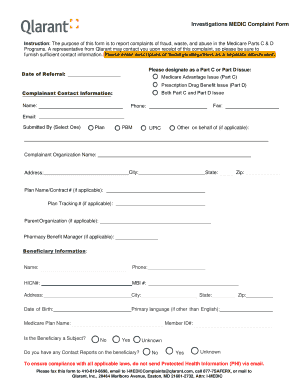
Medic form
The Investigations MEDIC Complaint Form is designed for reporting complaints related to fraud, waste, and abuse in Medic ...
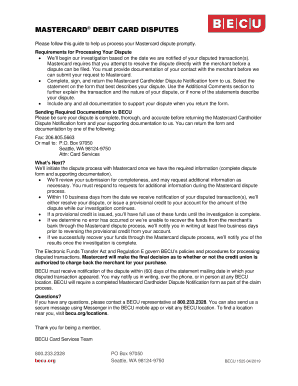
Reference Letter Template - Lending
The document provides a comprehensive guide for Mastercard debit cardholders on how to dispute transactions. It outlines ...
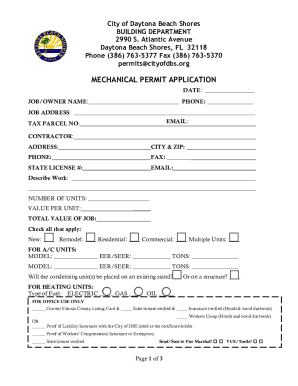
City of Daytona Beach Shores - Mechanical Permit Application
The document is a Mechanical Permit Application for the City of Daytona Beach Shores, detailing the requirements and inf ...

Upcm application form
The document is an application form for admission to the College of Medicine at the University of the Philippines Manila ...
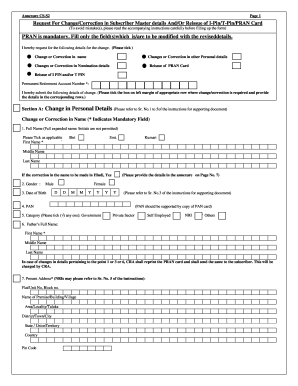
Nps date of birth correction online
The document is a form (Annexure CS-S2) for requesting changes or corrections in subscriber master details, including pe ...

Pnb mobile number change form
The document is a generic request form for PNB MetLife India Insurance Company Limited, detailing procedures for policyh ...

Massachusetts application erecting
The document is an application form from the Boston Fire Department's Fire Prevention Division for erecting a tent or te ...

Alberta 4ephf control printable
The document is an application form for using Time as a Public Health Control in food establishments. It requires inform ...