




Here's how it works

01. Edit your lien waiver form missouri online
Type text, add images, blackout confidential details, add comments, highlights and more.

02. Sign it in a few clicks
Draw your signature, type it, upload its image, or use your mobile device as a signature pad.

03. Share your form with others
Send lien waiver form missouri pdf via email, link, or fax. You can also download it, export it or print it out.
How to use or fill out Missouri Lien Waiver Subcontractor with DocHub

- Click ‘Get Form’ to open the Missouri Lien Waiver Subcontractor in our editor.
- Begin by filling in the 'County' field at the top of the form, specifying the county where the work was performed.
- In the 'Lien Claimant' section, enter your name and details as the subcontractor who provided labor or materials.
- Next, indicate who employed you by filling in their name in the designated field.
- Describe the labor and/or materials provided in detail, ensuring clarity for all parties involved.
- Specify the property location and provide a legal description of it in the appropriate section.
- Enter the total amount you are claiming for payment in the designated field.
- List all subcontractors and suppliers that have worked on this property below your claim amount, confirming they have been paid in full.
- Finally, check either 'Final Payment' or 'Partial Payment' as applicable, initial next to your choice, and sign with your title and date.
Start using our platform today to easily complete your Missouri Lien Waiver Subcontractor form for free!
Fill out missouri lien waiver subcontractor online
It's free
Security and compliance
At DocHub, your data security is our priority. We follow HIPAA, SOC2, GDPR, and other standards, so you can work on your documents with confidence.
Learn more


Related forms
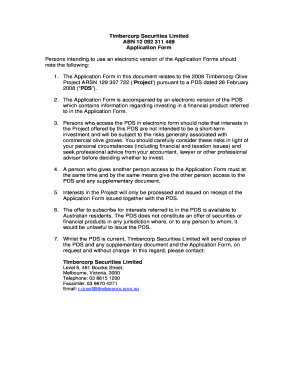
2008 timbercorp 092 311
The document outlines the 2008 Timbercorp Olive Project, a managed investment scheme allowing Australian residents to in ...

Australia form declaration
The document is a Premium Loading Application Form (Form 330) that outlines the process for employers to declare their a ...
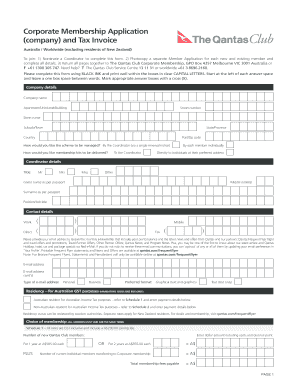
Qantas club corporate membership
The document is a Corporate Membership Application for The Qantas Club, detailing the process for companies to enroll mu ...
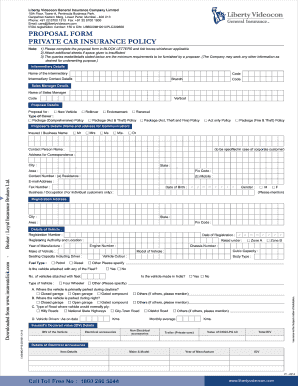
Liberty claim form
The document is a proposal form for a Private Car Insurance Policy from Liberty Videocon General Insurance Company Limit ...
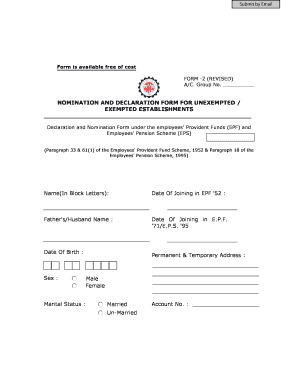
Form
The document is a Nomination and Declaration Form for the Employees' Provident Fund (EPF) and Employees' Pension Scheme ...
Uti name change form
The document is an application form for changing the name of a mutual fund account holder due to marriage. It includes p ...

Bonafide certificate format in word
The document is a certificate issued by L. D. College of Engineering, Ahmedabad, Gujarat, certifying that a student has ...
Phs assignment request form 2019
The PHS Assignment Request Form is a document used to request specific assignments for funding applications, including p ...