Type text, add images, blackout confidential details, add comments, highlights and more.
02. Sign it in a few clicks
Draw your signature, type it, upload its image, or use your mobile device as a signature pad.
03. Share your form with others
Send it via email, link, or fax. You can also download it, export it or print it out.
How to use or fill out College-Sponsored with our platform
Ease of Setup
DocHub User Ratings on G2
Ease of Use
DocHub User Ratings on G2
Click ‘Get Form’ to open the College-Sponsored document in the editor.
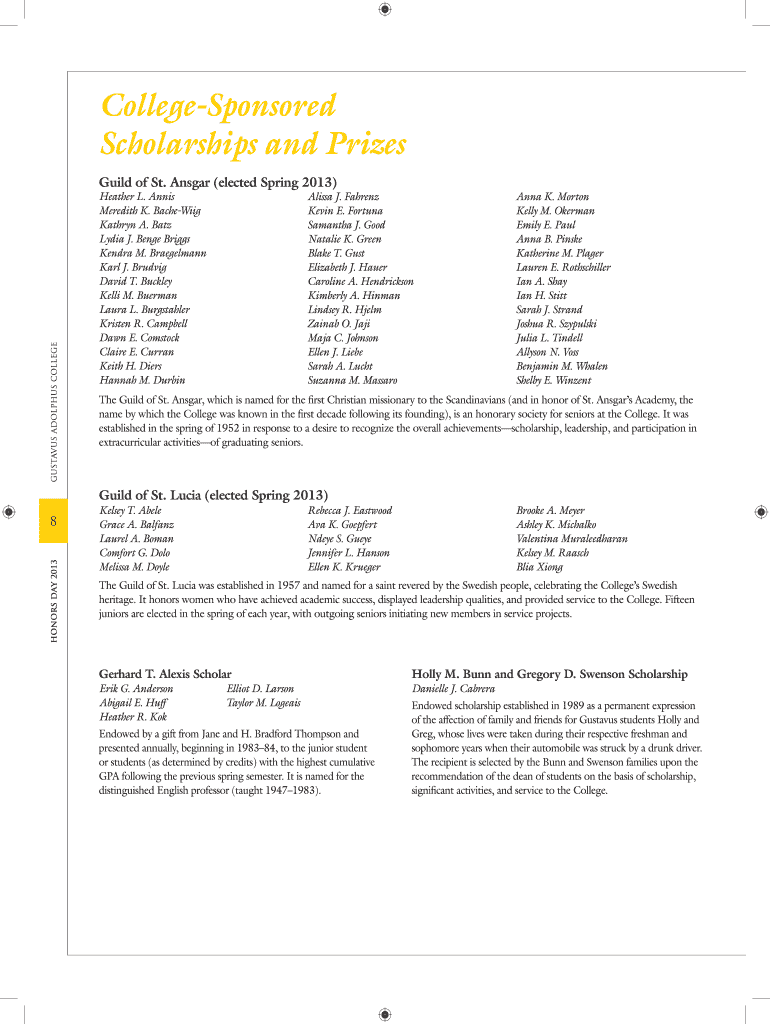
Begin by entering your personal information in the designated fields, including your name, student ID, and contact details. Ensure all entries are accurate to avoid any processing delays.
Proceed to the scholarship selection section. Review the list of available scholarships and select those for which you are eligible. Use our platform's checkboxes for easy selection.
In the essay section, articulate your academic achievements and community involvement. Utilize our editor’s formatting tools to enhance readability and presentation.
Once all sections are completed, review your entries for accuracy. Use the ‘Preview’ feature to see how your form will appear once submitted.
Finally, click ‘Submit’ to send your completed form directly through our platform. You will receive a confirmation email once your submission is processed.
Start filling out your College-Sponsored form today for free using our platform!
College sponsored scholarshipCollege sponsored listCollege-sponsored National Merit Scholarships listCollege-sponsored Merit scholarshipsBig company scholarships for college studentsNational Merit Scholarship corporate sponsors listCompanies willing to sponsor college studentsCorporate scholarships for college students
Security and compliance
At DocHub, your data security is our priority. We follow HIPAA, SOC2, GDPR, and other standards, so you can work on your documents with confidence.
The Colleges vision is to work with community partners to further impact the communities in which our students, faculty, and staff live, work, and play.Read more
EducationUSA offers a variety of international student programs that include engagement opportunities for U.S. higher education professionals.Read more
Cookie consent notice
This site uses cookies to enhance site navigation and personalize your experience.
By using this site you agree to our use of cookies as described in our Privacy Notice.
You can modify your selections by visiting our Cookie and Advertising Notice.