01. Edit your independent contractor application online
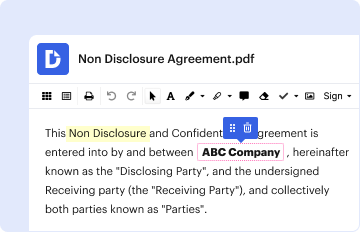
Type text, add images, blackout confidential details, add comments, highlights and more.
02. Sign it in a few clicks
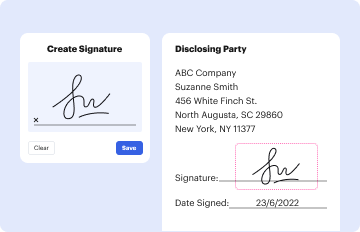
Draw your signature, type it, upload its image, or use your mobile device as a signature pad.
03. Share your form with others
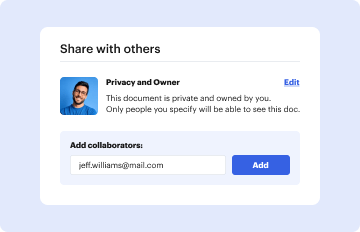
Send independent contractor exemption certificate via email, link, or fax. You can also download it, export it or print it out.
How to use or fill out Independent Contractor Exemption Certificate Application with DocHub
Ease of Setup
DocHub User Ratings on G2
Ease of Use
DocHub User Ratings on G2
Click ‘Get Form’ to open the Independent Contractor Exemption Certificate Application in our platform's editor.
Begin by filling in your personal information, including your name, mailing address, and business details. Ensure that all entries are accurate and match your business documentation.
In section 2, circle your business structure (either Corporation or Manager-Managed LLC) and provide your physical address and contact information.
List all occupations for which you are applying for the exemption in section 3. Make sure to gather the necessary documentation to demonstrate your established business for each occupation.
In section 4, indicate your status within the company by circling the appropriate title and confirming ownership percentages as required.
Review all sections carefully. If corrections are needed, cross out errors and make changes in ink. Initial any modifications.
Sign the application and waiver form in front of a notary public, ensuring you understand the implications of waiving workers' compensation benefits.
Finally, submit your completed application along with the required fee and documentation to the specified address.
Start using our platform today to streamline your application process for free!
Fill out Independent Contractor Exemption Certificate Application online It's free
APPLICATION for Independent Contractor Exemption Certificate. VALID FOR TWO (2) YEARS. IC# OFFICE USE. $125 FEE (NON-REFUNDABLE). INSTRUCTIONS: Visit us onlineRead more
independent contractor or to a third-party staffing Organization personnel. A copy of the exemption certificate is available from the Executive Director.Read more
To make an exempt purchase of goods and services for your organization, present a completed copy of your Tax-Exempt Entity Exemption certificate to the vendorRead more
Cookie consent notice
This site uses cookies to enhance site navigation and personalize your experience.
By using this site you agree to our use of cookies as described in our Privacy Notice.
You can modify your selections by visiting our Cookie and Advertising Notice.