



01. Edit your ta da bill online
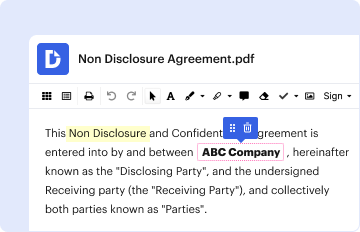
Type text, add images, blackout confidential details, add comments, highlights and more.

Type text, add images, blackout confidential details, add comments, highlights and more.
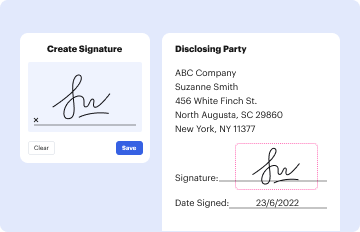
Draw your signature, type it, upload its image, or use your mobile device as a signature pad.

Send ta da format via email, link, or fax. You can also download it, export it or print it out.
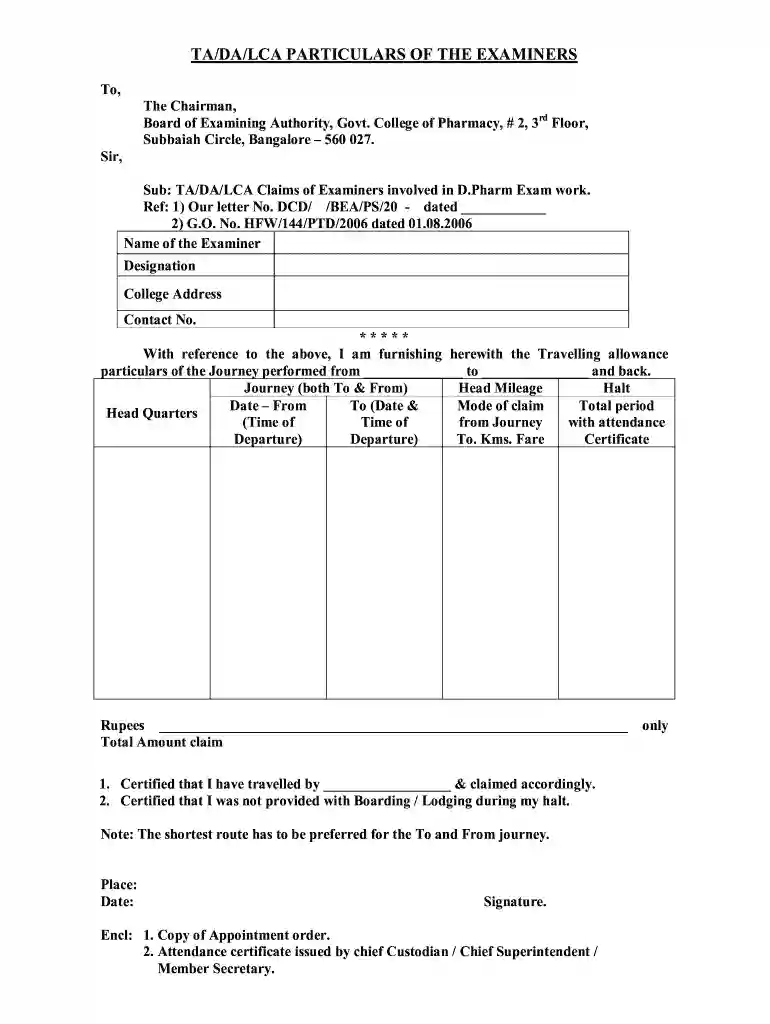
The TA DA bill format in Word serves as a structured document that enables individuals, often examiners or employees, to claim travel allowances and reimbursement for expenses incurred during official duties. "TA" stands for "Travel Allowance," while "DA" refers to "Daily Allowance." This format is essential for formalizing requests for reimbursement, specifying the amounts eligible for claim based on the incurred travel expenses, and ensuring that all necessary documentation is submitted correctly for processing.
This document typically includes specific components such as the name and designation of the person claiming, details about the journey, dates of travel, and breakdowns of expenses, which may include mileage and halting charges. Understanding the components and proper usage of the TA DA bill format in Word is crucial for professionals who frequently navigate expense claims, as it adds an official nature to their requests and facilitates smoother interactions with organizations or authorities responsible for disbursing funds.
Using the TA DA bill format in Word requires a straightforward approach to filling out essential travel expense details. Here is a step-by-step outline to effectively utilize this document:
Following these steps accurately ensures that the TA DA bill is comprehensively filled out, thereby enhancing the chances of timely reimbursement.
The TA DA bill format in Word contains several critical components that ensure clarity and compliance. Key elements include:
Including these elements ensures the document is thorough, transparent, and facilitates straightforward processing for reimbursements.
Completing the TA DA bill format in Word involves specific procedures that ensure accuracy and compliance. Here’s how to appropriately navigate this process:
By following these steps, individuals can ensure their claims are complete, enhancing the likelihood of prompt reimbursement without complications.
The TA DA bill format in Word can be applied across various scenarios to effectively claim travel allowances. Here are practical examples:
These examples illustrate how the format serves as a template for various roles, ensuring that travel allowance claims are formalized and processed efficiently.
Sure, and it’s really straightforward! DocHub is an online PDF editor with advanced document management capabilities that allow you quickly edit your paperwork, fill out empty fields and insert new ones for other people to fill out, and create eSignatures in several ways. Import your ta da format in word, provide information as required, and select how you want to eSign your document - by typing your name, drawing your signature, uploading its picture, or using a QR code.
Having a swift editing system like DocHub, you do not need anything but a browser and connection to the internet to modify your travelling allowance bill format in word on the internet easily. Upload your file or find the relevant form in DocHub’s catalog, open our editor with a single click, and complete it digitally. To revise your forms at any time, sign up a free profile with DocHub.
At DocHub, your data security is our priority. We follow HIPAA, SOC2, GDPR, and other standards, so you can work on your documents with confidence.
No TA advance has been claimed.. Abstract of TA bill. Amount (`). Memo. Amount (`). Air/ Railway /Bus/Taxi Fare (Col.9). A) Appropriation for ( sanctioned).Read more
Aug 16, 1976 for Preparation of Copies. Redesign the content of this Form as follows: include a penalty for lack of payment on the part of an applicant. [Read more


