




Here's how it works

01. Edit your penalty for not returning license plates in ny online
Type text, add images, blackout confidential details, add comments, highlights and more.

02. Sign it in a few clicks
Draw your signature, type it, upload its image, or use your mobile device as a signature pad.

03. Share your form with others
Send cancel registration ny online via email, link, or fax. You can also download it, export it or print it out.
How to use or fill out PLATE SURRENDER APPLICATION 1 2 - dmv ny with our platform

- Click ‘Get Form’ to open the PLATE SURRENDER APPLICATION in the editor.
- Begin by entering your License Plate Number in the designated field. This is crucial for identifying the plates you are surrendering.
- Next, specify the Vehicle Plate Class by entering the three-letter code found above your plate number on your registration document (e.g., PAS, COM).
- Fill in the first three letters of your name or company name as it appears on the registration document in the 'First 3 of Name' section.
- Indicate the number of plates being returned by checking one of the provided boxes (either 1 or 2).
- If you have a new address where you would like to receive any correspondence, please enter it in the 'New Address' field.
- Once all fields are completed, review your application for accuracy before submitting it. Then, print and mail your application along with your plates to the address provided at the top.
Start using our platform today to easily complete and submit your PLATE SURRENDER APPLICATION for free!
Fill out PLATE SURRENDER APPLICATION 1 2 - dmv ny online
It's free
It's free
See more PLATE SURRENDER APPLICATION 1 2 - dmv ny versions
We've got more versions of the PLATE SURRENDER APPLICATION 1 2 - dmv ny form. Select the right PLATE SURRENDER APPLICATION 1 2 - dmv ny version from the list and start editing it straight away!
Security and compliance
At DocHub, your data security is our priority. We follow HIPAA, SOC2, GDPR, and other standards, so you can work on your documents with confidence.
Learn more


Related forms
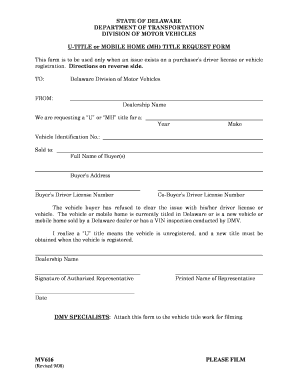
The mv616
The document is a request form from the Delaware Division of Motor Vehicles for obtaining a 'U' or 'MH' title for vehicl ...

Mv351 form
The document is a formal request for the re-examination of an individual's ability to safely operate a motor vehicle, su ...
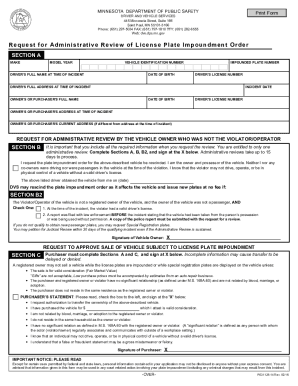
Offices Locations - Minnesota Department of Public Safety
The document outlines the process for requesting an administrative review of a license plate impoundment order in Minnes ...
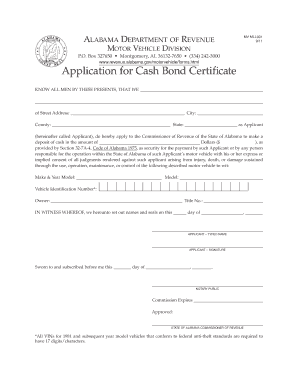
Cash bond certificate
The document is an application form for a Cash Bond Certificate from the Alabama Department of Revenue's Motor Vehicle D ...
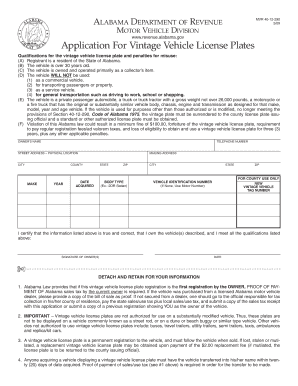
Alabama vintage license plates
The document outlines the application process and qualifications for obtaining vintage vehicle license plates in Alabama ...
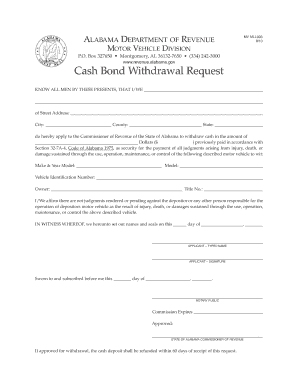
Alabama withdrawal request
The document is a Cash Bond Withdrawal Request form from the Alabama Department of Revenue, specifically for the Motor V ...
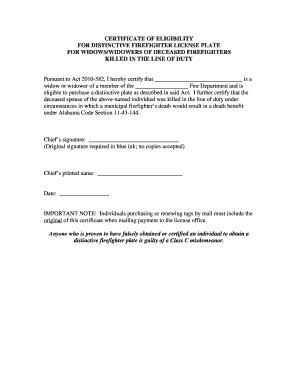
Alabama certificate widows
The document is a Certificate of Eligibility for a distinctive firefighter license plate, intended for widows or widower ...

Dc multa
This document provides an explanation of the procedures for a parking ticket hearing in Washington, DC. It outlines the ...