




01. Edit your form online
Type text, add images, blackout confidential details, add comments, highlights and more.

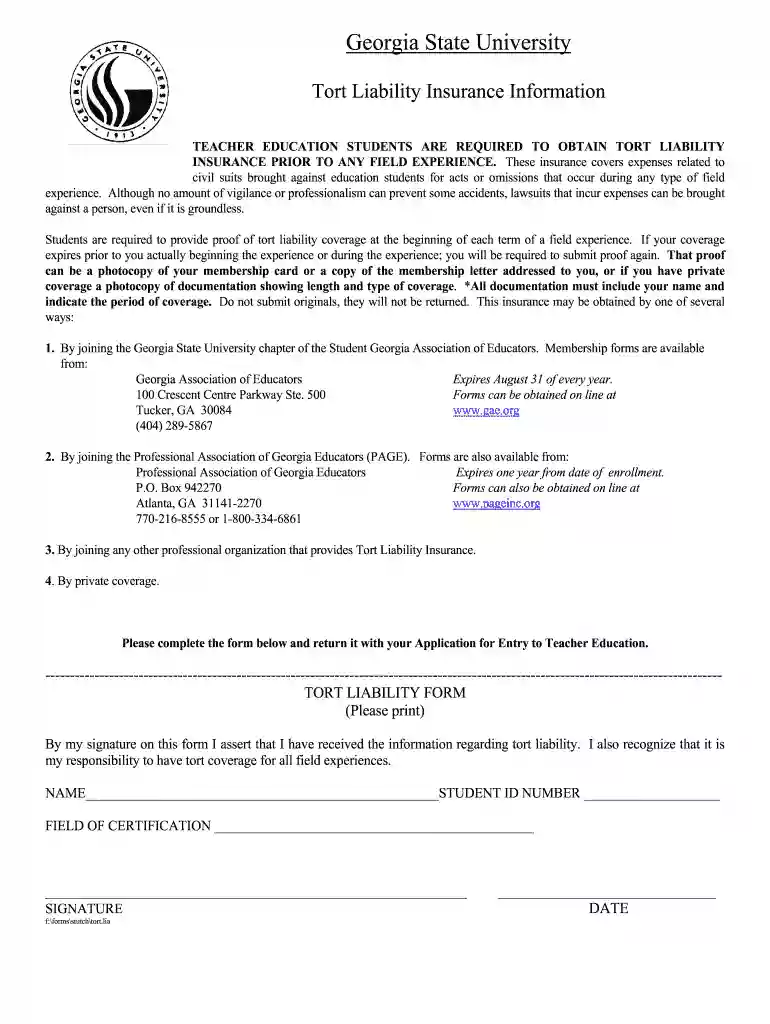
Type text, add images, blackout confidential details, add comments, highlights and more.

Draw your signature, type it, upload its image, or use your mobile device as a signature pad.

Send it via email, link, or fax. You can also download it, export it or print it out.

Start using our platform today to fill out your tort liability insurance form quickly and efficiently!
At DocHub, your data security is our priority. We follow HIPAA, SOC2, GDPR, and other standards, so you can work on your documents with confidence.
View forms, documents and policies and other student resources from the College of Education Human Development at Georgia State University.
Sep 25, 2025 All liability insurance policies shall name PSEG and its successors and assigns, as additional insureds and GENERATOR shall maintain theRead more


