




01. Edit your https cuiab ca gov myappeal online
Type text, add images, blackout confidential details, add comments, highlights and more.

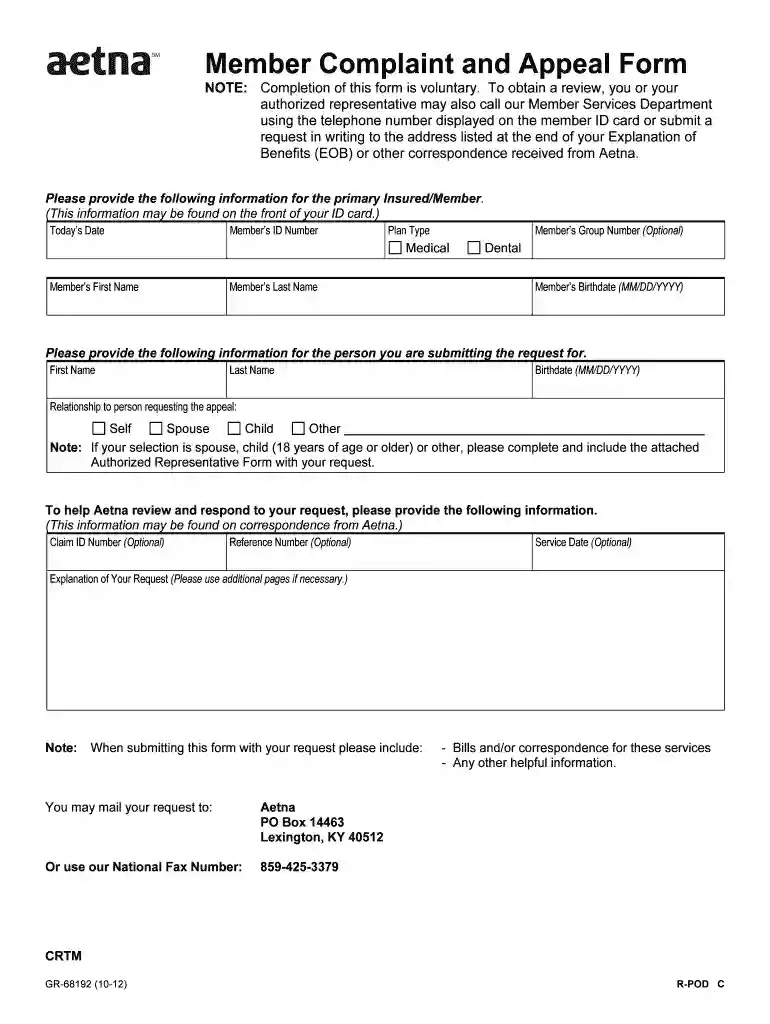
Type text, add images, blackout confidential details, add comments, highlights and more.

Draw your signature, type it, upload its image, or use your mobile device as a signature pad.

Send https myappeal cuiab ca gov via email, link, or fax. You can also download it, export it or print it out.

Start filling out your appeal form online for free today!
We've got more versions of the https cuiab ca gov myappeal form. Select the right https cuiab ca gov myappeal version from the list and start editing it straight away!
At DocHub, your data security is our priority. We follow HIPAA, SOC2, GDPR, and other standards, so you can work on your documents with confidence.
Faxing a dispute/appeal requires completion of this form (Provider Dispute Resolution Request form). Incomplete form will not be processed. . Must include
How to Submit an Appeal. To submit an appeal for additional aid, submit the completed and signed Appeal Form, along with all relevant supporting documentation.
APPEAL REQUEST FORM. REASON FOR APPEAL. Describe in the space provided below, the reason for appeal. If you failed to participate in a previous hearing


