




Here's how it works

01. Edit your letter of interest to buy property online
Type text, add images, blackout confidential details, add comments, highlights and more.

02. Sign it in a few clicks
Draw your signature, type it, upload its image, or use your mobile device as a signature pad.

03. Share your form with others
Send free letter of intent real estate via email, link, or fax. You can also download it, export it or print it out.
How to use or fill out real intent purchase estate with our platform

- Click ‘Get Form’ to open it in the editor.
- Begin by entering the PROPERTY ADDRESS in the designated field. Ensure accuracy as this is crucial for identifying the property involved in the transaction.
- Next, specify the PRICE of the property. Indicate both the total proposed purchase price and the amount to be deposited in Escrow upon acceptance of a binding Purchase Agreement.
- Fill in the POSSESSION date, which indicates when you expect to take possession of the property. This can be adjusted based on mutual agreement.
- In the INSPECTION section, note any conditions you wish to inspect post-agreement. This ensures you are aware of any potential issues before finalizing your purchase.
- Complete sections on FINANCING and CLOSING COSTS as applicable, detailing how you plan to finance the purchase and who will bear closing costs.
- Review and fill out any ADDITIONAL PROVISIONS that may apply to your specific situation.
- Finally, ensure both parties sign at the bottom and include a DATE OF ACCEPTANCE to formalize your intent.
Start using our platform today for free to streamline your real estate transactions!
Fill out real intent purchase estate online
It's free
Security and compliance
At DocHub, your data security is our priority. We follow HIPAA, SOC2, GDPR, and other standards, so you can work on your documents with confidence.
Learn more


Related forms
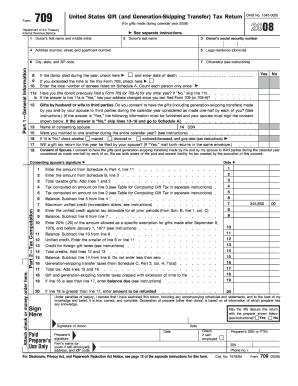
2008 709 form
The document is Form 709, the United States Gift (and Generation-Skipping Transfer) Tax Return for the calendar year 200 ...
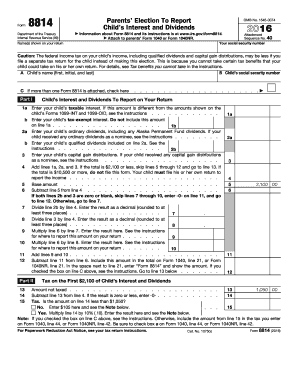
2016 Form 8814 Parents' Election To Report Child's Interest and Dividends - irs
Form 8814 allows parents to report their child's interest and dividends on their tax return, enabling the child to avoid ...

8453 pe 2020
Form 8453-PE is a declaration form used by partnerships to authenticate their electronically filed IRS Form 1065 for the ...
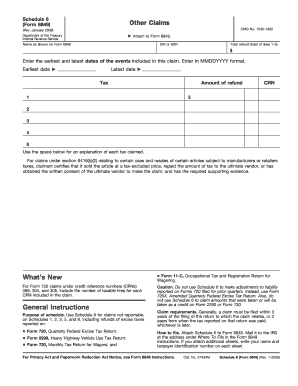
Form 8849 fillable
Schedule 6 (Form 8849) is a document used to claim refunds for various excise taxes not reportable on other schedules. I ...

Ventura county small claims forms
The document provides detailed instructions for filing a small claims action in the Superior Court of California, County ...

- schools nyc
Chancellor’s Regulation C-175 outlines the application process and requirements for per session employment within the NY ...
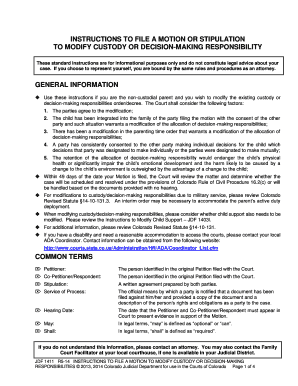
Instructions file motion making
The document provides instructions for non-custodial parents in Colorado seeking to modify existing custody or decision- ...
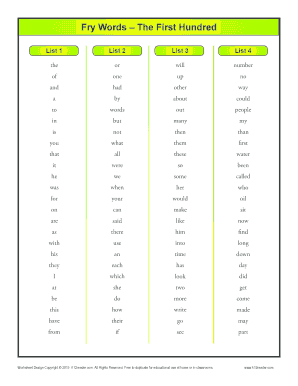
Fry Word List - All 1,000 Free, Printable Sight Words Worksheets Free, Printable List of 1000 Fry Si
Fry Word List - All 1,000 Free, Printable Sight Words Worksheets Free, Printable List of 1000 Fry Si
The document contains a comprehensive list of the Fry Sight Words, organized into ten groups of one hundred words each. ...