
Policy di g pers 25 4 2025

Get Form
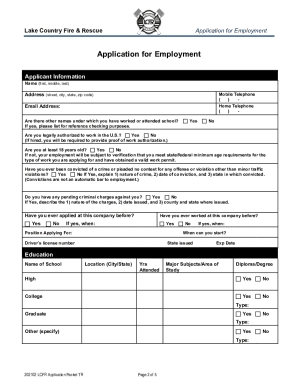
policy di g pers 25 4 Preview on Page 1

Here's how it works

01. Edit your form online
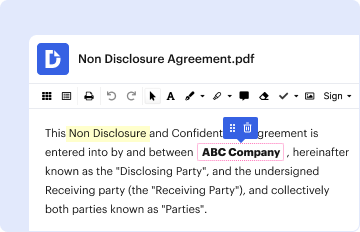
Type text, add images, blackout confidential details, add comments, highlights and more.
02. Sign it in a few clicks
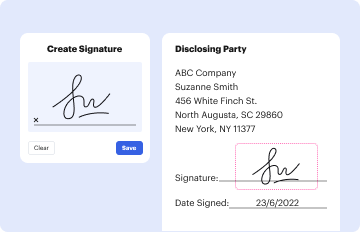
Draw your signature, type it, upload its image, or use your mobile device as a signature pad.
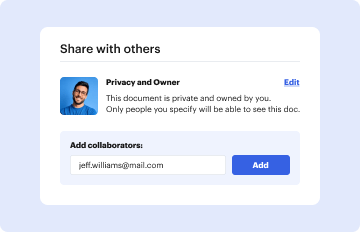
03. Share your form with others
Send it via email, link, or fax. You can also download it, export it or print it out.

How to use or fill out policy di g pers 25 4 with our platform

Form edit decoration
9.5
Ease of Setup
DocHub User Ratings on G2
9.0
Ease of Use
DocHub User Ratings on G2
  1. Click ‘Get Form’ to open the policy di g pers 25 4 in the editor.
  2. Begin by reviewing the introduction section, which outlines the importance of integrity in post-separation employment. Familiarize yourself with the ethical standards expected.
  3. Proceed to fill out your personal information in the designated fields, ensuring accuracy as this will be crucial for your notification process.
  4. In the responsibilities section, indicate your understanding of obligations regarding conflicts of interest. This may involve checking relevant boxes or providing additional details.
  5. Complete the statutory declaration template found in annex B if applicable. Ensure all required information is filled out accurately and clearly.
  6. Once all sections are completed, review your entries for any errors or omissions before submitting through the appropriate channels as outlined in the document.

Start using our platform today to streamline your document editing and submission process for free!

be ready to get more

Complete this form in 5 minutes or less

Get form

Got questions?

We have answers to the most popular questions from our customers. If you can't find an answer to your question, please contact us.
Contact us

Sure, a typed name is recognized as a valid electronic signature when you add it to your document utilizing a compliant solution like DocHub. Simply import your policy di g pers 25 4 to our editor, click Sign in the top tool pane → Create your signature → Type your name in the appropriate tab, and choose how it will look on your document.

You may get and edit your policy di g pers 25 4 online with the help of DocHub. Its simple but feature-rich design enables you to start productive work right after you sign up your account. Create your profile and add your file, then our user interface will guide you via our stress-free form completion experience.

As at 28 February 2018, there were 93 members (23 Navy, 49 Army, 21 Air Force) serving full time in the ADF that identified in the Defence human resources system as Muslim.
By the beginning of the twenty-first century, Muslims from more than sixty countries had settled in Australia. While a very large number of them come from Turkey and Lebanon, there are Muslims from Indonesia, Bosnia, Iran, Fiji, Albania, Sudan, Egypt, Palestine, Iraq, Afghanistan, Pakistan and India, among others.
As at 28 February 2018, there were 93 members (23 Navy, 49 Army, 21 Air Force) serving full time in the ADF that identified in the Defence human resources system as Muslim. There were also 62 personnel (4 Navy, 50 Army, 8 Air Force) that undertake Reserve Service (Service Category 3 to 5) who have identified as Muslim.
be ready to get more

Complete this form in 5 minutes or less

Get form

People also ask

FWA policy is available in MILPERSMAN, Part 7, Chapter 1 Flexible Work Arrangements for members of the Australian Defence Force. A Flexible Service Arrangement (FSA) allows a permanent member to render a pattern of service other than full-time; while still meeting their continuous full-time service obligation.

Related links