
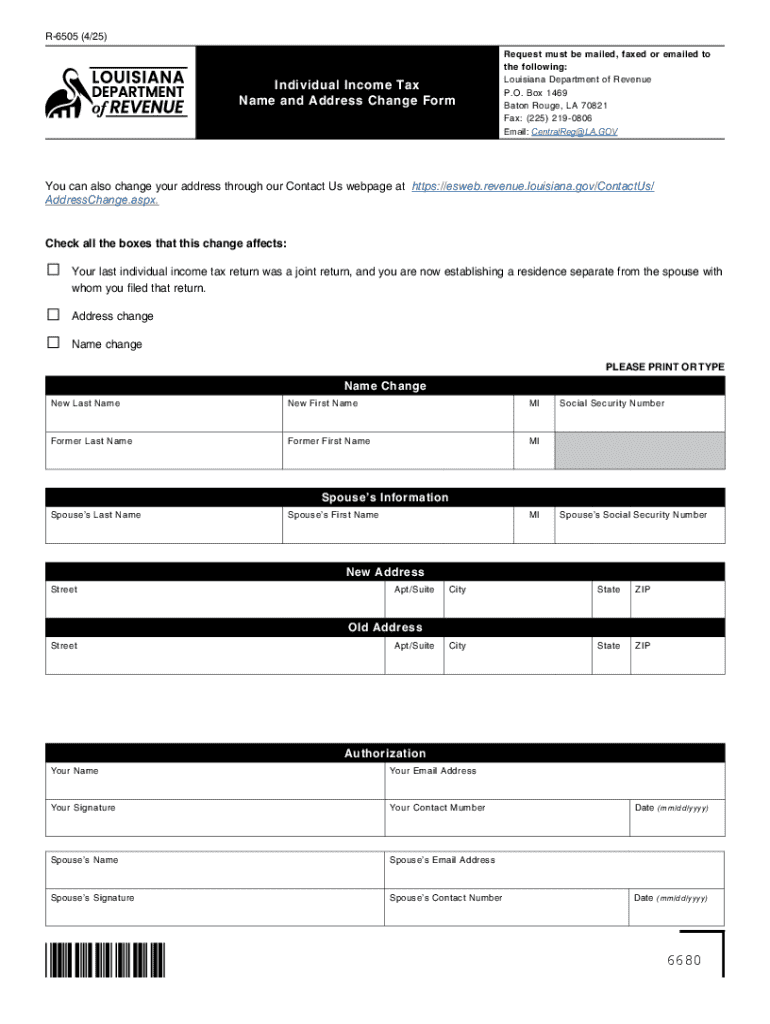







Understanding the Concept of "Form Online"
Forms online refer to digital versions of traditional paper forms that are filled out and submitted electronically. This process significantly simplifies data collection by minimizing the need for physical documentation, reducing errors, and speeding up processing times. It is highly advantageous for transactions ranging from government filings to business agreements. Offering a convenient and efficient alternative, forms online are accessible through digital platforms, allowing users to fill them out at their convenience.
How to Use Form Online Effectively
Successfully utilizing forms online involves understanding its various features. Platforms like DocHub provide an intuitive interface to guide users through the form-filling process. Here's how you can use forms online effectively:
- Access the Platform: Open a reliable platform like DocHub, which supports a variety of file formats.
- Select the Form: Choose the specific form you need from the platform's library or upload your own.
- Fill Out Details: Use the platform's tools to fill in the required fields accurately.
- Review for Accuracy: Double-check all entries for completeness and correctness.
- Submit or Save: Once completed, either submit the form directly through the platform or save it for later use.
Steps to Complete the Form Online
Completing a form online requires a methodical approach to ensure all required information is provided:
- Identify Mandatory Fields: Look for fields marked as required and fill them in first to avoid accidental omission.
- Provide Accurate Data: Insert precise information, especially for legal or financial details.
- Use Form Fields Manager: Utilize features like text boxes, checkboxes, and dropdown menus to input data efficiently.
- Review and Edit: Before finalizing the form, take a moment to review and make any necessary edits.
- Submit or Export: After completion, submit the form electronically or export it as needed for record-keeping or distribution.
Key Elements of Using Form Online
Forms online are characterized by several key elements that enhance their functionality:
- Interactivity: Allows users to interact with the form in real-time, inputting data directly into the relevant fields.
- Security Features: Include encryption protocols and authentication processes, ensuring data protection.
- Accessibility: Forms are accessible from any device with internet connectivity, promoting flexibility.
- Integration: Seamlessly works with cloud services, enhancing productivity.
Who Typically Uses Forms Online
Various individuals and entities benefit greatly from using forms online:
- Businesses: Streamline their operations through efficient data collection and processing.
- Government Agencies: Facilitate public service delivery by processing large volumes of forms without physical paperwork.
- Educational Institutions: Administer applications and feedback forms to students and staff.
- Legal Professionals: Manage contracts and agreements with ease and precision.
Legal Use of Forms Online
Forms completed online have the same legal standing as their paper counterparts, provided they adhere to specific guidelines:
- Compliance with Legal Acts: Forms must comply with laws like the ESIGN Act, ensuring electronic signatures are legally binding.
- Audit Trails: Reliable platforms maintain a record of interactions to provide transparency and accountability.
- Secure Data Handling: Adherence to data protection regulations such as SSL encryption is a must.
State-Specific Rules for Forms Online
Different states may have unique regulations that affect how online forms are used:
- Document Requirements: Some states require additional documents or identification for specific forms.
- Submission Deadlines: Varying deadlines can be dictated by state law, requiring users to stay informed.
- Legal Consents: Certain forms may need explicit consent from participants to be considered valid.
Examples of Using Forms Online
Forms online are used in a variety of real-world scenarios:
- Tax Filing: Individuals and businesses alike use platforms like TurboTax to file returns electronically.
- Employment Applications: Simplifies the hiring process for companies by gathering applicant information seamlessly.
- Sales Contracts: Business transactions can be handled efficiently through online contract forms.
- Patient Intake Forms: Healthcare providers collect essential patient information prior to appointments, streamlining office workflows.
In essence, forms online have revolutionized the way data is collected, processed, and stored across various sectors, promoting efficiency, accuracy, and convenience.




