







Definition & Meaning
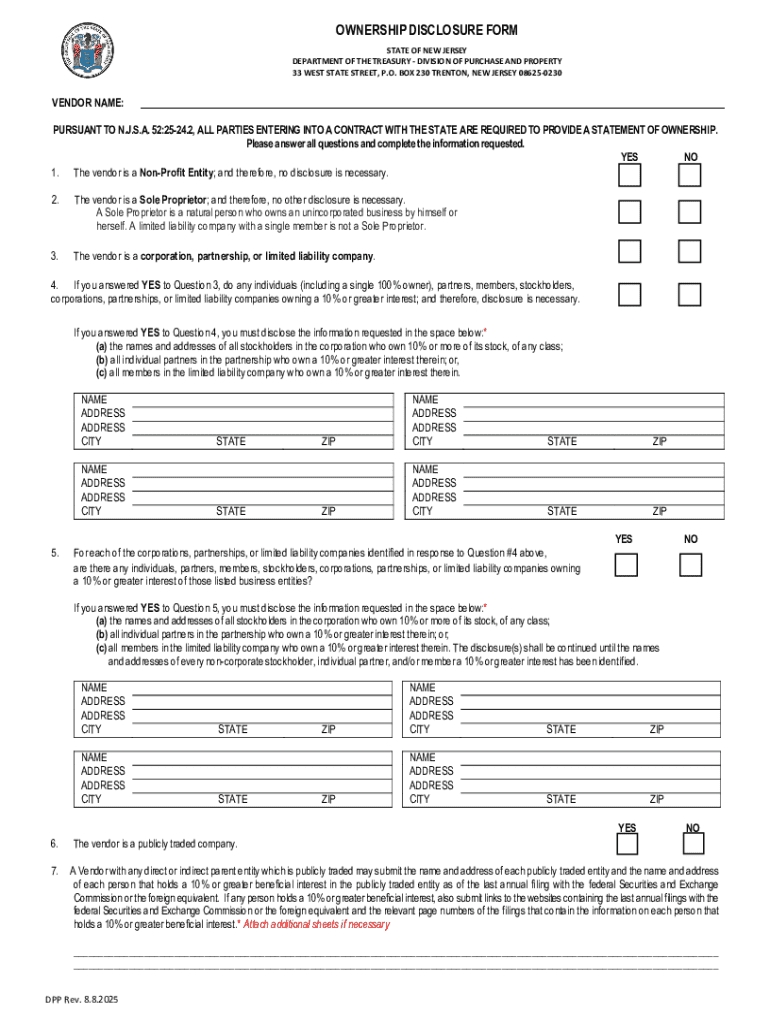
Defining "form online" involves understanding digital forms created and managed via the internet. These documents, often interactive, replace traditional paper forms, providing efficiency and accessibility. Online forms encompass a broad range of uses, from tax filings to business registrations, facilitating tasks that require data input and submission. This digitization reduces errors, accelerates processing times, and provides a paperless alternative to physical forms, aligning with modern environmental and operational standards.
Online forms typically feature fillable fields such as text boxes and checkboxes, which guide users in properly completing necessary sections. These fields can be customized to ensure that all required data is captured before submission. Many platforms, like DocHub, provide the capability to create and manage these forms with ease, allowing for secure electronic submissions and storage.
How to Use the Form Online
Using forms online involves a series of steps that vary based on the platform and intended use. Generally, the process begins by selecting the appropriate form from a digital repository or creating a new form using an online tool. The user then enters the required information in designated fields. Platforms such as DocHub offer tools to annotate, edit, and add digital signatures as needed.
- Access the Form: Obtain the form from an official source or digital platform.
- Complete Required Fields: Fill in specific data fields, ensuring all mandatory information is entered.
- Review and Edit: Use annotation tools to highlight or comment on important sections if allowed.
- Sign Electronically: Apply digital signatures if the form requires authentication.
- Submit the Form: Follow submission guidelines, which may include sending via email or direct upload to a server.
Steps to Complete the Form Online
Completing an online form can be streamlined into several critical steps. These steps ensure accuracy, compliance, and successful submission. Understanding these procedures makes the process efficient and effective.
1. Access the Form
- Identify the specific form needed based on purpose (e.g., tax filing, business registration).
- Retrieve the form via a reputable online platform, such as governmental websites or software equipped to manage such documents.
2. Data Entry
- Use computerized fillable fields to input all necessary information accurately.
- Ensure accuracy and completeness, as many forms incorporate validation rules to minimize errors.
3. Add Annotations and Edits
- Utilize editing tools offered by platforms to make annotations if clarification is needed.
- Ensure the document reflects all necessary edits before finalizing.
4. Securely Sign the Form
- Apply a digital signature in accordance with legal standards, ensuring it is valid and compliant with e-signature laws.
5. Final Review and Submission
- Conduct a thorough review to confirm all sections are completed correctly.
- Submit the form as directed, using secure online transfer methods or via email attachments when applicable.
Why Should You Form Online
Transitioning to online forms provides numerous advantages, emphasizing efficiency, accessibility, and security. These benefits extend to various industries and users, enhancing operational productivity and sustainability.
- Convenience: Eliminates the need for physical paper, allowing users to complete forms from any location.
- Efficiency: Streamlines workflow by reducing time and resources spent on handling physical documents.
- Accuracy: Decreases the likelihood of errors through digital validation and guided data entry.
- Security: Offers enhanced protection through encryption and password protection options.
Who Typically Uses the Form Online
Online forms cater to diverse users, from individuals to businesses. They are particularly prevalent among:
- Individuals: For personal documentation like tax filings or loan applications.
- Businesses: For regulatory compliance, internal communications, and data collection.
- Government Agencies: For public record maintenance and service delivery.
- Educational Institutions: For student data management, applications, and administrative tasks.


Legal Use of the Form Online
The legality of online forms is underpinned by regulations such as the ESIGN Act, which grants digital signatures the same legal status as handwritten ones. This ensures that transactions or agreements completed with online forms are legally binding if all requirements are met.
Key Considerations
- Compliance: Adhering to regulations such as GDPR for data protection and privacy.
- Validation: Ensuring digital forms have measures to verify entries and confirmations.
- Authentication: Implementing secure methods to verify the identities of all involved parties.
State-Specific Rules for the Form Online
Online forms may be subject to different rules depending on state legislation. Variations may include the types of forms accepted online, specific data requirements, and additional state-specific security protocols.
- California: Requires strict adherence to the California Consumer Privacy Act (CCPA) in data handling.
- New York: May demand additional authentication steps for certain document submissions online.
- Texas: Might focus on accessibility and usability standards for online forms, especially in public sectors.
Key Elements of the Form Online
Online forms must incorporate several key elements to function effectively:
- Fillable Fields: Enable users to input data.
- Validation Logic: Ensures data accuracy and completeness.
- Digital Signatures: Provide a means for secure authentication.
- Submission Protocol: Outlines how the form is to be submitted, ensuring compliance with digital transmission standards.




