
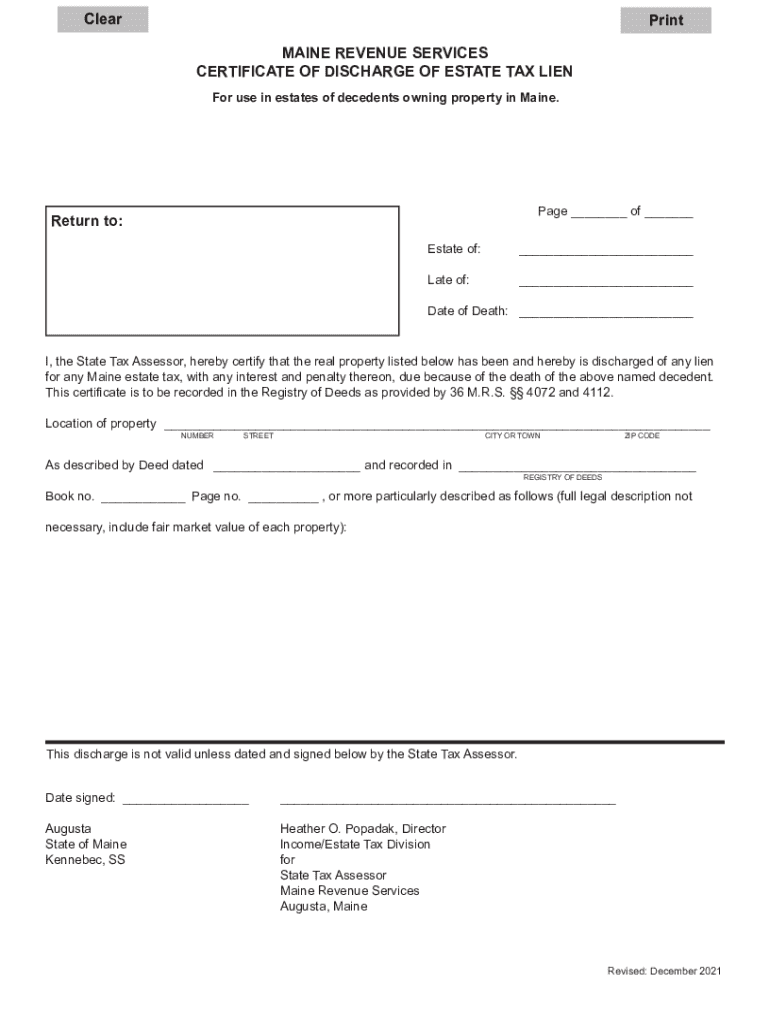







Definition and Meaning of "Form Online"
The term "form online" generally refers to the process of creating, filling out, and managing forms digitally over the internet. This method modernizes traditional paper-based forms, enhancing accessibility and efficiency. Online forms can incorporate various interactive features such as drop-down menus, checkboxes, and text input fields, which streamline data collection and processing. By enabling individuals and organizations to complete necessary documentation digitally, online forms reduce the need for physical paperwork and in-person submissions, facilitating easier record-keeping and retrieval.
How to Use the Form Online
To use an online form effectively, it's important to follow these generalized steps:
-
Access the Form: Online forms are typically accessed via a website or through software platforms like DocHub. Users can open these forms on various devices, including desktops, laptops, tablets, and smartphones.
-
Fill Out the Form: Utilize text boxes, radio buttons, checkboxes, and other input fields to complete the form. Online forms are often interactive, guiding users through the required sections while highlighting any missing mandatory fields.
-
Submit the Form: Once completed, forms can usually be submitted electronically with a single click. Make sure to review all the inputs for accuracy before submission.
-
Receive Confirmation: After submission, many platforms provide a confirmation message or email, indicating that the form has been successfully received.
-
Save or Print Copies: It is advisable to save a digital copy or print a physical copy of the submitted form for personal records and future reference.
Steps to Complete the Form Online
Completing a form online typically involves specific procedural steps that ensure data accuracy and submission compliance:
-
Log into the Platform: Access the platform hosting the form, such as DocHub, via your credentials. Ensure secure connections by checking for SSL encryption.
-
Download or Open the Form: You can often initiate the form from cloud storage options like Google Drive or Dropbox directly in your form management software.
-
Follow Field Instructions: Complete all form fields as per the provided instructions, ensuring that mandatory sections are filled out correctly to avoid errors.
-
Attach Supporting Documents: Some forms may require additional documents as attachments, which can often be uploaded in various formats, like PDF or DOC.
-
Review and Finalize: Carefully review the completed form for accuracy and completeness. Confirm that all signatures and required fields are duly filled.
-
Submit Electronically: Use the form's online submission feature, ensuring it adheres to any additional requirements, such as password protection for sensitive documents.
Why Should You Form Online
Using forms online offers numerous advantages over traditional paper-based methods:
- Convenience: Online forms are accessible from any internet-enabled device, allowing submissions to occur anytime from anywhere.
- Efficiency: The automated nature of online forms reduces time spent on manual entries and significantly speeds up the processing time.
- Cost-Effective: By eliminating the need for paper, postage, and physical storage, using online forms can result in significant cost savings.
- Environmentally Friendly: Reducing paper usage contributes to a more sustainable approach, minimizing the environmental impact.
- Improved Accuracy: Digital forms often incorporate validation checks, reducing errors such as incomplete or improperly filled-out forms.
Key Elements of the Form Online
An online form generally includes several fundamental components to ensure comprehensive data collection and proper functionality:
- Field Types: Online forms contain a variety of input fields such as text boxes, dropdown menus, and date pickers to accommodate different data types.
- Instructions and Help Text: Each section may have instructions or tooltips to assist users in completing the form correctly.
- Validation Rules: These forms often incorporate rules to validate entries and enforce required fields.
- Submission Tracker: Users are sometimes provided with progress indicators to track their completion status.
- Security Features: Many online forms use encryption and authentication protocols to protect sensitive information.
Legal Use of the Form Online
Online forms must comply with several legal requirements to ensure their validity and enforceability:
- Electronic Signatures: Under laws like the ESIGN Act, electronic signatures collected through online forms are considered legally binding.
- Data Protection Laws: Online forms must adhere to data privacy regulations such as GDPR or CCPA when handling personal data.
- Access and Compliance: Platforms must comply with accessibility standards, ensuring people with disabilities can complete forms without hindrance.
State-Specific Rules for Form Online
When using forms online, be aware of variations depending on state laws and regulations:
- State Regulations: Specific states may have unique rules regarding digital submission and required documentation.
- Signature Requirements: Some states have different criteria for accepting electronic signatures or understanding legally appointed signatories.
- Tax Guidelines: State tax forms submitted online may have distinct filing deadlines or documentation requirements compared to federal submissions.
Software Compatibility
Online forms are designed to be compatible with various software platforms and environments:
- Integration with Tools: Many online form platforms, including DocHub, integrate seamlessly with Google Workspace, enhancing productivity and workflow.
- Device Compatibility: These forms should be cross-compatible with various devices and operating systems, allowing access from desktops and mobile devices.
- Third-party Compatibility: Integration with third-party applications like QuickBooks or TurboTax could extend functionality for business and personal finance.
By addressing each of these sections in depth, the content offers a comprehensive understanding of the "form online" concept, its uses, and implications, ensuring users can effectively navigate, complete, and manage online forms across various applications.




