
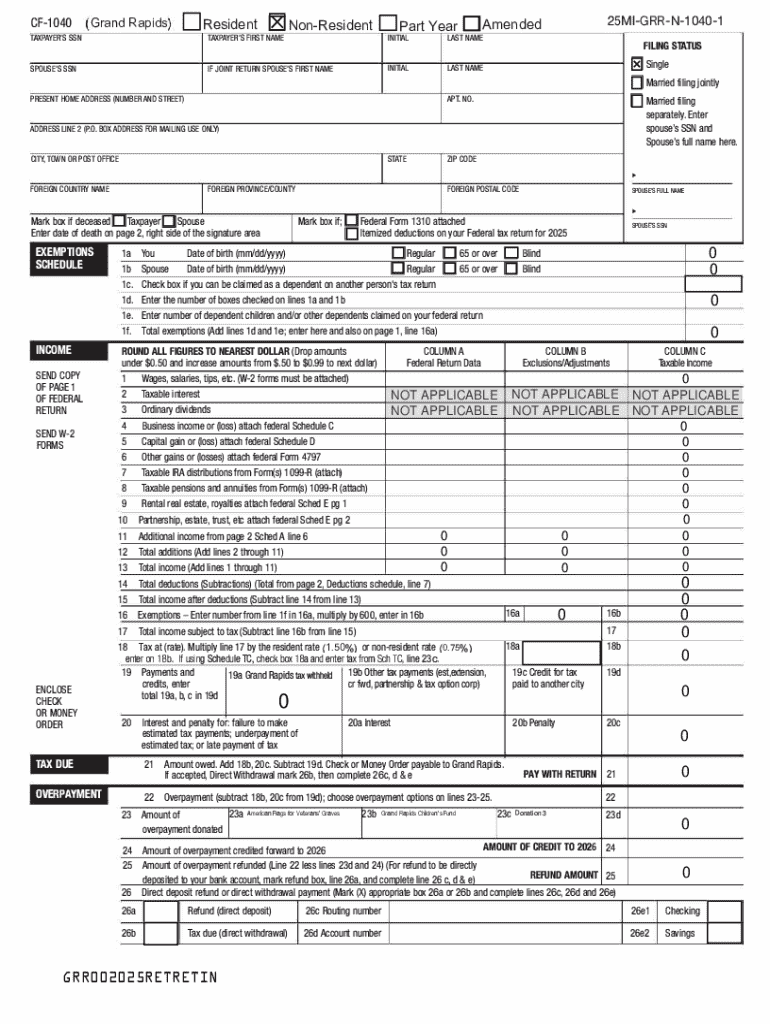







Definition and Meaning of Online Forms
Online forms are digital versions of traditional paper documents. They are designed to collect information electronically and are commonly used for a variety of purposes, such as applications, registrations, surveys, and feedback collection. Unlike their paper counterparts, online forms can be easily edited, shared, and processed through internet-connected devices, offering greater efficiency and convenience.
Online forms often include interactive elements such as drop-down menus, checkboxes, and text boxes, making them user-friendly and accessible to a wide audience. They also provide the ability to automate the processing of responses, allowing for quicker data analysis and management. These forms are essential tools in today's digital landscape, enabling organizations to streamline workflows and improve data accuracy.
How to Use the Form Online
Using an online form involves a few straightforward steps. The process typically begins by accessing the form through a web browser on your computer or mobile device. Once the form is open, you'll be able to input the required information in designated fields. Most online forms use intuitive design features to guide you through the input process, ensuring that you provide all necessary details.
- Begin by locating the form on the website or receiving a link via email.
- Open the form in a browser.
- Carefully read the instructions provided to ensure proper completion.
- Fill in the required information, typically marked with an asterisk.
- Use drop-down menus, checkboxes, or radio buttons as needed.
- Review your responses for accuracy before submission.
- Submit the form electronically with a click of a button.
Steps to Complete the Online Form
Completing an online form is a methodical process. Here is a typical sequence of steps:
- Access the Form: Open the form via a direct link or through a website's forms section.
- Personal Information: Enter any personal details required, commonly including name, address, and contact information.
- Additional Details: Provide additional data that the form might specifically require, depending on its purpose.
- Review and Validate: Before submitting, ensure all entered information is correct to avoid errors.
- Submit and Confirm: Click the submit button and check for a confirmation notification or email to ensure successful submission.
Why Use Forms Online
The transition to online forms offers numerous advantages over paper-based methods. Key reasons include:
- Efficiency: Reduce the time needed to collect and process information.
- Accuracy: Minimize errors by using pre-filled data and automated validation rules.
- Convenience: Access and fill out forms anytime, from anywhere with internet connectivity.
- Environmentally Friendly: Lower paper consumption by using digital forms.
Key Elements of an Online Form
The structure of an online form usually includes the following elements:
- Header and Title: Clearly state the purpose of the form to inform respondents.
- Instructional Text: Provide guidance on how to fill out the form correctly.
- Input Fields: Include a variety of fields such as text inputs, checkboxes, and dropdowns.
- Validation Mechanisms: Ensure that only valid and complete data is submitted.
- Submit Button: A clearly marked button that allows users to send their completed form.
Who Typically Uses Forms Online
Online forms are widely used across various sectors:
- Businesses: For employee onboarding, customer feedback, and order processing.
- Educational Institutions: For student registrations and course evaluations.
- Healthcare Facilities: For patient intake and consent forms.
- Government Agencies: For applications and tax-related forms.
Legal Use of Online Forms
The legal framework around using online forms often involves:
- e-Sign Act Compliance: Ensures electronic signatures captured via forms are legally binding.
- Privacy Regulations: Adhering to data protection laws such as GDPR for handling personal information.
- Record Keeping: Keeping digital records of submissions for compliance and auditing purposes.
Software Compatibility with Forms Online
Online forms can be compatible with various software for enhanced functionality:
- Integration with CRM Systems: Enables seamless data transfer to customer relationship management platforms.
- Collaboration Tools: Work with platforms like Google Workspace for real-time editing and sharing.
- Data Analysis Software: Utilize integration with tools like Excel or Google Sheets for analyzing form responses.
These sections provide a comprehensive overview of "form online," offering insights into their operation, usage, and benefits, while ensuring the content aligns with the U.S.-centric context and the tone of DocHub.




