
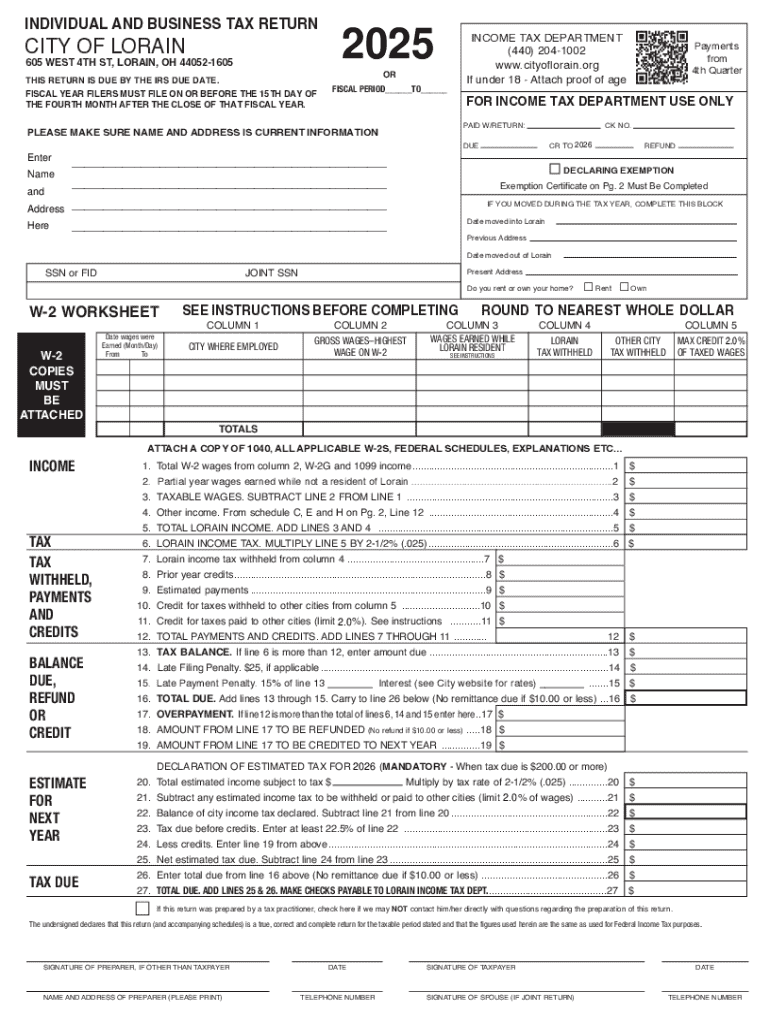







Understanding the Concept of Filling Forms Online
Filling forms online involves using a digital platform to create, edit, and submit various types of forms over the internet. This modern approach eliminates the need for physical paperwork and enhances convenience, allowing users to access forms from any location with an internet connection.
Benefits of Using Online Forms
- Accessibility: Forms can be accessed and filled out on different devices, including smartphones, tablets, and computers.
- Efficiency: Online forms streamline the submission process, significantly reducing time spent compared to traditional methods.
- Accuracy: Digital form platforms often include validation tools that help ensure the data entered is correct and complete before submission.
- Cost-effectiveness: Reduces the need for paper, printing, and postage costs.
Common Examples of Online Forms
- Tax Forms: Such as the IRS W-9 used for requesting taxpayer identification.
- Application Forms: For educational, job, or loan applications.
- Registration Forms: Often used for events, memberships, or services.
- Feedback Forms: Designed to collect customer or employee feedback.
Utilizing Online Fillable Forms
Creating and managing fillable forms online has become essential for individuals and businesses looking to collect structured information efficiently. Tools like DocHub offer capabilities to build forms with interactive fields easily.
Creating a Fillable Form Online
- Start With a Template or Blank Slate: Platforms often provide templates or allow the creation of forms from scratch.
- Add Interactive Fields: Use features to add text boxes, checkboxes, dropdowns, and signature fields where necessary.
- Assign Fields to Recipients: Specify which individuals or groups need to complete specific sections, especially in multi-party forms.
- Configure Mandatory Fields: Set fields as required to ensure critical information is provided before submission.
Benefits of Fillable Forms
- Streamlined Data Collection: Ensures data is captured in a structured format.
- Enhanced User Experience: Guides the user through the required information, reducing the likelihood of errors.
- Automated Processes: Submission of completed forms can trigger workflows, such as data processing or notifications.
Steps to Complete a Form Online
Filling out forms online can vary slightly depending on the platform, but typically follows a straightforward process.
- Access the Form: Open the form provided via a URL, email invitation, or through an integrated platform like DocHub.
- Review Instructions: Read any guidelines or notes provided to understand the requirements of the form.
- Fill in Required Information: Enter data into the designated form fields, ensuring all mandatory fields are completed.
- Review and Edit: Recheck entries for accuracy, and make use of editing tools to modify information if needed.
- Apply Digital Signature (If Required): If the form necessitates signing, use the platform’s electronic signature feature.
- Submit the Form: Once completed, use the submission feature to send the form to the intended recipient or database.
Security and Legal Compliance of Online Forms
Using online forms raises questions of security and legal validity, especially with sensitive information such as financial data.
Security Measures
- Data Encryption: Platforms like DocHub utilize encryption (e.g., 256-bit SSL) to protect information during transmission.
- Authentication Protocols: Secure login measures ensure that only authorized users can access or edit forms.
- Password Protection: Forms can be further secured by setting a password, adding an extra layer of security.
Legal Considerations
- Electronic Signature Compliance: Platforms ensure that electronic signatures on forms are legally binding, complying with legislation such as the ESIGN Act in the U.S.
- Audit Trails: Detailed logs capture when and by whom a form was accessed, viewed, or signed, providing a legal record.
Who Typically Uses Online Forms
Various individuals and organizations benefit from the use of online forms for a range of applications.
Individual Use Cases
- Personal Tax Filing: Individuals using platforms for tax forms like the W-9 or 1040 can simplify the process and ensure accuracy.
- Job Applications: Applicants showcasing resumes and cover letters through standard online forms.
Business Applications
- Client Onboarding: Companies streamline the intake process for new clients by using digital contract forms.
- Employee Management: HR departments facilitate processes such as payroll, benefits enrollment, and performance reviews digitally.
Educational Institutions
- Student Registration: Schools and universities use online forms for student enrolment and course selection.
- Feedback and Evaluation: Facilitating course feedback and staff assessment through structured questionnaires.
Key Features of Online Forms on DocHub
DocHub offers several features to enhance the online form-filling experience, making it a reliable platform for document management.
Versatility and Integration
- Multi-format Compatibility: Supports various formats such as PDF, DOC, and XLS, reducing the need for format conversions.
- Google Workspace Integration: Directly connect with Google Drive and Gmail for seamless file import and export.
Collaborative Features
- Real-time Synchronization: Ensure all changes are updated across all devices in real-time.
- Permission Settings: Control who can view, edit, comment, or sign specific sections of a document.
Advanced Form Management
- Field Management: Detailed control over field types and placement ensures forms meet specific needs.
- Automated Notifications: Automated reminders alert users about pending or incomplete forms, encouraging swift completion.
DocHub's functionalities make it an excellent choice for those needing a comprehensive tool for managing online forms, whether for personal, business, or academic purposes.




