
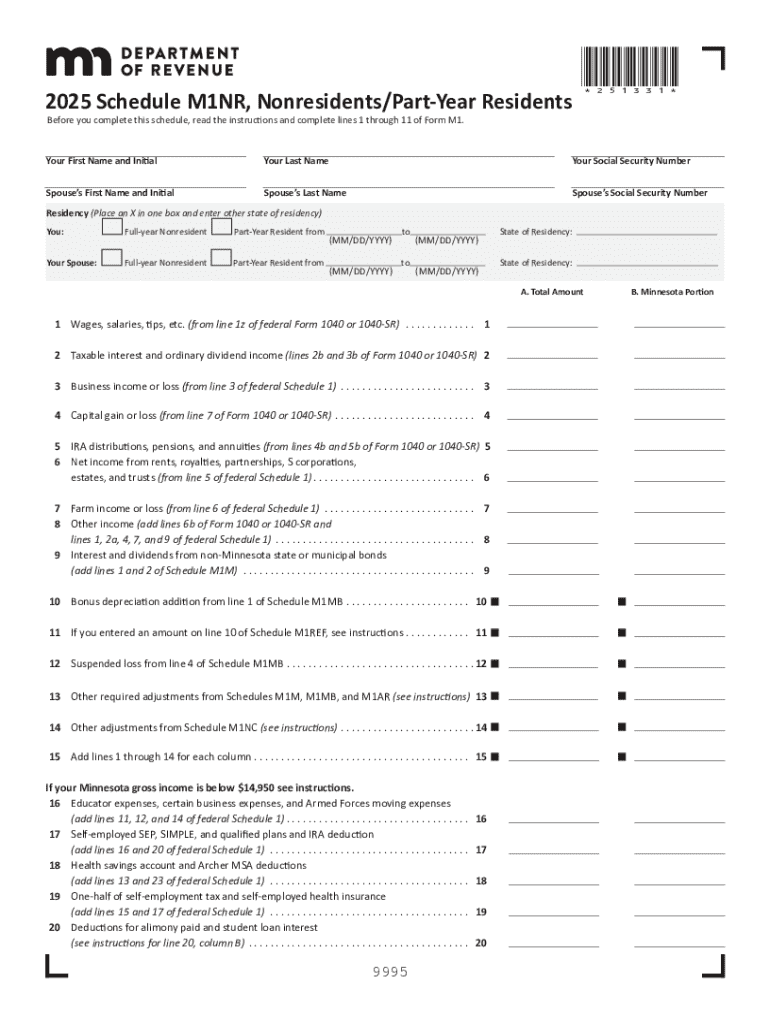







Definition and Meaning of Forms Online
Forms online refer to digital versions of documents that were traditionally provided in paper format. These forms are designed to be completed, submitted, and processed electronically, offering both individuals and organizations a streamlined method of data collection and document handling. Online forms can be integrated for various purposes, including applications, surveys, registration, feedback collection, and legal documentation, providing a customizable and efficient solution for many administrative needs. The concept of forms online emphasizes accessibility, ease of distribution, and data management from anywhere with an internet connection.
Types of Forms Available Online
- Application Forms: Used for applying to programs, jobs, or memberships.
- Survey Forms: Designed to collect feedback or opinions from participants.
- Registration Forms: For enrolling in events or organizations.
- Legal Forms: Include contracts and agreements that require formal completion.
- Feedback Forms: Used to gather user experience and satisfaction levels.
How to Use Forms Online
Using forms online typically involves a simple step-by-step process, designed to be user-friendly and accessible.
Steps to Follow:
-
Access the Form:
- Visit the website that hosts the form.
- Locate the specific form required and click the link to open it.
-
Read Instructions:
- Carefully read any instructions provided at the beginning of the form to understand its purpose and the information required.
-
Fill in the Required Information:
- Provide accurate and complete information in each field.
- Use dropdowns, checkboxes, or signature fields as necessary.
-
Review Your Entries:
- Double-check your inputs for any errors or omissions before submission.
-
Submit the Form:
- Click the submit button to send your completed form.
- Ensure you receive confirmation of receipt, either via on-screen notification or email.
How to Obtain Forms Online
Obtaining forms online is a straightforward process, often taking only a few moments.
Sources for Online Forms:
- Official Websites: Government or organizational websites where forms are hosted.
- Document Management Platforms: Services like DocHub providing access to a variety of form templates that can be filled out and submitted online.
- Email Distribution: Forms sent directly through email links or attachments.
- Third-Party Providers: Companies offering form hosting and data collection services, which may require a subscription or one-time payment.
Steps to Complete the Form Online
The process of completing a form online involves interacting with various fields and possibly uploading supporting documents.
Detailed Steps:
-
Access the Online Portal:
- Use your browser to navigate to the website containing the form.
-
Log in if Needed:
- Enter your credentials to access secured forms, if required.
-
Fill Out the Form Fields:
- Type information directly into text fields.
- Use dropdown menus and checkboxes for specific entries.
-
Add Attachments:
- Upload any required supporting documents or images.
-
Save Progress:
- Use the save feature to prevent data loss during the process.
-
Preview:
- Use the preview option to review how the completed form will appear once submitted.
-
Submit and Confirm:
- Submit the form by clicking the designated button and confirm submission.
Why Complete Forms Online
Completing forms online offers numerous benefits over traditional paper forms.
Advantages:
- Efficiency: Speedier data entry and submission process.
- Accessibility: Forms can be filled out from anywhere with internet access.
- Accuracy: Built-in validation to reduce errors.
- Cost-Effective: Reduced need for paper and mailing expenses.
- Easier Data Management: Automatic data compilation and storage for future reference.
Who Typically Uses Forms Online
Online forms are utilized by a wide range of users from different sectors.
Common Users:
- Businesses: For employee onboarding or customer feedback.
- Educational Institutions: For admissions and surveys.
- Government Agencies: For tax forms and applications.
- Healthcare Providers: For patient intake and consent forms.
- Non-Profit Organizations: For volunteer applications and event registration.


Legal Use of Forms Online
Legal documents can be effectively managed through online forms, provided certain conditions are met.
Important Considerations:
- Electronic Signatures: Ensure the platform supports legally binding electronic signatures.
- Data Security: It is essential that all communications are encrypted and secure.
- Compliance: Adherence to laws such as the ESIGN Act and other relevant local regulations.
- Accountability: Maintain an audit trail to verify document authenticity and actions taken.
Key Elements Required in Forms Online
Online forms can include several key components that enhance functionality and user experience.
Essential Components:
- Text Fields: Areas for entering custom text.
- Drop-down Menus: Lists for pre-selected options.
- Checkboxes and Radio Buttons: For quick selection of choices.
- Signature Fields: Spaces for adding signatures digitally.
- File Uploads: Ability to attach required documents or images.
These blocks provide a comprehensive understanding of forms online, help in navigating their usage, and ensure all necessary elements are considered for effective implementation and compliance.




