
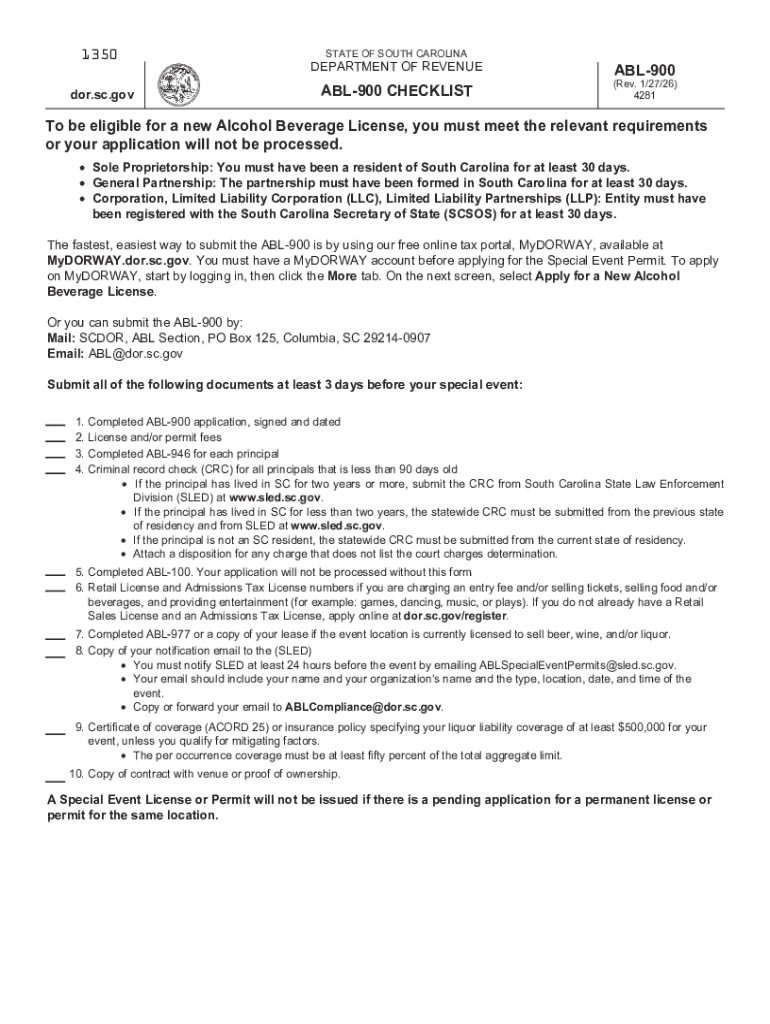







Definition & Meaning
In today's digital landscape, "form online" refers to digital documents specifically designed to be completed and submitted via the internet. These forms are integral to modern workflows, streamlining processes such as applications, registrations, and legal filings by eliminating the need for physical paperwork. They are essential in various sectors, including government, business, education, and healthcare, functioning as a quick and efficient method for collecting and managing information.
Key Features of Form Online
- Accessibility: Online forms can be accessed from any device with an internet connection, promoting flexibility and convenience for users.
- Efficiency: Automation of data capture reduces the time required for data entry and processing, minimizing human error.
- Environmental Impact: Reduces the need for paper, contributing to environmental sustainability initiatives.
How to Use the Form Online
Utilizing an online form involves a straightforward process that maximizes efficiency and accuracy in data collection. Here are the steps:
- Accessing the Form: Locate the required form through the official website or designated platform. Forms may be specific to particular needs, such as tax filings or business applications.
- Filling Out the Fields: Enter necessary information, ensuring that all mandatory fields marked with an asterisk are completed. User-friendly interfaces often guide this process.
- Reviewing: Before submission, review the entered data for accuracy and completeness.
- Submission: Click the ‘Submit’ button to send the form. Confirmation of submission is usually provided via email or on-screen notification.
Tips for Effective Use
- Use a Stable Internet Connection: To avoid loss of data during submission.
- Save a Copy: Download or print a confirmation of the form submission for your records.
Steps to Complete the Form Online
Completing an online form can be done seamlessly with these step-by-step instructions:
- Start on the Website: Navigate to the relevant section of the website hosting the form.
- Sign-In or Register: Some platforms may require a user account for form access.
- Select the Form: Choose the appropriate form that aligns with your requirements.
- Input Data: Use the form fields to input all necessary information.
- Attach Required Documents: If necessary, upload any additional documents needed to support the form submission.
- Consent and Acknowledgements: Electronically sign or agree to any terms and conditions, if required.
- Submit the Form and Track Status: After submission, use tracking features if available to monitor the progress of your form handling.
Form Submission Methods
Online forms provide several submission methods, catering to different needs and preferences:
- Direct Online Submission: The most common method where the form is submitted directly through a website.
- Email Submission: Forms can sometimes be downloaded, filled in offline, and sent via email.
- Mobile Applications: Many services offer the capability to fill out and submit forms through dedicated mobile applications.
Advantages of Online Submission
- Real-Time Processing: Immediate transmission of data expedites processing time.
- Confirmation Receipts: Instant confirmation upon successful submission provides peace of mind.
Important Terms Related to Form Online
Navigating online forms involves understanding specific terminologies:
- URL: A web address used to access the form.
- SSL Encryption: Secures data submission to prevent unauthorized access.
- Fillable Fields: Elements within a form where users can input information, such as text boxes and dropdown menus.
Role of Authentication Protocols
Authentication protocols, like OAuth 2.0, ensure that only authorized individuals can access or submit sensitive information, enhancing security and privacy during the process of form submission.
Legal Use of the Form Online
The use of online forms is governed by various legal frameworks:
- ESIGN Act: Legalizes the use of electronic records and signatures, making online forms just as valid as their paper counterparts.
- Data Protection Laws: Compliance with laws such as GDPR or CCPA ensures personal data collected through forms is handled responsibly.
Legal Implications
Non-compliance with pertinent regulations or incorrect data submission can result in legal ramifications, emphasizing the need for correct and thorough completion of forms.
Who Typically Uses the Form Online
Online forms are utilized across diverse groups, each benefiting from their unique advantages:
- Businesses: For activities like employee onboarding, client services, and registration processes.
- Individuals: When applying for services, registering for events, or completing legal documents.
- Government Agencies: To facilitate the submission of public-facing services such as license applications and tax filings.


Application Across Industries
Various industries adopt online forms to increase efficiency:
- Education: Student registrations and faculty documentation.
- Healthcare: Patient information and consent forms.
- Finance: Loan applications and financial disclosures.
Key Takeaways
Understanding online forms and their capabilities enhances their use and maximizes their advantages:
- Efficiency and Convenience: Online forms streamline information gathering and reduce processing times.
- Legal Validity: Compliance with laws ensures their legitimate and unquestionable use.
- Widespread Applicability: From individuals to large corporations, online forms serve numerous sectors and purposes.
These insights into online forms highlight their necessity in modern document management, offering comprehensive solutions that are efficient, secure, and accessible.




