Type text, add images, blackout confidential details, add comments, highlights and more.
02. Sign it in a few clicks
Draw your signature, type it, upload its image, or use your mobile device as a signature pad.
03. Share your form with others
Send individual economic via email, link, or fax. You can also download it, export it or print it out.
How to use or fill out economic loss claim with our platform
Ease of Setup
DocHub User Ratings on G2
Ease of Use
DocHub User Ratings on G2
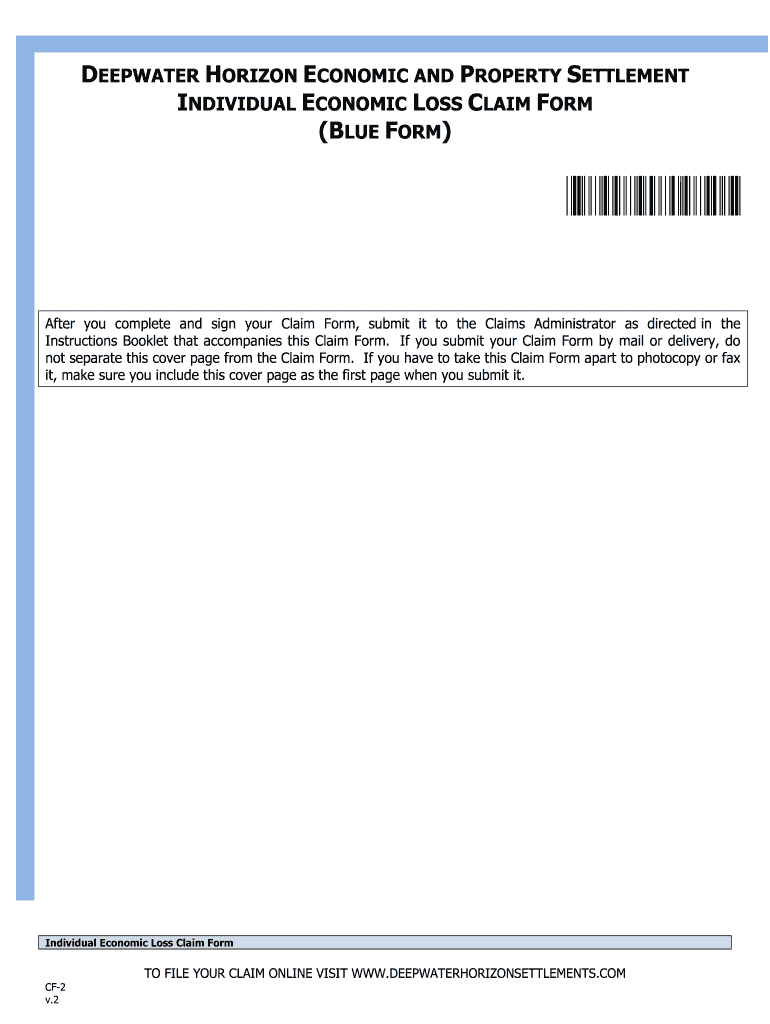
Click ‘Get Form’ to open the Individual Economic Loss Claim Form in the editor.
Begin by filling out Section A, 'Claimant Information.' Enter your last name, first name, middle initial, and Social Security Number or Individual Taxpayer Identification Number.
In Section B, select your Compensation Period. Choose a period of at least 90 consecutive days after the Spill that aligns with your pay periods.
Proceed to Section C to provide details about your Claiming Job(s). Include employer information, employment dates, and job description.
Complete Section D by selecting your Base Year(s) for earnings history. This will help establish expected earnings during the Compensation Period.
Finally, review all sections for accuracy and completeness before submitting your claim through our platform.
Start filling out your economic loss claim today for free using our platform!
Economic vs. Non-Economic Damages | P-I Wiki Guide
A comprehensive personal injury claim should account for both economic and non-economic damages to ensure the victim is made whole again. While the billsRead more
Section 2: Calculation of Loss (Compensation) | VCF
Economic loss is pecuniary loss caused by an eligible condition: loss of earnings or other benefits related to employment, the cost to replace householdRead more
Oliver Thoma* The economic-loss rule generally prevents
by O Thoma I. INTRODUCTION. The economic-loss rule generally prevents a party suing for bDocHub of contract from recovering in tort absent an injury or a bDocHubed dutyRead more
Cookie consent notice
This site uses cookies to enhance site navigation and personalize your experience.
By using this site you agree to our use of cookies as described in our Privacy Notice.
You can modify your selections by visiting our Cookie and Advertising Notice.