
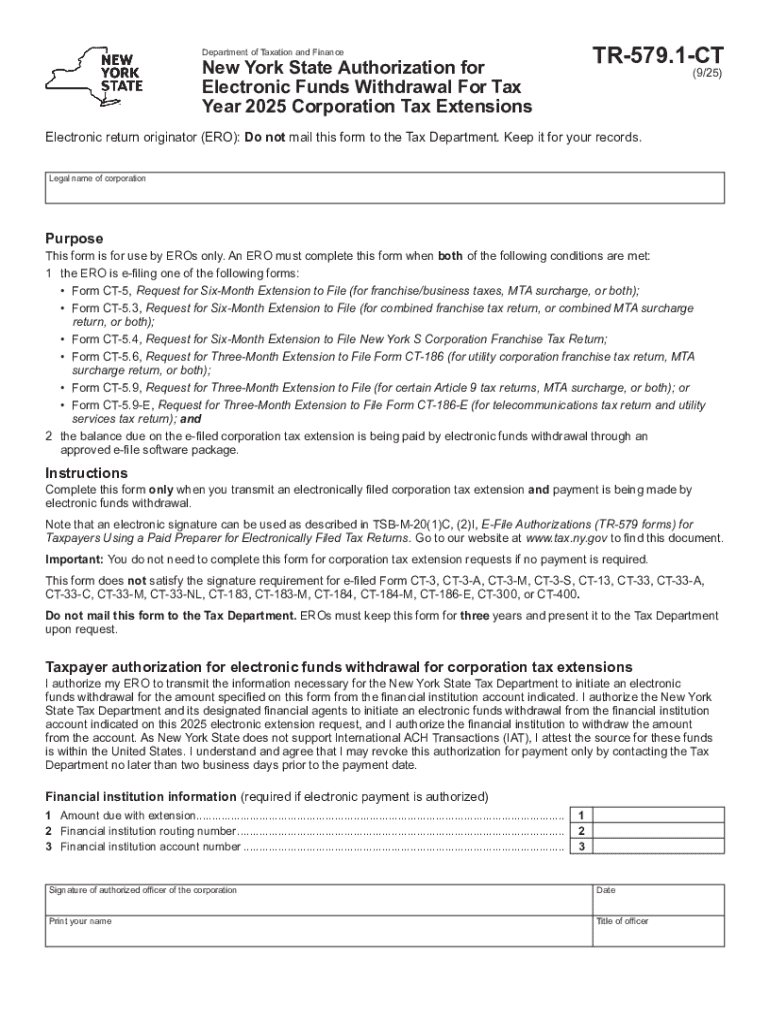







Definition & Meaning
The concept of "form online" refers to the electronic versions of forms traditionally available in paper format. These online forms can be filled out and submitted using a digital device, such as a computer, tablet, or smartphone. The forms facilitate processes like applications, registrations, and various submissions, making them more accessible and efficient compared to paper forms. Online forms are integral for streamlining administrative tasks due to their convenience and ease of distribution.
Types of Online Forms
- Application Forms: Used for job applications, school admissions, and service requests.
- Registration Forms: For events, courses, or membership sign-ups.
- Surveys and Feedback Forms: Collect opinions or feedback from users.
- Order Forms: Facilitate the purchase of products or services.
Benefits of Online Forms
Using online forms offers several advantages:
- Convenience: Accessible from anywhere with an internet connection.
- Efficiency: Reduces time spent on form management.
- Cost-effective: Eliminates printing and mail costs.
How to Use the Form Online
To use a form online, follow these general steps:
- Access the Form: Locate the form on the relevant website. This could be through a direct link or as part of a larger digital form library.
- Complete the Fields: Fill in the required fields accurately. These might include text boxes, checkboxes, and drop-down menus.
- Submit the Form: Once completed, submit the form electronically. Ensure you follow any specific instructions for submission, such as agreeing to terms of service or verifying an email address.
- Receive a Confirmation: After submission, you typically receive a confirmation email or message indicating your form has been received.
Practical Example
Suppose you're applying for a business license online. You would fill out the necessary details about your business, upload supporting documents, and submit the form through the city’s official website.
How to Obtain the Form Online
To obtain a form online, visit the website of the organization or agency that issues the form. Forms are often accessible through the "Forms" or "Resources" section. They can usually be downloaded or filled out directly on the site. If available, forms can also be accessed through related government portals or digital libraries.
Common Sources for Online Forms
- Government Websites: Provide official forms for taxes, voting, and permits.
- Corporate Websites: Host forms related to employment applications, feedback, and service requests.
- Educational Institutions: Offer forms for applications, registrations, and student records requests.
Steps to Complete the Form Online
Completing an online form involves a series of straightforward steps:
- Identify Required Information: Before starting, gather all necessary information and documents that you may need to reference during the form completion.
- Enter Data Carefully: Input your information accurately in each field. Use the help icons often provided for additional guidance.
- Verify Information: Double-check your entries for accuracy to minimize errors.
- Upload Necessary Documents: Attach any required documents in the allowed formats, if applicable.
- Finalize Submission: Click the submit button and ensure an acknowledgment of receipt is received.
Why Should You Form Online?
Forming online offers numerous benefits, including increased accessibility, time savings, cost reductions, and improved record-keeping and accuracy, which significantly enhance administrative efficiency.
Accessibility Advantages
- 24/7 Access: Forms can be completed anytime, anywhere, ensuring flexibility.
- User-Friendly: Intuitive interfaces guide users through the process.
Cost Efficiency
- Reduced Overhead Costs: Lowers the need for paper and mailing expenses.
- Quicker Turnaround: Faster processing and response times compared to paper-based submissions.
Who Typically Uses the Form Online
Online forms are utilized by a wide array of individuals and organizations including:
- Businesses and Corporations: For task automation, record maintenance, and improving customer interaction.
- Educational Institutions: For managing student admissions, course registrations, and feedback collection.
- Government Agencies: For public administration, tax filings, and licensing.
- Individuals: For personal matters such as applications for jobs, schools, or services.


Business Scenarios
Businesses use online forms for various purposes, such as customer orders, employee feedback, and internal reporting.
Important Terms Related to Form Online
Understanding key terms related to online forms helps in their effective use:
- Encryption: Secures the data transmitted through online forms.
- Digital Signature: An electronic signature ensuring the validity and authenticity of the document.
- API Integration: Allows online forms to be connected to other systems or databases for seamless data flow.
- Responsive Design: Ensures forms are accessible and user-friendly on multiple devices.
Data Protection Terms
- Secure Socket Layer (SSL): Protocol for establishing authenticated and encrypted links.
- OAuth 2.0: A protocol for safer user authentication.
State-Specific Rules for the Form Online
Online forms may be subject to different rules and regulations depending on the state, especially for forms involving legal or government-related processes. These rules may govern aspects like data protection, submission deadlines, and eligibility criteria.
Examples of Variations
- Tax Forms: States may have specific forms unique to their jurisdiction.
- Business Licenses: Requirements differ based on regional regulations.
Understanding the state-specific regulations is crucial for the accurate submission and processing of forms.




