







Definition and Meaning
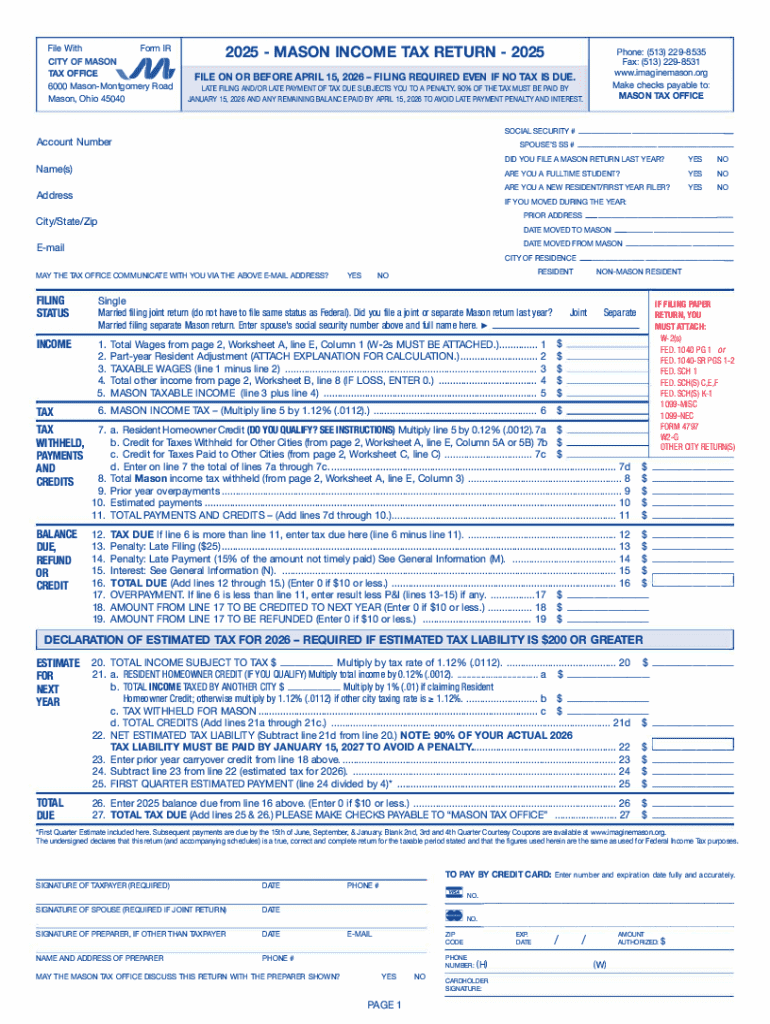
The term "form online" refers to digital versions of forms that can be completed, submitted, and processed electronically through a web-based platform. These forms replace traditional paper documents, making data collection and processing more efficient. They are used for a wide array of purposes, including applications, registrations, surveys, and documentation for both personal and professional scenarios. Online forms are designed to streamline operations by allowing users to input information directly into a structured format that's easy to manage and analyze.
How to Use the Form Online
Using a form online involves several straightforward steps:
-
Accessing the Form: Begin by navigating to the website where the form is hosted. This could be a governmental site, a business portal, or a dedicated document management platform like DocHub.
-
Filling Out the Form: Enter the required information in each field of the form. Forms are typically designed with a user-friendly interface that guides you step-by-step through the completion process.
-
Reviewing the Input: Before submission, review all the entered details to ensure accuracy. Most online platforms provide a preview option for this purpose.
-
Submitting the Form: Once you are satisfied with the information, submit the form. You may receive a confirmation email acknowledging receipt of your submission.
-
Tracking and Updates: Some forms allow you to track the processing status or receive updates on any further actions required.
How to Obtain the Form Online
To obtain a form online, follow these general steps:
-
Search Online: Use specific keywords related to the form you need to locate it on the internet. This could be through search engines or directly visiting known websites like DocHub.
-
Navigate to the Correct Page: Once you’ve found the form, ensure you are on the legitimate and official page to avoid misinformation or fraud.
-
Download or Fill Directly: Depending on the platform, either download the form to your device or fill it out directly on the website.
Steps to Complete the Form Online
Complete the online form by following these detailed steps:
-
Gather Required Information: Before starting, ensure you have all necessary documents and information at hand. This will speed up the process and help avoid errors.
-
Fill Out Each Section: Follow the instructions carefully and fill out each section completely. Online forms often use a mix of text boxes, radio buttons, checkboxes, and drop-down menus.
-
Upload Necessary Documents: If required, upload supporting documents. This might include identification, proof of address, or other relevant paperwork.
-
Use Built-in Tools: Utilize platform tools such as auto-fill options, field validation, and error notifications to ensure all fields are properly completed.
-
Sign the Form Electronically: If a signature is required, use the electronic signature option provided by the platform.
-
Submit the Form: Finalize the process by submitting the form according to the website’s instructions. Some platforms offer a receipt number or confirmation message post-submission.
Why Should You Form Online
Adopting online forms provides numerous advantages:
-
Efficiency and Speed: Filling out forms online is quicker compared to manual processes, reducing turnaround times for document processing.
-
Accessibility: Forms are accessible from anywhere, allowing users to complete them at their convenience without geographical constraints.
-
Data Accuracy: Online forms often include validation checks that reduce human errors and ensure completeness and accuracy of the entered data.
-
Cost-Effectiveness: Eliminating the need for paper, postage, and physical storage spaces can result in significant cost savings.
Key Elements of the Form Online
Online forms are typically composed of several key elements:
-
Input Fields: Spaces where users enter specific data, like names, dates, and contact information.
-
Instructional Text: Brief guidance or examples accompanying input fields to assist users in completing them correctly.
-
Validation Protocols: Automatic checks to ensure the accuracy and completeness of data entries before submission.
-
Submit Button: A user interface element that finalizes the form for processing.
Legal Use of the Form Online
Legal implementation of forms online entails:
-
Compliance with Regulations: Forms must comply with legal standards specific to the form’s purpose, such as data protection laws.
-
Electronic Signatures: These forms must allow for legally binding electronic signatures in accordance with the ESIGN Act in the U.S.
Required Documents
When completing online forms, having the following documents on hand can be crucial:
-
Identification Documents: Such as a driver’s license, passport, or social security number for verification purposes.
-
Proof of Address: Utility bills, lease agreements, or bank statements often serve as proof of residence.
-
Relevant Records: Depending on the form, you might need employment records, financial statements, or educational credentials.
By understanding and implementing these aspects, users can seamlessly navigate online forms, ensuring accurate and efficient submissions within digital environments like DocHub.




