
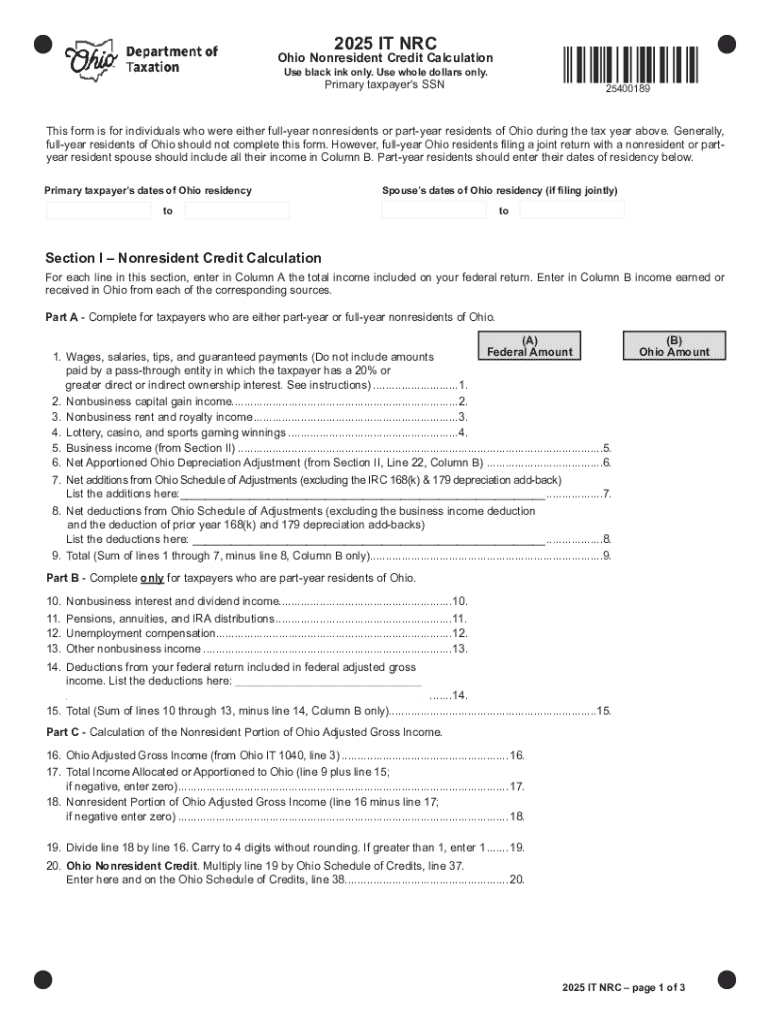







Definition and Meaning of "Form Online"
"Form online" refers to digital forms that can be accessed, filled out, and submitted via the internet. These forms are designed to replace paper-based documents, offering a more efficient, accessible, and environmentally friendly alternative. This format enables users to complete necessary paperwork from any location, as long as they have internet access. The digitization of forms facilitates various applications, such as tax filings, job applications, legal agreements, and more, allowing for streamlined data entry and processing.
Types of Online Forms
- Registration Forms: Commonly used for signing up for events or services.
- Application Forms: Used for job applications, school admissions, or financial aid.
- Feedback Forms: Collect customer or client feedback about products or services.
- Order Forms: For e-commerce transactions, capturing order details and payment information.
How to Use the Form Online
To effectively use an online form, follow these steps:
- Access the Form: Locate the form on the appropriate website or platform. Ensure your internet connection is secure to protect your information.
- Read Instructions Carefully: Before starting, read any instructions provided to understand what information is required.
- Fill Out Required Fields: Enter the necessary information into each field, ensuring accuracy to avoid processing delays.
- Review Your Entries: Double-check your responses for any errors or omissions.
- Submit the Form: Once reviewed, submit the form by pressing the "submit" button. Some forms may allow you to save a copy for your records.
Example Use Case
Consider a college application form available online where prospective students can fill out personal details, educational history, and upload required documents directly from their computer without needing to mail anything physically.
Steps to Complete the Form Online
When filling out any form online, it’s important to follow a systematic approach to ensure completeness:
- Identify Key Sections: Familiarize yourself with the layout of the form to locate specific sections quickly.
- Collect Necessary Documents: Have all required documents at hand, such as identification or financial records, before starting.
- Enter Accurate Information: Be precise with details like names, dates, and contact information.
- Attach Supporting Files: If the form allows or requires, upload any necessary supporting documents or evidence.
- Monitor Form Status: After submission, track the status of your form, if applicable, to confirm receipt and processing.
Why Should You Fill Out Forms Online
Filling out forms online offers multiple advantages over traditional methods:
- Efficiency: Streamlines processes by reducing the time required for document handling and submission.
- Accessibility: Allows users to complete forms from any device with internet access, regardless of their geographical location.
- Cost-Effectiveness: Eliminates printing and postage costs associated with paper forms.
- Environmental Impact: Reduces paper use, contributing to environmental sustainability efforts.
Advantages of Online Forms
- Immediate submission and confirmation
- Enhanced accuracy with form field validation
- Integration with digital storage and management systems
Important Terms Related to Forms Online
Understanding key terms can aid in navigating online forms:
- Electronic Signature: A digital form of signing a document, legally equivalent to a handwritten signature.
- Encryption: A security measure that encodes data during transmission to protect against unauthorized access.
- Responsive Design: Ensures the form adjusts to different screen sizes, providing optimal usability on devices like smartphones and tablets.
Example of Terms in Context
Consider using a platform like DocHub, which supports electronic signatures and responsive design, ensuring secure and efficient completion of online forms.
Key Elements of the Form Online
Online forms often include several core components:
- Instructions and Guidelines: Provide clarity on how to accurately complete the form.
- Input Fields: Areas where users enter data, such as text boxes or dropdown menus.
- Validation Rules: Ensure information entered meets specific criteria, reducing errors.
- Submission Button: Finalizes the process, transmitting the data to the intended recipient.
Example Elements in Practice
For instance, in a job application form, there may be fields for personal information, work history, and educational background, accompanied by instructions on how to effectively complete each section.
Examples of Using Forms Online
Online forms find application across various sectors:
- Government Services: Filing taxes online using IRS electronic forms.
- Healthcare: Patient information forms accessed via health service portals.
- Education: University application forms processed through college websites.
- Finance: Loan application forms completed through financial institution platforms.
Real-World Scenario
Imagine completing a mortgage application online, where borrowers fill out financial particulars and upload necessary documentation, streamlining what traditionally was a paper-heavy process.
Legal Use of the Form Online
Online forms must comply with certain legal standards to ensure validity:
- ESIGN Act Compliance: Ensures electronic signatures are legally binding in commerce within the United States.
- Data Protection Laws: Adhere to regulations like the GDPR to safeguard personal information collected through online forms.
- Accessibility Standards: Follow guidelines to make forms accessible to individuals with disabilities.
Compliance Example
A business offering online contract signing must ensure that their electronic signature process complies with the ESIGN Act to be valid under U.S. law.
By addressing these structured, comprehensive topics, users can effectively navigate the process of completing forms online, ensuring a secure, efficient, and legally compliant experience.




