
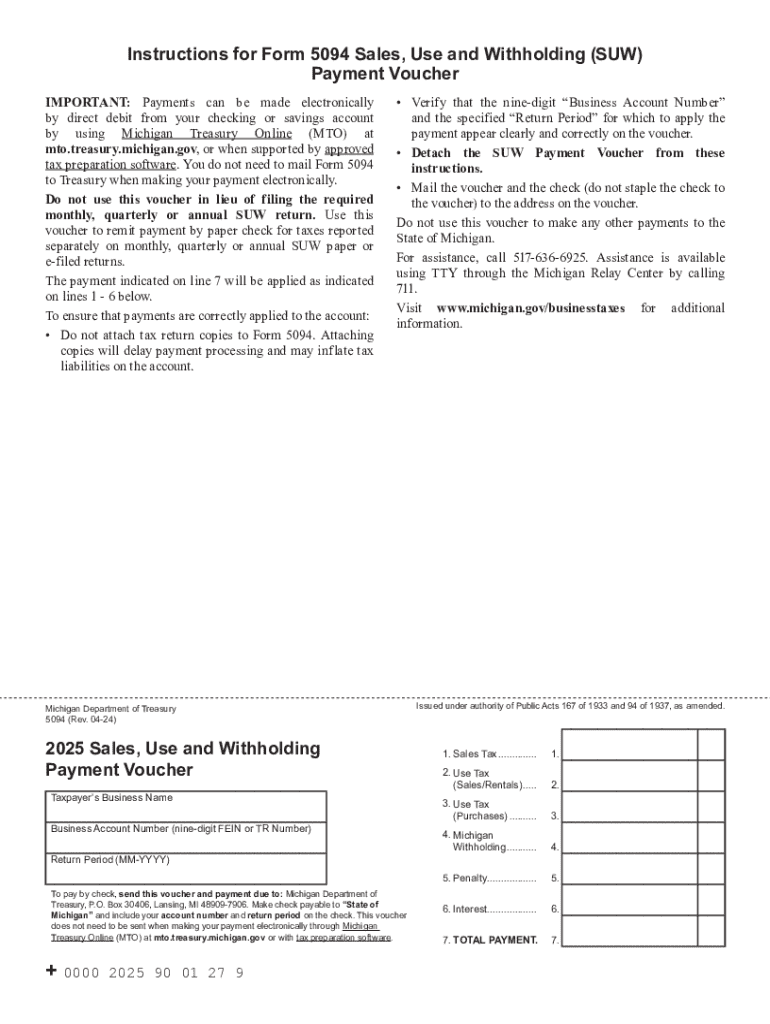







Definition & Meaning
Forms completed online, often referred to as "form online," pertain to digital documents that users can fill out and submit electronically. These forms cover a wide array of applications, including tax submissions, legal agreements, application processes, and data collection. Electronic forms provide ease of access and enhanced efficiency by allowing users to input and submit necessary information over the internet, eliminating the need for physical paperwork. They are particularly valuable in the business, legal, and educational sectors, where swift data collection and processing are essential.
How to Use the Form Online
Utilizing a form online typically involves several straightforward steps. First, access the form via a web browser on any internet-enabled device, ensuring compatibility with the website or application hosting the form, such as DocHub. After opening the form, users need to read any accompanying instructions or descriptions to understand the requirements. Navigate through the form fields, entering the required information, which may include personal details, financial data, or other relevant responses. Many online forms allow users to save progress, so they can pause and resume without losing entered data. Upon completing the form, carefully review entries for accuracy before submitting it through the designated button or link, which will send the information to the intended recipient or processing system.
How to Obtain the Form Online
To acquire an online form, begin by identifying the entity or organization responsible for issuing the form, such as a government agency, corporation, or educational institution. Visit their official website or use a trusted platform like DocHub to find the required form. Some forms may be located within a specific section labeled “Forms”, “Downloads”, or similar headings. Use any available search fields to narrow results by form number or name. Once located, most online forms can be opened by clicking on the designated link or button, which will typically download the form to your device or open it within an integrated editor for immediate completion.
Steps to Complete the Form Online
- Access the Form: Navigate to the form's URL or access point through your browser.
- Understand the Requirements: Read any preliminary instructions provided, ensuring clear understanding of required information.
- Enter Personal Information: Fill out fields with contact details, identification numbers, or other personal information as requested.
- Provide Specific Data: Input specific data relevant to the form’s requirements, such as dates, amounts, and detailed descriptions.
- Attach Necessary Documents: If required, upload additional documents directly through the form interface.
- Review and Confirm: Double-check all entries for completeness and accuracy.
- Submit the Form: Click the submission button to complete the process, often receiving a confirmation receipt or email.
Why Should You Form Online
Opting for online forms streamlines processes and reduces error risk. They provide improved accessibility, allowing users to complete forms from any location with internet access. Forms submitted online are processed faster than physical ones, cutting down on turnaround time. This method also fosters environmental responsibility by minimizing paper usage. Additionally, many online systems enhance security through encryption, ensuring sensitive information is safely transmitted and stored.
Who Typically Uses the Form Online
A diverse array of individuals and organizations relies on online forms for different purposes. This includes businesses seeking operational efficiency through electronic data collection tools, legal professionals managing contracts and agreements, residents submitting government applications, and students registering for educational programs. Healthcare providers also use online forms for patient intake, while financial institutions facilitate loan and credit applications through digital forms. Essentially, anyone requiring streamlined application, data entry, or documentation processes benefits from online forms.


Important Terms Related to Form Online
- SSL Encryption: Technology that safeguards data transfer online.
- OAuth 2.0: Protocol for secure authorization.
- Fillable Fields: Interactive sections of forms for user input.
- Signature Fields: Designated areas for digital or physical signatures.
Key Elements of the Form Online
Online forms generally comprise the following components:
- Identification Information: Fields capturing personal or entity identification, such as names and ID numbers.
- Instructional Text: Guidance for accurately completing form sections.
- Data Fields: Boxes or lines where users type or select answers.
- Legal Language: Clauses and terms stipulating rights and responsibilities related to submitted information.
- Submission Button: A mechanism to send the completed form to the processing entity.
Digital vs. Paper Version
Online forms offer distinct advantages over their paper counterparts. They enable electronic submissions, ensuring expedited processing and delivery. Digital forms reduce printing and mailing expenses, enhance data accuracy with validation features, and often include automated reminders for incomplete submissions. Their digital nature facilitates streamlined record-keeping and integration with other software solutions, significantly benefiting teams and organizations with high data throughput requirements.




