






Definition & Purpose of Web Fill-In Forms
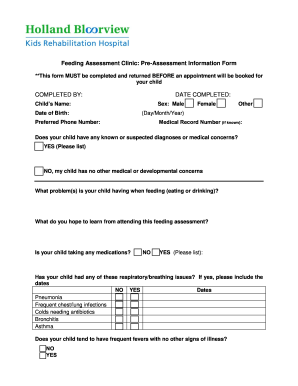
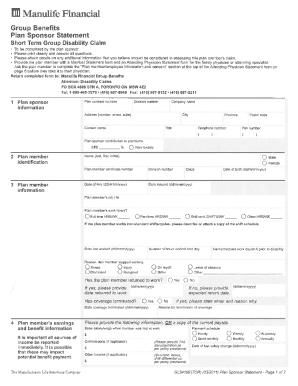
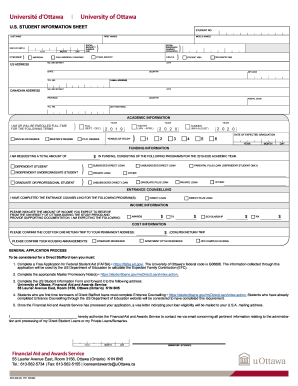
Web fill-in forms are digital documents designed to capture user input through interactive elements such as text boxes, checkboxes, and dropdown menus. These forms streamline the process of data collection by enabling users to fill out information online, often serving purposes such as application submissions, surveys, feedback, and registrations. In contrast to paper forms, web fill-in forms offer immediate validation, ensuring that entries meet required criteria before submission.
Key Features
- Interactive Elements: Include various fields and controls that guide users to provide accurate input.
- Automatic Validation: Checks for errors or omissions in real-time, reducing the likelihood of incomplete submissions.
- Ease of Use: Accessible across multiple devices and platforms, allowing users to complete forms at their convenience.
Steps to Complete Web Fill-In Forms
Completing web fill-in forms involves a series of steps to ensure accuracy and completeness. This process can vary depending on the form's complexity and the platform used.
- Access the Form: Navigate to the form's URL or open the document in an online document editor.
- Read Instructions Carefully: Review any guidance provided, often found at the top or within a separate help section.
- Fill Required Fields: Enter information in mandatory fields, often marked with an asterisk (*) or highlighted.
- Validate Entries: Use real-time feedback mechanisms provided by the form to correct any errors.
- Submit the Form: After verifying that all information is correct and complete, submit the form using the designated button.
Practical Examples
- Online Job Applications: Comprehensive forms requiring personal details, work history, and references.
- Customer Feedback Surveys: Simple selection forms to gauge customer satisfaction.
Key Elements of Web Fill-In Forms
Understanding the main components of web fill-in forms is essential for both creators and users.
Common Components
- Text Fields: Single or multi-line fields for entering textual information.
- Checkboxes & Radio Buttons: For selecting one or more options from a list.
- Dropdown Menus: Offer a list of predefined options, often used for state selections or categories.
- Signature Fields: Provide digital signing capabilities, ensuring authenticity and non-repudiation.
Designing Forms
- User-Friendly Layout: A well-organized structure enhances user experience by preventing confusion and improving completion rates.
- Conditional Logic: Forms can adapt based on previous answers, displaying only relevant questions.
Legal Use of Web Fill-In Forms
Web fill-in forms often serve as legally binding documents when used appropriately. They must adhere to specific regulations to ensure validity.
Compliance Requirements
- Digital Signatures: Must comply with the ESIGN Act for U.S. legal acceptance, ensuring that electronic signatures are as binding as handwritten ones.
- Data Security: Implement SSL encryption to protect sensitive information during transmission.
Use Cases
- Contract Agreements: Digital forms replacing traditional paper contracts, with electronic signatures providing legally binding endorsement.
- Confidential Information: Non-disclosure agreements as web forms facilitate swift and secure signatory processes.
Software Compatibility for Web Fill-In Forms
Compatibility with popular software suites is vital to the effectiveness of web fill-in forms, ensuring broader accessibility and functionality.
Integrated Platforms
- DocHub: Provides a seamless interface for creating, editing, and managing fillable forms directly from cloud services like Google Drive.
- Google Workspace Integration: Allows users to import and export documents smoothly, maintaining document integrity.
Third-Party Software
- TurboTax & QuickBooks: Many web forms designed for tax purposes are compatible with these financial applications, enhancing utility for users managing their finances.
Who Typically Uses Web Fill-In Forms
Web fill-in forms cater to diverse audiences, each with unique requirements and use cases.
General Users
- Individuals: Completing everyday activities such as online shopping, survey participation, and application submissions.
- Businesses: Employing forms to collect customer data, manage HR processes, and facilitate project collaboration.
Specialized Audiences
- Government Agencies: Utilizing web forms for efficient data gathering in public service operations.
- Educational Institutions: Conducting student registrations and feedback collection digitally.
Important Terms Related to Web Fill-In Forms
Familiarity with specific terminology can enhance one's understanding of web fill-in forms and their usage.
Essential Vocabulary
- Authentication Protocols: Techniques like OAuth 2.0 ensure secure access to web forms, protecting user information.
- Field Manager: A tool or feature within form creation platforms allowing the addition, removal, or modification of form fields.
Examples in Context
- OAuth 2.0: Utilized for secure login processes when filling forms requiring user authentication.
- Field Manager: Users employ this to customize forms tailored to specific data collection needs.
Form Submission Methods
Web fill-in forms offer multiple submission avenues, making them accessible under varying conditions.
Methods of Submission
- Online: Direct submission via a web browser or integrated platform like DocHub.
- Mobile Applications: Filling and submitting forms using smartphone apps, facilitating on-the-go participation.
- Email: In certain situations, forms can be completed offline and submitted via email, ensuring document receipt without active internet connection.
Considerations
- Submission Confirmation: Automated emails or on-screen acknowledgments assure users of successful submission.
- Error Handling: Real-time feedback during submission aids in resolving issues before completing the process.