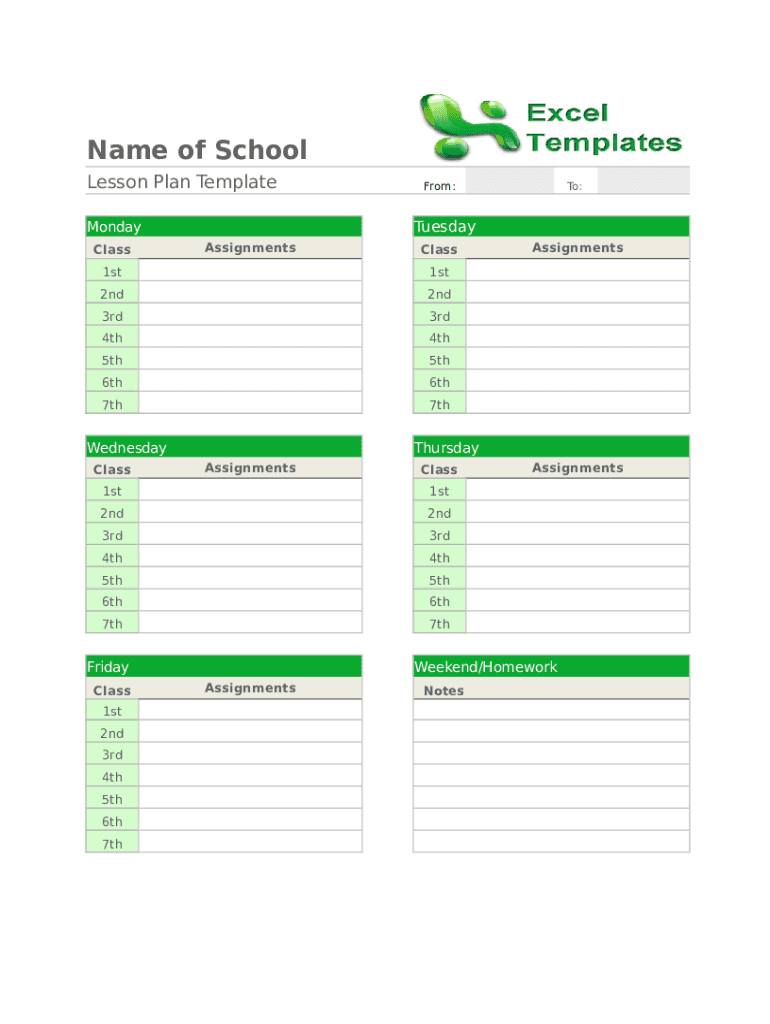







Understanding the Blank Type Document
A blank type document is essentially a template or form that starts without any pre-inserted content, allowing users to customize it according to their needs. This versatility makes blank type documents ideal for various applications, from simple note-taking to complex data collection. These documents serve as the foundational framework on which additional content, such as text, images, tables, or forms, can be added.
How to Use the Blank Type Document
When using a blank type document, the first step involves determining the purpose it will serve. For instance, if you need a professional resume layout, you might start with a blank document and fill in your personal and professional details. The customization process lets you tailor every aspect of the document—from text style and colors to the addition of interactive elements like links or form fields—to meet your exact requirements.
Obtaining a Blank Type Document
Blank type documents can be accessed in various formats, including DOC, PPT, XLS, and PDF. Platforms like DocHub provide the tools necessary to create or import blank documents from various sources, such as your computer or cloud storage services like Google Drive and Dropbox. This capability simplifies the process of starting a new project without compatibility issues.
Steps to Complete the Blank Type Document
-
Open the Document: Begin by opening the blank type document in your preferred editing software or platform.
-
Establish Structure: Determine the document's structure by setting up headers, footers, sections, or outlines.
-
Add Content: Insert the necessary text, images, and tables. For forms, add fillable fields such as text boxes or checkboxes.
-
Review and Edit: Carefully review the content for accuracy and consistency, making necessary edits.
-
Finalize: Save the document in the required format and ensure all interactive elements, such as links or forms, function properly.
Importance of a Blank Type Document
Blank type documents offer unmatched flexibility, allowing users across various fields—such as education, business, or legal sectors—to create customized documents from scratch. They streamline workflows by eliminating the need for unnecessary templates, thus making the content creation process more intuitive and efficient.
Common Users of Blank Type Documents
Typically, administrators, educators, business professionals, and legal practitioners use blank type documents to draft customized content without predefined constraints. Students and self-employed individuals also benefit due to the flexibility these documents offer in various scenarios, like school projects or client proposals.


Important Terminology Related to Blank Type Documents
- Template: A predefined structure that assists in document creation, customized through blank type documents.
- Form Fields: Interactive areas in a document, allowing users to input data.
- Annotation Tools: Features enabling text highlights, comments, or markings within a document.
Legal Uses of the Blank Type Document
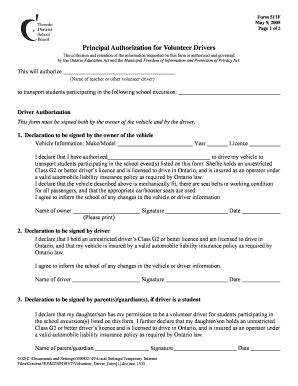
Blank type documents play a critical role in legal environments by providing the layout necessary to create contracts, agreements, and forms. These documents ensure all legal text can be meticulously inserted and revised, adhering to required standards.
Key Elements of a Blank Type Document
- Customizable Layout: Freedom to alter document sections.
- Compatibility: Supports multiple formats for broad usability.
- Interactive Features: Options to incorporate fillable form fields and hyperlinks.
Examples of Using Blank Type Documents
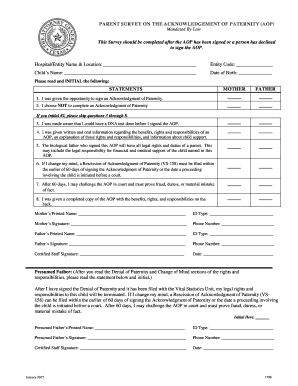
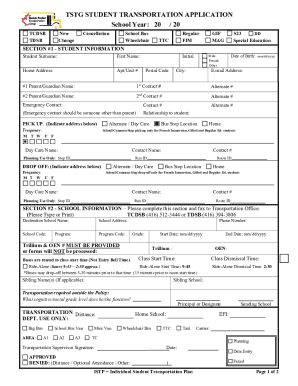
Real-world applications of blank type documents range from crafting personalized invitations in the event planning industry to drafting legal documentation like nondisclosure agreements. In corporate settings, professionals often use these documents as starting points for reports, proposals, and internal memos.
Digital Versus Paper Blank Type Documents
The digital version of a blank type document offers interactive features, real-time editing capabilities, and easy collaboration. In contrast, paper documents are typically more suited for traditional uses where digital access is limited, requiring manual addition of content.
These comprehensive sections highlight the versatility and utility of blank type documents, catering to a wide array of professional, educational, and personal needs. By understanding and leveraging these documents effectively, users can streamline their workflows and enhance productivity across various applications.