
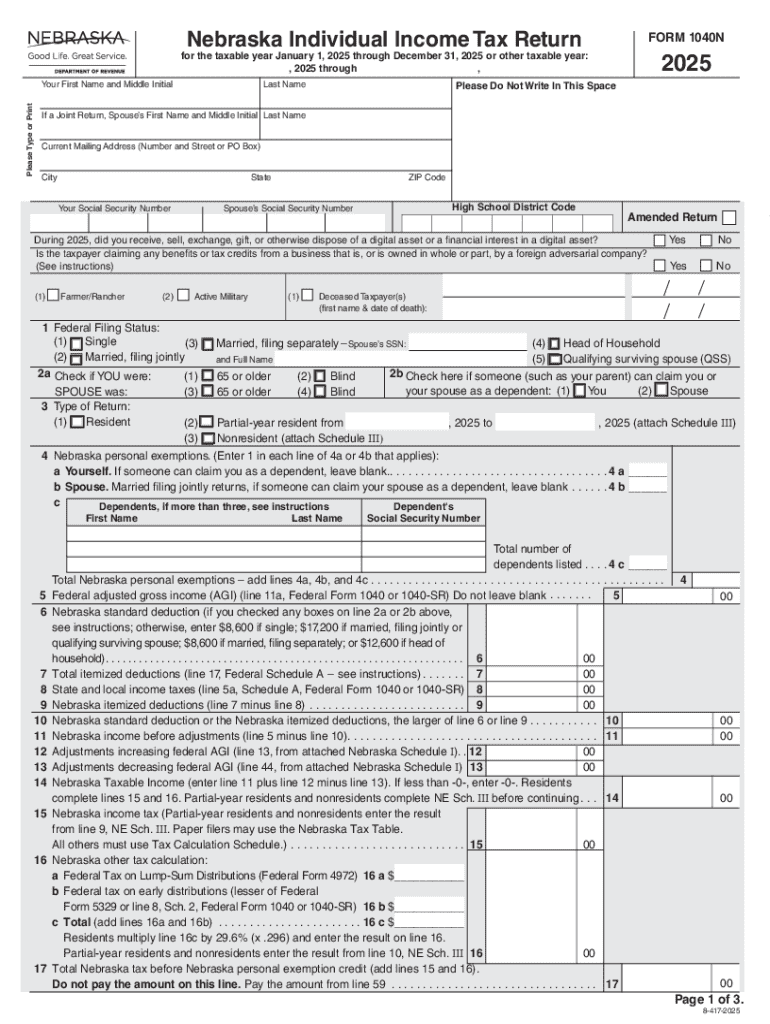







Definition and Meaning of the "for the taxable year January 1, 2025 through December 31, 2025 or other taxable year"
The phrase "for the taxable year January 1, 2025 through December 31, 2025, or other taxable year" refers to the standard calendar year for tax purposes or any alternative fiscal year chosen by a taxpayer for reporting taxes. This is commonly used in tax forms like the IRS Form 1040 or state-specific forms such as Nebraska's Form 1040N. Many businesses and individuals default to the calendar year, but others may opt for a fiscal year that better corresponds with their operational cycles.
- Calendar Year: January 1 to December 31.
- Fiscal Year: A 12-month period concluding at a date different from December 31, potentially beginning in any month and running through to the same month the following year.
- Purpose: Helps in determining the period for preparing tax returns and gauging financial activity.
Steps to Complete Forms for the Taxable Year
Completing a tax form for the taxable year January 1, 2025, through December 31, 2025, involves multiple steps:
-
Gather Necessary Documentation: Collect all relevant documents, including W-2s, 1099s, and receipts for deductible expenses.
-
Select the Appropriate Form Variant: Different forms may apply, such as Form 1040 for individuals or Form 1065 for partnerships.
-
Detail Income Information: Enter all income sources accurately on the chosen tax form.
-
Claim Deductions and Credits: Apply all applicable deductions and credits to minimize taxable income.
-
Review for Errors: Cross-check all entered information before submission.
-
Finalize Submission: Choose a submission method, either electronically or via mail, and ensure it reaches by the due date.
Why Use the Specified Tax Year
Choosing a fiscal year, instead of the calendar year, may be beneficial for various reasons. It allows entities to:
- Align Financial Reporting: Helps sync accounting periods with operational cycles for clarity.
- Maximize Tax Benefits: Certain deductions and credits may be more advantageous when aligned with business ebbs and flows.
- Simplify Financial Management: Seasonal businesses might find it easier to manage cash flow when reports align with their busy seasons.
Legal Use and State-Specific Rules
The legal compliance for filing taxes must adhere to IRS guidelines, which legalize the use of fiscal years under specific conditions. Each state might have additional regulations that impact how income is accounted for over the fiscal year:
- Federal Compliance: Aligns with IRS standards as outlined in the Internal Revenue Code.
- State Variances: States like California may have unique rates or additional forms required irrespective of federal norms.
IRS Guidelines and Important Filing Dates
The IRS provides comprehensive instructions for taxpayers:
- Guidelines: Includes when and how to choose a fiscal year versus a calendar year.
- Filing Deadlines: April 15 for calendar-year filers. Fiscal year filers follow a different deadline—commonly the 15th day of the fourth month after the fiscal year ends.
Required Documents for Tax Filing
Certain documents are typically required:
- Income Statements: Such as W-2 and 1099 forms.
- Deduction Receipts: Proof of deductible expenses.
- Previous Year’s Tax Returns: To ensure continuity and accuracy.
Penalties for Non-Compliance
Failing to comply with reporting rules or missing deadlines can result in penalties:
- Late Filing Fees: A percentage of the unpaid taxes per month.
- Accuracy-Related Penalties: Imposed for underreporting income.
Software Compatibility
Many taxpayers use software like TurboTax or QuickBooks to streamline the filing process for the taxable year:
- Features: Compatibility with various forms and automatic updates for any tax code changes.
- Benefits: Reduced manual entry and error through automation.




