
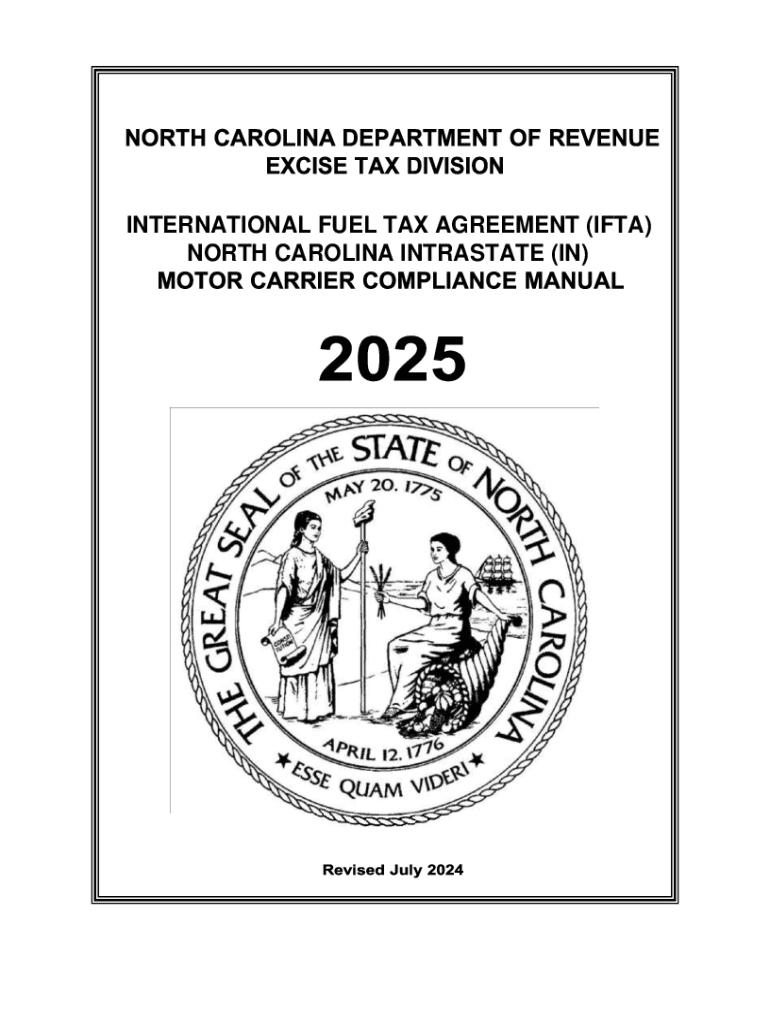







Definition and Meaning of "Form Online"
Online forms are digital versions of traditional paper forms, designed to be filled out using a web-based platform. These forms streamline the process of data entry, collection, and submission, often eliminating the need for physical paperwork. By using online forms, individuals and organizations can efficiently gather information, request services, or apply for permits with greater accuracy and speed. Typically, forms can be customized to include various fields such as text boxes, dropdown menus, checkboxes, and signatures. The ease of accessibility and real-time data transfer are core advantages of utilizing forms online, catering to diverse needs ranging from personal applications to complex business transactions.
How to Use the Form Online
Using an online form typically involves several straightforward steps to ensure the accurate input and submission of information. Users begin by accessing the form through a secure web portal or a designated platform like DocHub. Navigation is intuitive, with fields clearly labeled for user input. Here’s how you can efficiently complete an online form:
- Accessing the Form: Navigate to the platform where the online form is hosted, using a web browser on your computer or mobile device. Ensure that your device is connected to the internet for seamless access.
- Inputting Information: Enter your details into the specified fields. Use the provided text boxes for information such as names, addresses, and other relevant data. Dropdown menus and checkboxes may be used for specific selections.
- Reviewing Entries: Before submission, review your entries for accuracy. This ensures that all required fields are completed correctly and no important information is missing.
- Submitting the Form: Once reviewed, submit the form by clicking the designated submit button. Confirmation receipts or notifications may appear to verify successful submission.
How to Obtain the Form Online
Obtaining an online form involves accessing it from the appropriate platform or website, typically provided by the organization requiring the form. Here’s a step-by-step approach to acquiring an online form:
- Identify the Source: Locate the organization or agency’s website offering the form. Ensure that you are accessing the correct and secure site.
- Select the Form: Navigate to the section of the site where forms are listed. Some platforms offer search functions or filters to help locate specific forms quickly.
- Download or Access Online: Many sites provide the option to either download the form in a PDF format or fill it out directly on the site. Choose one based on your preference and requirements.
- Create an Account: If necessary, register or log in to access specific forms that require user credentials for security reasons.
Steps to Complete the Form Online
Completing an online form requires a methodical approach to ensure that all necessary information is accurately captured. Follow these steps for efficient completion:
- Prepare Necessary Information: Gather all required documents or information needed before starting to fill out the form. This includes identification numbers, addresses, and contact information.
- Log In to the Platform: Access the form’s platform using any required credentials or create a profile if you're a first-time user.
- Fill Out Each Section: Carefully complete each section of the form, using the guidance provided within the form to ensure accuracy.
- Verify Information: After completing the form, double-check all entries for any errors or omissions.
- Save or Print: If necessary, save a copy of the completed form for your records before submission, or print a physical copy if required.
Why You Should Use the Form Online
Utilizing an online form offers numerous advantages over traditional methods. Primarily, these forms facilitate faster processing and reduce the likelihood of errors. Here are several reasons to consider:
- Convenience: Accessible any time and from any location, eliminating the need for physical visits or mailing.
- Efficiency: Streamlined processes result in faster data gathering and processing. Automation features manage repetitive tasks and reduce the workload.
- Accuracy: Built-in validation features help ensure the accuracy of the data, prompting users if required fields are missed.
- Cost-Effectiveness: Reduces costs associated with printing, mailing, and storing physical forms.
Who Typically Uses the Form Online
Online forms serve a broad range of users across various sectors, each benefiting from streamlined workflows. Common users include:
- Individuals: For applications such as job submissions, educational admissions, and personal tax filings.
- Businesses: For client onboarding, internal employee documentation, and business permit applications.
- Government Agencies: For public service applications and compliance reporting.
- Non-profits: For collecting donations, event registrations, and volunteer sign-ups.

Important Terms Related to Form Online
Understanding specific terms associated with online forms is essential for effective use:
- Fillable Fields: Sections within a form where users input data, such as text boxes and dropdown menus.
- Digital Signature: An electronic method of signing a form, confirming the signer's identity and intent.
- Encryption: Security measures taken to protect sensitive information shared through online forms.
- Validation: Automatic checking mechanisms ensuring that necessary data formats and requirements are met during data entry.
Key Elements of the Form Online
An online form comprises several essential elements that facilitate its functionality and purpose:
- User Interface: The arrangement of fields and instructions designed for user-friendly navigation and interaction.
- Security Features: Measures like encryption and authentication protocols to protect user data.
- Integration Capabilities: The ability to connect with other platforms, such as cloud storage or document management systems.
- Customizability: Options for adapting the form's layout and fields to meet the specific needs and branding of the organization using it.




