





Definition and Meaning of "Form Online"
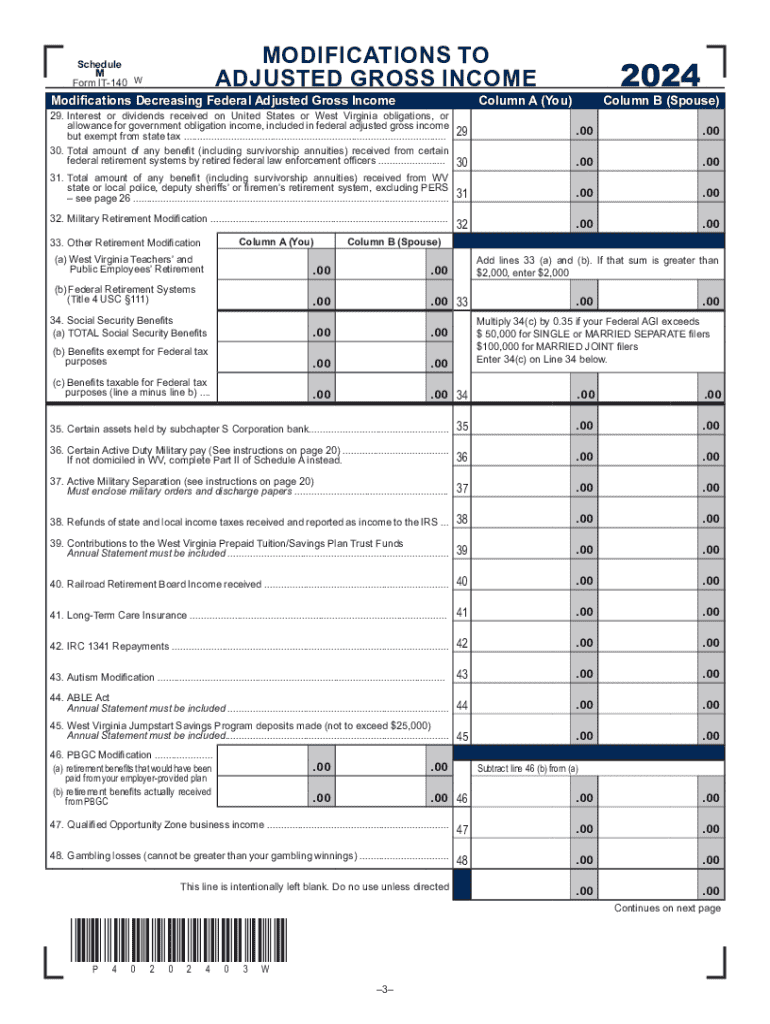
The term "form online" refers to any framework or template available on the internet that users can fill out, submit, and process electronically. Such forms are designed to collect data in a structured format without requiring physical paper documents. These online forms are integral in various sectors, ranging from legal and tax filings to employment applications, surveys, and feedback collections. They streamline data collection by using digital fields for user input, reducing errors associated with manual entries.
How to Use the Form Online
To effectively utilize a form online, users should begin by accessing the digital document on a compatible internet-enabled device. Typically, an online form will provide step-by-step guidance to ensure accurate completion. Here's how users can engage with these forms:
- Open the Form: Use a web browser to navigate to the form's URL or platform hosting it.
- Review Instructions: Read any introductory notes or instructions that accompany the form to understand its purpose and requirements.
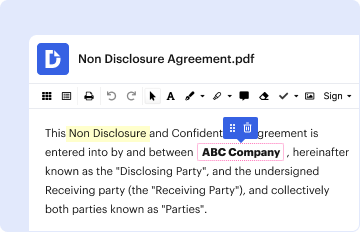
- Fill in Required Fields: Use text boxes for inputting personal information, checkboxes for selecting options, or dropdown menus for choosing from predefined categories.
- Attach Necessary Files: If the form requires, attach digital documents, such as identification or proof of income, often in PDF format.
- Verify Entries: Double-check all inputs to avoid errors; most forms enable users to revisit sections for reviewing and editing.
- Submit the Form: Once complete, locate and click the "Submit" button. Some forms might provide a confirmation page or email verifying submission.
Steps to Complete the Form Online
Completing an online form involves several defined steps. The structure of most online forms ensures users provide precise and comprehensive information. Here's a more granular view of the steps:
-
Access the Relevant Platform: Navigate to the website hosting the form using a secure internet connection.
-
Login or Register: If the form platform requires user authentication, existing users must log in, while new users may need to register an account.
-
Select the Form Type: Users should identify and select the specific type of form needed, as many platforms offer multiple forms.
-
Input Information: Enter the required data into predefined fields. Utilize tooltips or help icons for clarification if available.
-
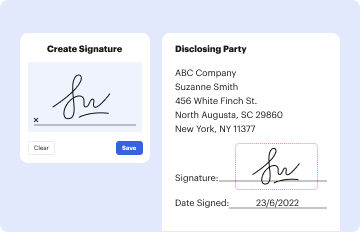
Add Digital Signatures: Use built-in signature tools to electronically sign the form where necessary, ensuring compliance with legal standards.
-
Review Submission: Check for any errors or missing information flagged by the form, addressing all alerts or notices before final submission.
-
Retain a Copy: After submitting, download or print a copy of the completed form for recordkeeping.
Key Elements of the Form Online
Online forms characterize several essential elements that enhance their functionality and ease of use:
- Structured Input Fields: Including text boxes, radio buttons, and dropdown menus that guide users input specific types of data.
- Pre-defined Options: Providing predefined answers in dropdown menus can streamline the data entry process and minimize errors.
- Mandatory Fields: Highlighting essential fields to ensure users supply critical information before form submission bypasses.
- Error Notifications: Real-time prompts and alerts to inform users of incorrect input data or blank mandatory fields.
- Guidance and Tooltips: Offering inline guidance and help hyperlinks to clarify complex sections or terminology.
Legal Use of the Form Online
Forms online often come with legal relevance, especially when used for official purposes such as tax filings or contractual agreements. These forms:
- Adhere to Electronic Signature Laws: Comply with the Electronic Signatures in Global and National Commerce Act (ESIGN Act), ensuring that e-signatures on forms are legally binding.
- Data Protection Compliance: Include secure data transfer protocols to protect personal information under laws like the General Data Protection Regulation (GDPR) and state-specific confidentiality laws in the U.S.
- Contracts and Consents: Facilitate the creation of legally enforceable agreements when signed electronically.
State-Specific Rules for the Form Online
In the U.S., state-specific laws and regulations often affect the deployment and use of online forms:
- Tax Forms Variations: State tax forms might vary in format and requirements compared to federal forms, demanding attention to state-specific guidelines.
- Filing Options: Certain states may offer additional online filing services or direct portals, while others may require specifics like notarization for forms involving significant transactions.
- Local Compliance: Ensure that any legal or official paperwork submitted online complies with state laws, as failure to comply may result in penalties or rejection.
Digital vs. Paper Versions
The debate between digital and paper versions of forms brings several considerations:
- Accessibility and Convenience: Online forms offer greater accessibility and can be filled out and submitted from anywhere with internet access, surpassing the limitation of requiring physical presence associated with paper forms.
- Efficiency and Speed: Digital forms often reduce processing time, allowing instant submission and quicker feedback compared to the manual handling of paper forms.
- Environmental Impact: Forms online significantly lower paper usage, contributing to eco-friendly practices by reducing the carbon footprint associated with printing.
- Storage and Retrieval: Digital forms enable easy storage and retrieval, providing secure databases and archives, unlike paper documents, which require physical space and are susceptible to loss.
Form Submission Methods
The submission of forms can vary based on user preference, availability of technology, and form requirements:
- Online Submission: The primary method for submitting completed online forms, characterized by speed, efficiency, and built-in validation tools.
- Mail-In Options: Some forms still offer mail-in submission for users without reliable internet access, requiring downloadable printable formats.
- In-Person Submission: Rare for online forms but used in scenarios involving identity verification or notarization.
- Upload Systems: Websites may allow users to upload completed forms directly, integrating downloadable PDFs with upload portals for scenarios inadequately handled by direct submissions.
By covering these aspects in depth, users gain a comprehensive understanding of the form online process, improving their ability to efficiently engage with online documentation systems.