






Definition & Meaning
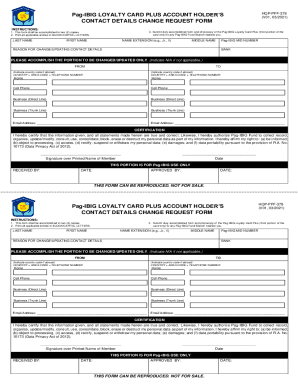
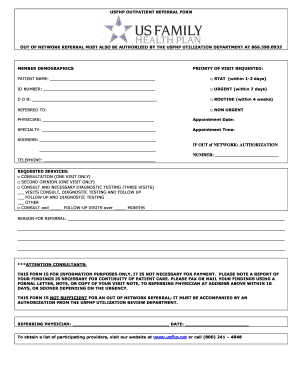
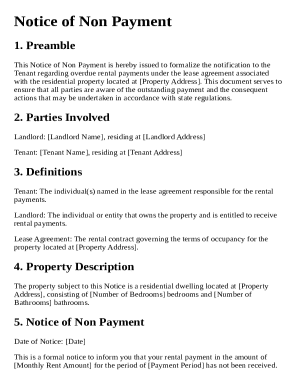
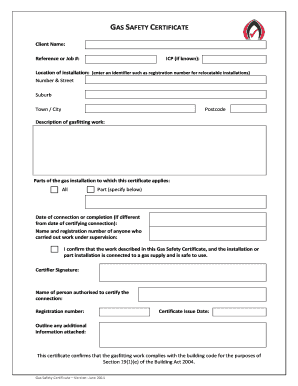
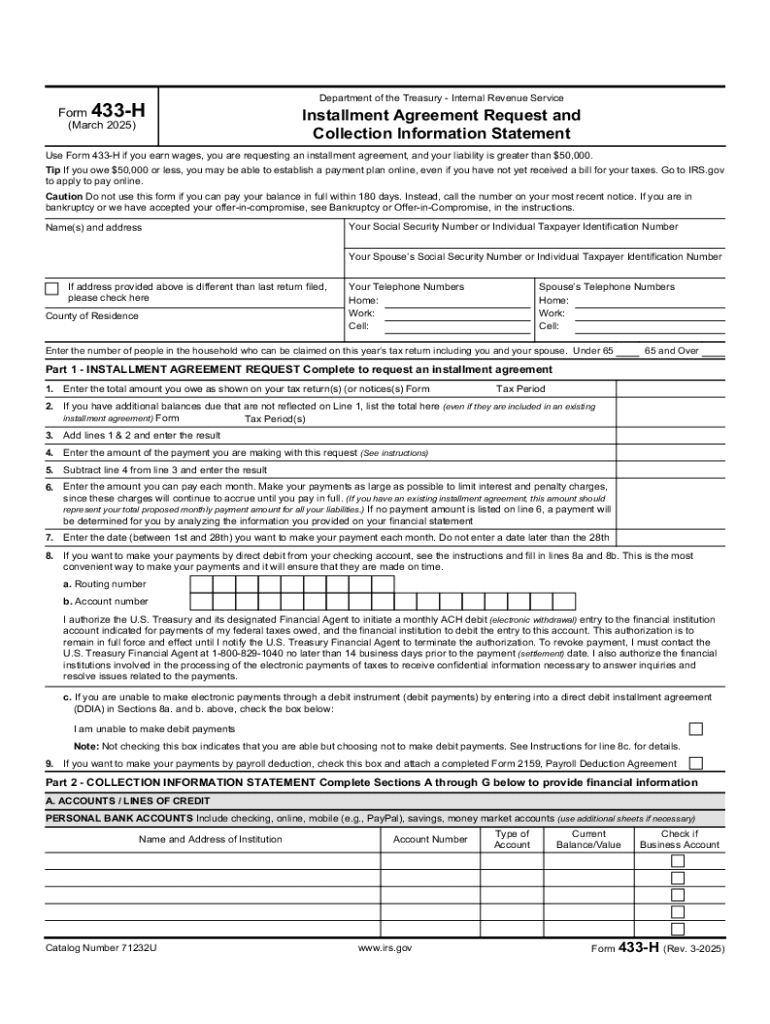
The term "form online" refers to digital forms that can be accessed and completed via the internet. These forms serve various purposes, such as collecting personal information, facilitating business transactions, or submitting tax-related data. Online forms offer the convenience of remote access, allowing users to fill them out from any location with internet connectivity. This digital approach eliminates the need for physical paperwork, streamlining processes for both individual users and organizations.
How to Use the Form Online
Using a form online involves several straightforward steps. Users typically begin by accessing the form through a designated website or platform. Once opened, the form can be filled out directly within the web browser, with options for entering data, selecting answers from dropdown menus, or adding digital signatures. After completing the form, users have the option to review their entries for accuracy before submitting it electronically. Many platforms automatically save progress, allowing users to return to the form at a later time if needed.
Step-by-Step Guide
- Access the form through a secure website or platform.
- Enter the required information in the appropriate fields.
- Use dropdown menus or checkboxes for selections.
- Apply a digital signature if needed.
- Review all entries for accuracy.
- Submit the form electronically and receive confirmation.
Steps to Complete the Form Online
Completing an online form requires careful attention to detail to ensure all necessary information is provided accurately. Below is a concise guide to completing an online form effectively:
- Read Instructions Carefully: Begin by reviewing any provided guidelines or instructions to understand the requirements.
- Gather Required Information: Collect all necessary documents and information that may be needed, such as identification numbers or financial records.
- Fill in the Form: Enter information accurately in the designated fields, using drop-down menus or checkboxes as required.
- Add Digital Signatures: Use the available tools to apply a digital signature if the form requires one.
- Verify Information: Double-check all entries for accuracy and completeness before submission.
- Submit the Form: Once satisfied with the entries, submit the form through the platform's submission option.
Important Terms Related to Form Online
Understanding key terms related to online forms is essential for effective completion and submission.
- Digital Signature: A secure electronic form of signing that validates the identity of the signer and the integrity of the document.
- Form Fields: Specific areas where users input data, such as text boxes, checkboxes, and drop-down menus.
- Encryption: The process of encoding data to protect it from unauthorized access during transmission and storage.
- Authentication Protocols: Security measures, such as OAuth 2.0, used to verify the identity of users accessing online forms.
Legal Use of the Form Online
Online forms are legally recognized for various applications, particularly when adhering to specific regulatory frameworks. In the U.S., the use of electronic signatures and online forms must comply with the ESIGN Act, which ensures that electronic records and signatures hold the same legal status as their paper counterparts. This is particularly relevant for documents that require formal agreements or personal data submission. Proper use involves ensuring that forms are submitted through secure platforms and that all legal standards are met to maintain validity.
Key Elements of the Form Online
Online forms are comprised of several critical elements essential for their function and usability:
- User Interface: The design and layout of the form, which should be intuitive and user-friendly.
- Data Validation: Mechanisms within the form that ensure entries meet specific criteria before submission.
- Submission Confirmation: A feature that provides users with a notification or receipt upon successful form submission.
- Privacy Controls: Measures in place to protect user data, including secure storage and encryption protocols.
Examples of Using the Form Online
Online forms are utilized in diverse scenarios, demonstrating their flexibility and utility:
- Employment Applications: Streamline the hiring process by allowing candidates to submit their resumes and personal information online.
- Tax Returns: Facilitate the filing of tax documents with the IRS through secure digital portals.
- Customer Feedback Surveys: Collect customer opinions and feedback efficiently via web-based forms.
- Registration Forms: Enable event organizers to manage attendee information and preferences electronically.
Software Compatibility
Online forms are often designed to work seamlessly with various software applications, enhancing their utility across different platforms. Compatibility with tools like TurboTax or QuickBooks can assist in pre-filling certain sections with existing user data, thereby reducing manual data entry. Additionally, integration with cloud storage services such as Google Drive allows users to import previously stored documents, streamlining the process further by eliminating the need to re-upload files.
Integration with Other Applications
- TurboTax: Facilitates tax document submission by integrating existing financial data.
- QuickBooks: Simplifies income and expense reporting through direct data import capabilities.
- Google Drive: Provides convenient access to stored documents, supporting seamless data transfers within forms.