







Definition & Meaning
The term "form online" refers to digital forms that individuals or businesses can fill out and submit over the internet. These forms can range from simple contact forms to complex tax filings or application forms for various legal purposes. By utilizing online platforms like DocHub for these forms, users can streamline document management tasks by editing, signing, and submitting information efficiently. This digital format eliminates the need for physical paperwork, promoting a sustainable and streamlined workflow.
How to Use the Form Online
Using a form online involves a straightforward process facilitated by platforms like DocHub. Here's a step-by-step guide:
- Access the Form: Navigate to a trusted online platform that hosts the specific form you need to fill out.
- Edit the Form: Use editing tools to input your information. Features like text boxes and drop-down menus help organize your data efficiently.
- Attach Documents: If necessary, upload any supporting documents directly within the platform.
- Review and Save: Double-check all entered information to ensure accuracy. Save your changes frequently.
- Sign the Form: Utilize electronic signature tools to provide a legally-binding signature.
- Submit the Form: Send the form directly through the platform, often via email or secure link.
This approach enhances usability by allowing real-time editing and collaboration, simplifying complex administrative tasks.
Steps to Complete the Form Online
Completing an online form requires a few clear steps to ensure accuracy and compliance:
- Gather Required Information: Before starting, collect all necessary details and documents you may need to reference.
- Select the Correct Form: Make sure you are accessing the correct version of the form to avoid filling out an outdated document.
- Fill Out the Form: Enter your information into the appropriate fields, providing all data requested.
- Validate Data Accuracy: Confirm that all entries are correct and complete. Check for potential errors that could delay processing.
- Attach Essential Files: Make sure any required or supplementary documents are attached in the correct format.
- Complete any Required Signatures: Use the platform's electronic signature capability to authenticate the form.
- Submit the Form: Follow the submission instructions specific to the platform, ensuring confirmation of receipt.
By following these steps, you can complete online forms effectively while minimizing the risk of errors or omissions.
Key Elements of the Form Online
Online forms typically consist of several key elements that make them effective tools for data collection:
- Fillable Fields: Includes text boxes, drop-down menus, and checkboxes for structured data input.
- Instructional Guide: Provides clear directions on how to complete the form, ensuring users understand the requirements and process.
- Validation Checks: Features that automatically review entries for completeness and format errors, offering immediate feedback.
- Electronic Signature Capability: Enables signatories to authenticate the form without physical paperwork.
- Submit Button: Directs the completed form to the intended recipient or database efficiently.
These elements work together to facilitate a seamless user experience, making the collection and submission process straightforward and efficient.
Legally Binding Electronic Signatures
Electronic signatures provided by platforms like DocHub offer a secure, legally-binding method for authenticating online forms. Operating within the framework of laws such as the ESIGN Act, electronic signatures ensure compliance and validity. Users have multiple options for creating a signature, including drawing, typing, or uploading an image of a handwritten signature. These signatures can be saved for recurring use across different documents, adding convenience and security to the online form process.
State-Specific Rules for the Form Online
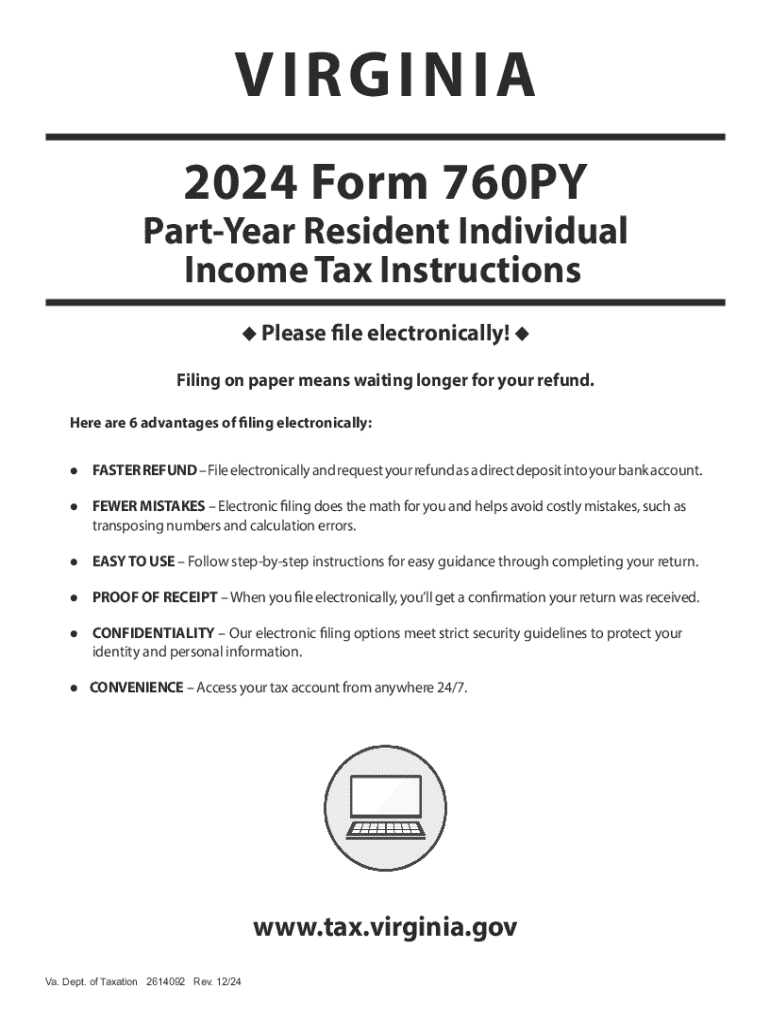
When working with forms online, understanding state-specific regulations is crucial. Each state may have unique laws influencing the format or content of a form. For example, tax forms such as the Virginia 2024 Form 760PY may have specific submission guidelines, credits, and deductions that differ from other states. Ensuring that you follow the appropriate state guidelines can help avoid penalties or rejections, contributing to a smoother filing process.
Penalties for Non-Compliance
Failure to properly complete or submit necessary online forms can result in significant penalties. Common consequences include fines, interest on unpaid amounts, or denial of applications. For tax forms, late submissions could lead to penalties estimated as a percentage of the unpaid tax. It's essential to understand the compliance requirements for your specific form to minimize the risks of non-compliance. These penalties underscore the importance of timely and accurate form completion and submission.
Software Compatibility
Compatibility with platforms such as TurboTax, QuickBooks, and DocHub can greatly enhance the user experience when dealing with online forms. These software solutions allow for seamless integration and data transfer, reducing the time and effort needed to input repetitive information. Compatibility with these systems ensures that data flows smoothly, enhancing accuracy and reducing the potential for errors. Accessing forms through such integrated platforms can streamline workflows and improve data management efficiency.
Business Types That Benefit Most from Form Online
Businesses across various sectors can significantly benefit from utilizing forms online. Here are common business types that find online forms especially advantageous:
- Legal and Financial Services: For documentation and compliance needs, online forms streamline processes and enhance data security.
- Healthcare Organizations: Handle patient intake forms and insurance documentation efficiently, reducing administrative workloads.
- HR Departments: Manage employment applications, performance reviews, and other documentation with ease.
- E-Commerce: Leverage customer order forms, returns, and feedback forms to maintain efficient operations.
These business types use online forms to enhance productivity, reduce paper use, and meet compliance requirements effectively.




