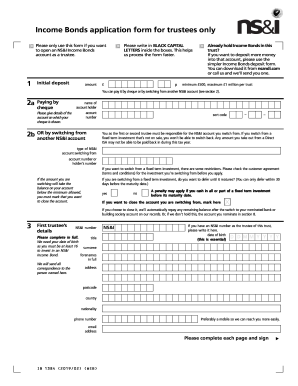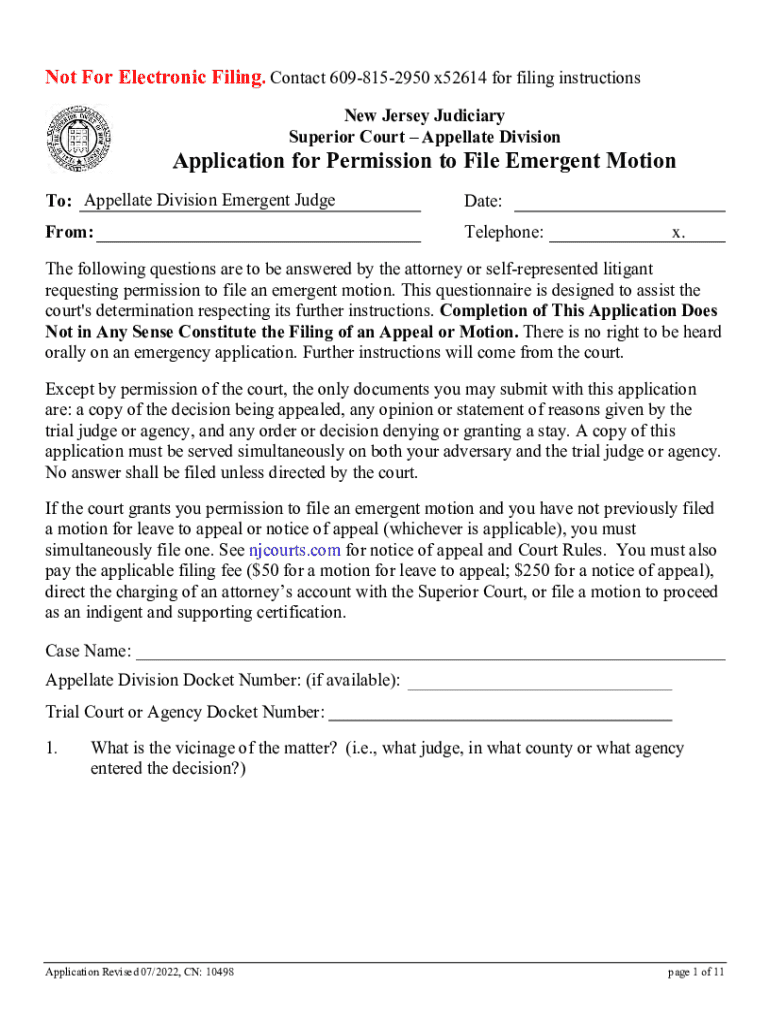







Definition & Meaning
The term "form online" typically refers to digital documents that can be filled out and submitted electronically. These forms span various types and purposes, from job applications and tax filings to legal agreements and registration forms. They streamline administrative processes by allowing users to complete necessary paperwork without printing or mailing physical documents. Online forms are critical in reducing errors, expediting data collection, and improving accessibility for users across different devices and locations.
How to Use the Form Online
Using an online form generally involves several steps designed to guide the user through the process. First, access the form through a platform like DocHub, which provides intuitive tools for viewing and editing. Once you open the form, use the interactive fields to input your information. These fields may include text boxes, checkboxes, dropdown menus, and signature fields. Users can also use tools to annotate or highlight specific areas of the form if needed. After completing the form, review your details to ensure accuracy before saving and submitting the document via the designated submission protocols of the platform or institution.
How to Obtain the Form Online
Accessing online forms is straightforward, provided you know where to look. Typically, these forms are available on the issuing entity's website or through document management platforms like DocHub. To find a specific form, visit the relevant website and navigate to their forms or documents section. Alternatively, use search engines with specific keywords related to the form for quicker access. When using platforms like DocHub, users can import forms directly from cloud storage services like Google Drive, Dropbox, or OneDrive for added convenience.
Steps to Complete the Form Online
- Access the Form: Click the form link or import it from a trusted source into a platform like DocHub.
- Fill Out Required Fields: Carefully complete each field using the interactive features. Mandatory fields are often marked with an asterisk.
- Add Annotations if Necessary: Use available tools to highlight or comment on particular areas to ensure clarity.
- Attach Additional Documents: If the form requires supporting documents, attach them as stipulated.
- Submit the Form: After reviewing the information for accuracy, submit the form through the specified submission method.
Why Should You Form Online
Choosing to fill forms online offers multiple advantages over traditional paper methods. Online forms allow for immediate submission, reducing transit times associated with mailing and minimizing the risk of lost or delayed documents. Electronic submission also supports environmental efforts by reducing paper usage. Additionally, online forms incorporate data validation, reducing errors and ensuring that submissions meet required standards. Furthermore, they offer greater flexibility, enabling users to fill forms from any internet-enabled device.
Who Typically Uses the Form Online
Various individuals and organizations rely on online forms based on their unique needs. Common users include businesses seeking to streamline operations through digital employee onboarding and document signing. Educational institutions use them for student applications and administrative paperwork. Government agencies also leverage online forms for processes such as tax filings and licensure applications. Individuals benefit from using these forms for tasks like applying for jobs, registering for services, and signing legal documents.


Legal Use of the Form Online
Online forms often support legally binding agreements, particularly when electronic signatures comply with regulations such as the ESIGN Act in the United States. This facilitates legally recognized transactions and contract executions in a digital environment. When forms require signatures, DocHub provides compliant solutions that ensure signatures are valid and enforceable. Legal compliance extends to the protection of personal data collected through these forms, adhering to regulations like GDPR in Europe or the California Consumer Privacy Act (CCPA).
Key Elements of the Form Online
Online forms consist of several critical components designed for functionality and ease of use. Important elements include:
- Interactive Fields: Areas where users input information, such as text boxes, dropdown selections, or checkboxes.
- Validation Features: Embedded rules that ensure data entries are consistent and within expected parameters.
- Instructional Guidance: Tips or help sections to assist users in accurately completing the form.
- Security Protocols: Measures like SSL encryption to protect user data during submission.
- Submission Confirmation: Feedback systems that confirm successful form submission and may provide a submission receipt.
Examples of Using the Form Online
Online forms are used in various scenarios, demonstrating their versatility and efficiency. For instance, businesses employ online forms for employee surveys and feedback, enhancing organizational communication. Educational institutions rely on online forms for enrollment processes, streamlining application work and offering real-time tracking of submission status. In governmental contexts, online tax return forms simplify reporting processes, ensuring timely and accurate submissions. These examples highlight the integral role of online forms in modern digital ecosystems.