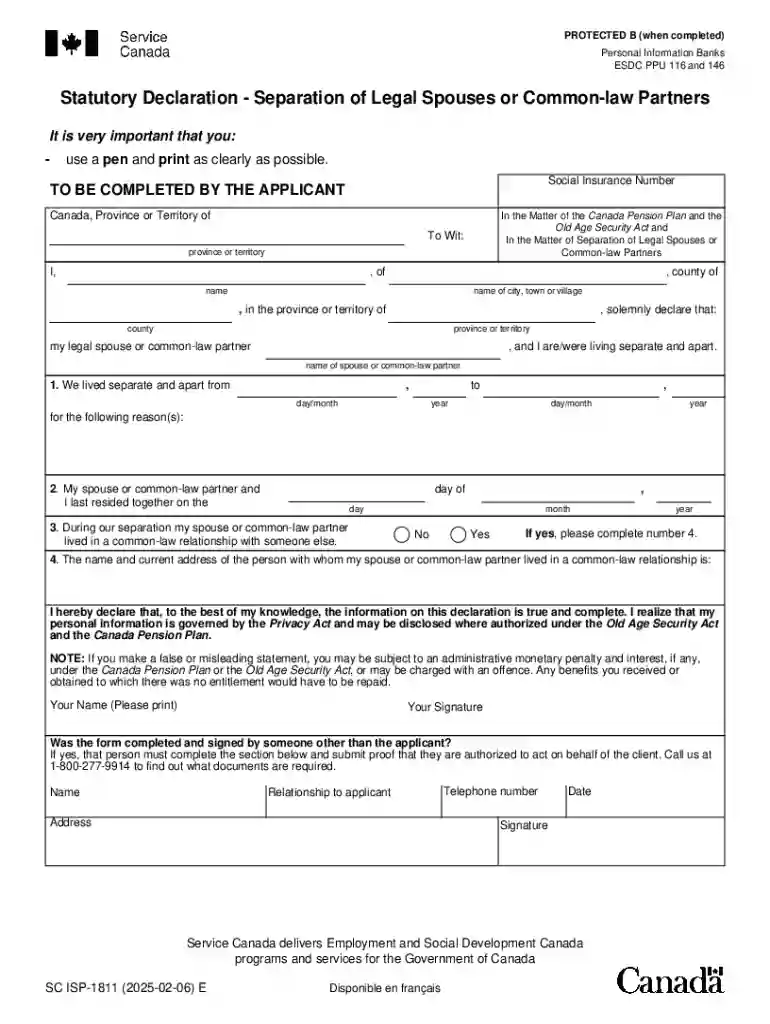
Definition and Meaning of Form Online
The term "form online" refers to digital versions of documents typically used for various official purposes, such as applications, declarations, or agreements. The transition from paper to digital forms offers significant advantages, including accessibility, ease of completion, and efficient data management. Utilizing online forms enables individuals and organizations to collect and process information swiftly without the need for physical paperwork, thereby streamlining administrative processes.
How to Use the Form Online
To use a form online effectively, navigate to the appropriate digital platform or website hosting the form, such as DocHub. Once there, you can complete the form directly in your web browser. Tools like text editors, dropdown menus, and interactive fields make it easy to input data accurately. Many platforms also offer guidance on form completion, providing instructions or tooltips to ensure information is entered correctly.
- Locate the form on the relevant website or platform.
- Open the form using a compatible web browser or application.
- Fill out each required field using available input tools (text boxes, checkboxes, etc.).
- Review the completed form for accuracy before submission.
Enhancements for Completion
- Auto-fill Options: Save time by using auto-fill features that populate repetitive fields automatically.
- Templates: Some services offer reusable form templates to streamline recurring document tasks.
How to Obtain the Form Online
Obtaining a form online typically involves visiting the website of the issuing organization or an authorized service like DocHub. These sites often provide downloadable forms in various formats, including PDFs, which can be filled out digitally.
- Visit the official website where the form is available.
- Search for the specific form using search tools or navigation menus.
- Download the form in your preferred format or directly open it for online completion.
Tips for Finding Forms
- Keyword Search: Use specific keywords related to the form to enhance search accuracy.
- Help Sections: Utilize help or FAQ sections of websites for guidance on locating forms.
Steps to Complete the Form Online
Completing an online form can be straightforward if you follow an organized approach:
- Open the Form: Use a compatible browser or PDF editor.
- Fill in Personal Details: Provide accurate personal information in designated fields.
- Supply Required Documentation: Attach any necessary supporting documents if requested.
- Review Entries: Ensure all entries are correct and complete.
- Submit the Form: Follow submission instructions, often via a "Submit" button or by emailing the completed form to a specified address.
Common Pitfalls to Avoid
- Missing Attachments: Always double-check that all required files are attached.
- Incomplete Sections: Ensure that mandatory fields are completed before submission.
Why Should You Use Form Online
Utilizing forms online offers numerous advantages:
- Convenience: Fill out and submit forms from any location with internet access.
- Efficiency: Online forms streamline data entry and reduce processing time.
- Error Reduction: With built-in validation checks, errors are minimized.
- Environmental Impact: Reduces paper usage and contributes to environmental conservation.
Case Study
An HR department implemented online forms for employee onboarding, which reduced processing time by 50% and improved data accuracy.
Key Elements of the Form Online
Digital forms contain several key elements designed to facilitate user interaction and data collection:
- Interactive Fields: Text boxes, dropdown lists, and checkboxes for data entry.
- Guidance Sections: Instructions or tips that aid in proper form completion.
- Validation Checks: Built-in rules to ensure entered data meets specific criteria.
Important Considerations
- Field Requirements: Understand which fields are mandatory versus optional.
- Data Privacy: Ensure that sensitive information is handled securely.
Important Terms Related to Form Online
Familiarity with key terminology can enhance understanding and proper usage:
- E-signatures: Digital signatures allowing for legal recognition of online signed documents.
- Encryption: Data protection method used to secure information during form submission.
- OAuth: Authentication protocol ensuring secure access to online accounts.
Glossary of Terms
- Attachment: A file included with a form submission.
- Template: A pre-designed form structure for repeated use.
Legal Use of the Form Online
Online forms hold legal validity comparable to their paper counterparts when properly executed:
- Compliance: Adheres to legal standards such as the ESIGN Act for electronic transactions.
- Authentication: Ensures the identity of parties involved in form completion.
- Audit Trails: Maintain records of form interactions, enhancing accountability.
Example Use Cases
- Business Contracts: Legally binding agreements completed and signed online.
- Government Filings: Tax returns submitted through online portals with legal recognition.
Examples of Using the Form Online
Online forms serve various purposes across different sectors:
- Job Applications: Streamline the hiring process by enabling digital submissions.
- Customer Feedback: Collect insights through satisfaction surveys.
- Registration Forms: Facilitate event signup with ease.
Real-World Scenarios
- An e-commerce site integrates online forms to streamline customer order processing, enhancing user experience and operational efficiency.
State-Specific Rules for the Form Online
Different states may have unique regulations and requirements for online forms:
- Compliance Variations: Some states may require supplementary documentation.
- Filing Restrictions: Deadlines and submission portals can vary by jurisdiction.
Navigating State Requirements
- Consult Local Regulations: Ensure familiarity with state-specific guidelines.
- Seek Legal Advice: Obtain legal consultation when dealing with complex legal documents.