Type text, add images, blackout confidential details, add comments, highlights and more.
02. Sign it in a few clicks
Draw your signature, type it, upload its image, or use your mobile device as a signature pad.
03. Share your form with others
Send fmc form 18 via email, link, or fax. You can also download it, export it or print it out.
How to use or fill out FMC 18 application with our platform
Ease of Setup
DocHub User Ratings on G2
Ease of Use
DocHub User Ratings on G2
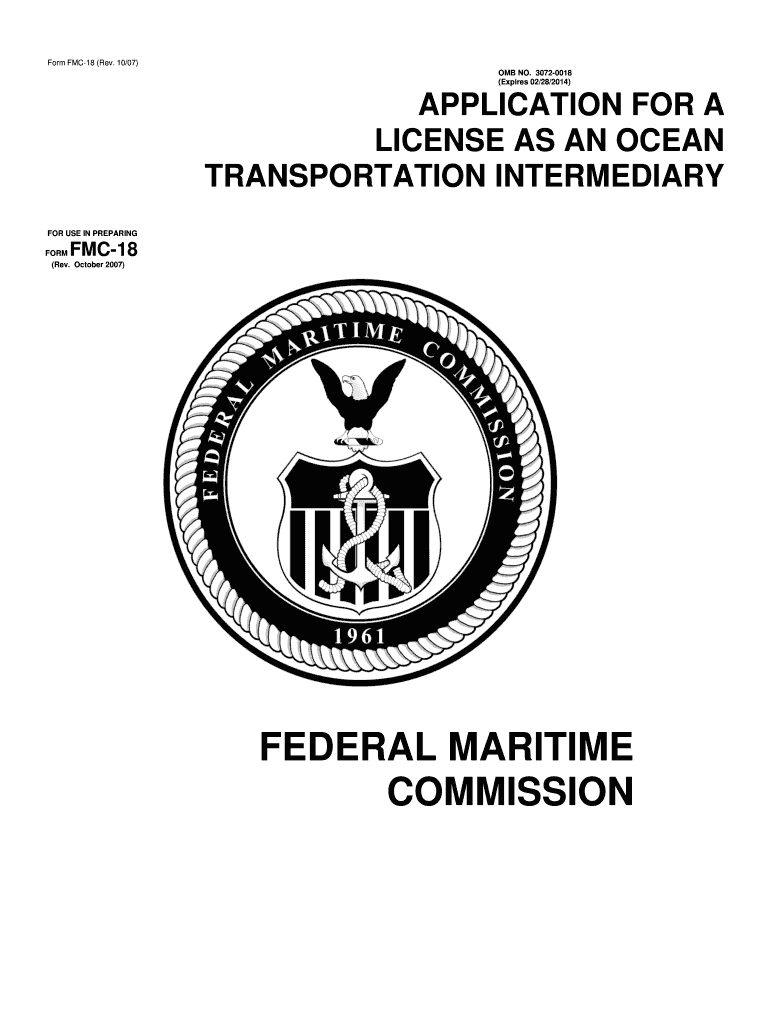
Click ‘Get Form’ to open the FMC 18 application in the editor.
Begin with Part A, where you will enter your complete legal name and address. Ensure that all fields are filled accurately, as this is crucial for processing.
Move to Part B, which requires detailed business information. Check the appropriate box for your business structure and provide necessary documentation like Articles of Incorporation if applicable.
In Part C, if applicable, indicate any name changes or license transfers. Attach supporting documents such as a Fictitious Name Statement.
Proceed to Part D to identify the qualifying individual. Include their experience and attach proof of their position within your organization.
Complete Parts E and F by detailing ownership affiliations and branch offices. Make sure to provide accurate contact information for each entity listed.
Finally, review Part G for certifications. Ensure all signatures are included before submitting your application.
Start using our platform today to streamline your FMC 18 application process for free!
(1) Any person who wishes to obtain a license to operate as an ocean transportation intermediary shall submit electronically a completed application Form FMC-18Read more
Oct 28, 2020 The REST API is an application programming interface (API), based on RESTful principles, which you can quickly enable on any FirepowerRead more
Cookie consent notice
This site uses cookies to enhance site navigation and personalize your experience.
By using this site you agree to our use of cookies as described in our Privacy Notice.
You can modify your selections by visiting our Cookie and Advertising Notice.