
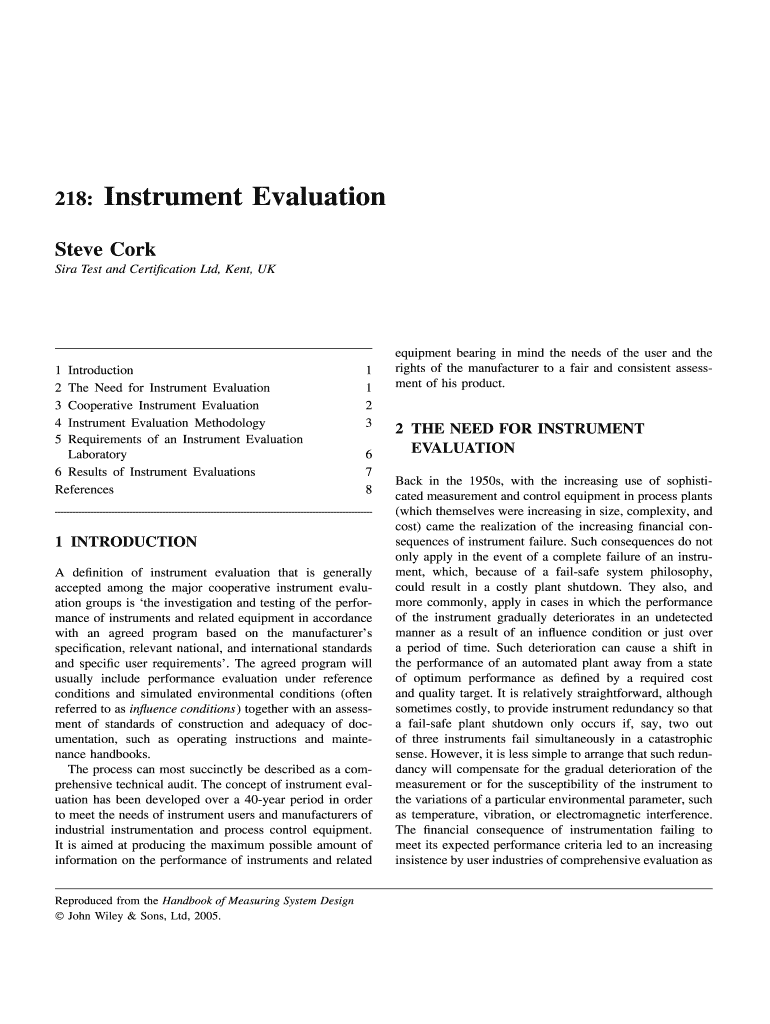







Definition and Meaning of Instrument Evaluation
Instrument evaluation is a critical process used to assess the performance of various instruments against the manufacturer's specifications and industry standards. It aims to verify whether an instrument is functioning correctly and reliably, ensuring they meet the necessary quality and operational standards. This evaluation process is crucial in industrial settings where instrument failures can lead to significant financial losses and operational setbacks. Properly conducted evaluations help in maintaining the accuracy and reliability of instruments, thus instilling confidence among users and stakeholders.
Steps to Complete the Instrument Evaluation
-
Preparation:
- Gather all relevant documentation, including manufacturer specifications, operational manuals, and previous evaluation reports.
- Identify the instruments due for evaluation and ensure they are accessible and operable.
-
Initial Inspection:
- Conduct a preliminary visual inspection to check for any obvious signs of damage or wear.
- Ensure all instruments are correctly installed and calibrated as per manufacturer guidelines.
-
Performance Testing:
- Utilize standardized methodologies to test the instruments. This may include functional and stress testing to simulate working conditions.
- Record all performance data meticulously for further analysis.
-
Data Analysis:
- Compare the collected data with manufacturer specifications and industry standards.
- Identify any discrepancies or areas of concern that require attention.
-
Reporting:
- Compile a detailed report of findings, including test results, deviations, and recommended corrective actions.
- Share the report with relevant stakeholders, including maintenance teams and management.
-
Follow-Up:
- Implement corrective actions for any identified issues and schedule a re-evaluation if necessary.
- Document any modifications or repairs made to the instruments.
Key Elements of the Instrument Evaluation
Instrument evaluation comprises several key elements that ensure a comprehensive assessment:
- Accuracy: Verifying that instruments provide measurements within acceptable error margins.
- Reliability: Assessing the consistency and dependability of instruments over repeated tests.
- Compliance: Ensuring instruments adhere to all relevant industry and safety standards.
- Calibration: Checking the calibration settings to maintain precision in measurement.
- Documentation: Keeping accurate records of evaluations, repairs, and updates for future reference.
Importance of Conducting Instrument Evaluation
Ensuring that instruments perform as expected is essential for several reasons:
- Quality Assurance: Maintains the quality and integrity of processes by ensuring instruments are precise and reliable.
- Regulatory Compliance: Adheres to industry and legal standards, reducing the risk of non-compliance penalties.
- Efficiency: Identifies potential inefficiencies or failures that could lead to downtime or increased operational costs.
- Safety: Protects the safety of employees and equipment by preventing malfunctions and accidents.
Who Typically Uses Instrument Evaluation?
Instrument evaluation is generally used by:
- Industrial Operations: Manufacturing plants and refineries that rely heavily on instrumentation for production efficiency.
- Quality Control Teams: To ensure compliance with quality standards and specifications.
- Laboratories: For maintaining the accuracy of scientific measurements and data integrity.
- Maintenance Engineers: For regular checks and servicing of equipment to prevent failures.
Legal Use and Compliance in Instrument Evaluation
Legal compliance is a significant aspect of instrument evaluation, ensuring that all practices meet established guidelines and standards. In the United States, evaluations must adhere to various federal and state regulations that govern workplace safety and product standards. Failing to comply with these regulations can result in severe financial penalties and legal consequences. It’s imperative for organizations to stay updated with legal requirements and maintain evidence of compliance through documented evaluations.
Examples of Using Instrument Evaluation
- Manufacturing Plant: A chemical processing plant uses instrument evaluation to ensure pressure and temperature gauges are precise to prevent hazardous reactions.
- Medical Laboratory: Evaluations ensure diagnostic equipment provides accurate readings, crucial for patient safety and treatment efficacy.
- Research Facility: Instrument evaluations guarantee experimental results are valid and replicable, maintaining scientific integrity.
Required Documents for Instrument Evaluation
To conduct a thorough instrument evaluation, certain documents are often required:
- Manufacturer Specifications: Essential for verifying instrument performance against designed capabilities.
- Previous Evaluation Reports: Provide historical data and insights on trends or recurring issues.
- Calibration Certificates: Evidence that instruments have been routinely serviced and calibrated.
- Standard Operating Procedures (SOPs): Guide the evaluation process to ensure consistency and reliability.
By adhering to these guidelines and procedures, businesses can ensure their instruments function optimally, thereby supporting operational success and compliance.




