




01. Edit your form online
Type text, add images, blackout confidential details, add comments, highlights and more.

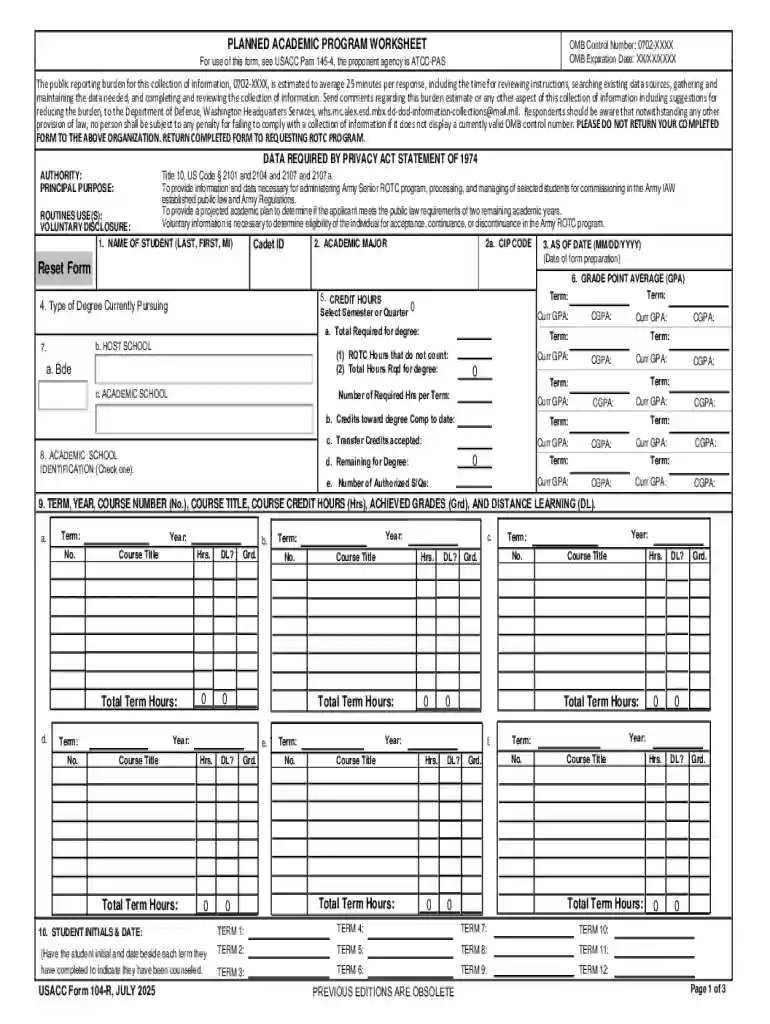
Type text, add images, blackout confidential details, add comments, highlights and more.

Draw your signature, type it, upload its image, or use your mobile device as a signature pad.

Send it via email, link, or fax. You can also download it, export it or print it out.
Understanding what "form online" represents is crucial for navigating digital processes. A form online refers to any digital document that can be completed and submitted over the internet. These forms are widely used across various sectors, including government, education, and business, to streamline data collection and management. Online forms replace traditional paper-based forms, providing a more efficient, error-resistant, and accessible method for users to input and submit information. They often include fields for entering text, selecting options from dropdowns, or checking boxes, allowing for consistent data entry and easier subsequent analysis.
Utilizing an online form involves a straightforward process. Users typically access these forms through a website or an application. Once the form is opened, users can fill in the required fields. These may include personal information, contact details, or specific data related to the form’s purpose. After completing all necessary fields, users have the option to review their inputs for accuracy before submitting the form electronically. Many platforms also allow users to save their progress, enabling them to continue filling out the form at a later time. This provides flexibility for users who may need to gather additional information before submitting.
Completing a form online generally involves a series of specific steps designed to ensure accuracy and efficiency:
Access the Form: Navigate to the platform offering the form and open the document.
Fill in Personal Details: Enter required personal information such as name, address, and contact details.
Provide Specific Data: Complete fields related to the purpose of the form, which may involve inputting data like account numbers or selecting applicable options from dropdown menus.
Review Entries: Carefully check each entered detail to ensure accuracy, correcting any errors as needed before submission.
Submit the Form: Once all fields are correctly filled and reviewed, submit the form using the designated submission button or link.
Confirmation: After submission, look for a confirmation message, which usually indicates that the form has been successfully submitted and received.
Several critical elements are often included in an online form to facilitate data collection:
Text Fields: These areas allow users to input information manually, such as names or descriptions.
Dropdown Menus: These provide pre-defined options from which users can select, ensuring consistency in responses.
Checkboxes and Radio Buttons: These allow users to select one or more options, commonly used for agreement confirmations or multiple-choice questions.
Submit Button: This is the final step in the process, enabling the user to send the completed form to the relevant party.
A diverse array of users engage with online forms, each benefiting from the technology's ease and efficiency:
Businesses: Companies use online forms for customer feedback, order processing, and employee onboarding.
Educational Institutions: Schools and universities employ forms for applications, enrollment, and feedback collection.
Government Agencies: Forms are used to gather data for various administrative processes, such as tax filings and census activities.
Individuals: General users may fill out forms for personal applications, volunteering opportunities, or online purchases.


Online forms hold legal significance, especially in formal agreements or applications. They are used for submitting legally binding documents such as contracts and applications for licenses. The digital signatures collected on these forms must comply with legal standards, often involving authentication protocols to verify identities and ensure the document's integrity. These standards vary by jurisdiction, but generally, they ensure that the electronic form is treated with the same legal weight as its paper counterpart.
State-specific regulations may influence how online forms are created, used, and submitted. For example:
Tax Filing Forms: Each state has its own tax guidelines which dictate the specific requirements for state tax forms.
Business Registration: States may have varying stipulations regarding the information required for business licensing and registration forms.
Privacy Laws: Some states have stringent data privacy laws that affect how personal information is collected and stored via online forms.
Understanding these nuances is essential for compliance and optimal use of online forms within different states.
When using an online form for processes like applications or registrations, users might need to provide certain documentation. Common requirements include:
Identification: Government-issued ID documents such as driver’s licenses or passports.
Proof of Address: Recent utility bills, bank statements, or rental agreements.
Financial Statements: Necessary for tax-related forms or financial aid applications.
It's important to ensure that these documents are ready and may need to be uploaded to complete the form submission process.
At DocHub, your data security is our priority. We follow HIPAA, SOC2, GDPR, and other standards, so you can work on your documents with confidence.





Formstack is a no-code online form builder with AI-powered, enterprise-grade features, automating data collection and workflows, and offering touchless form
Oct 2, 2025 This page lists the USCIS forms that are currently available to file online. Visit the File Online page to learn about the benefits of filing a form using our
Q: Is the accident report form available on the Internet? A: Yes. The Motor Vehicle Accident Report Form is now available in fillable PDF format. Visit our


