
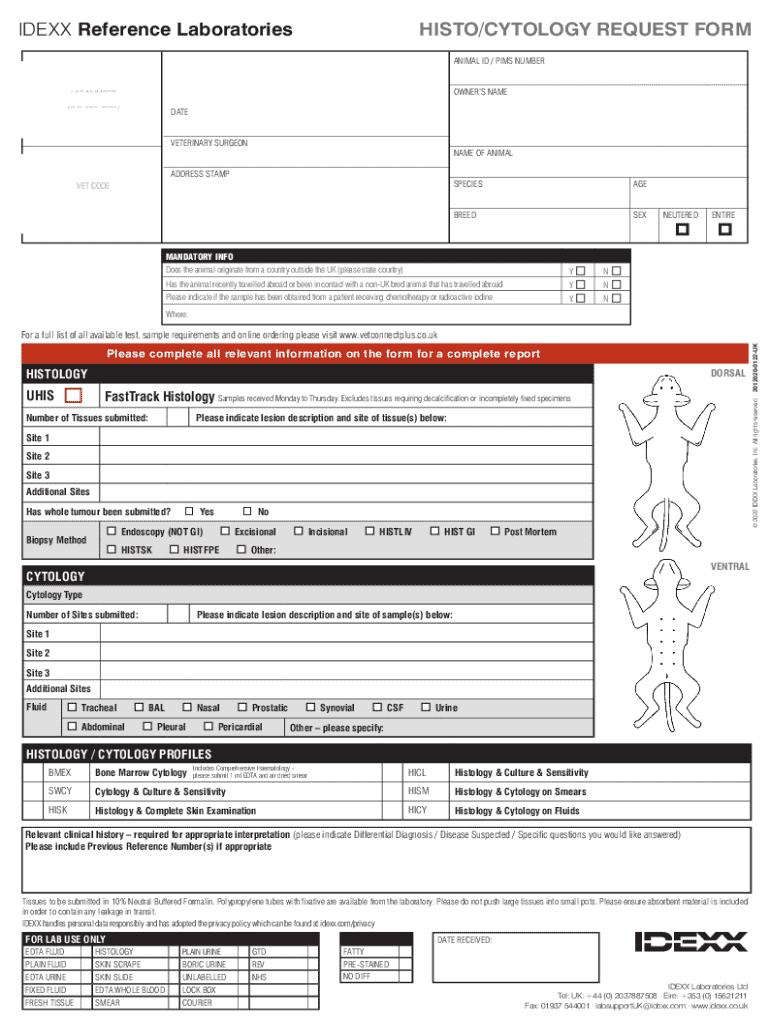







Definition and Meaning
Online forms are digital versions of traditional paper forms, allowing users to input data and submit it via the internet. These forms streamline various processes by enabling users to complete tasks from any location with internet access. By eliminating the need for physical documents, online forms facilitate faster data collection, lower processing costs, and improved accessibility.
Steps to Complete the Form Online
-
Locate the Form: Access the specific form you need, typically available on the issuing organization’s website or a platform specializing in form creation and management.
-
Read Instructions Carefully: Each form has unique instructions on how to fill it out correctly. Make sure to go through all the guidance provided to avoid errors.
-
Fill In Required Information: Using fields such as text boxes, checkboxes, or dropdowns, enter your information as requested. Ensure all required fields marked with an asterisk are completed.
-
Review and Edit: Check your entries for accuracy and completeness. Many online forms allow you to preview your responses or provide a summary before submission.
-
Submit the Form: After confirming all details, submit the form via the platform. You may receive an email confirmation, so ensure you enter a valid email address.
-
Save a Copy: It’s advisable to save a copy of the completed form for your records. Some platforms offer an option to download or email the filled form.
How to Obtain the Form Online
To access forms online, you typically need to:
- Visit the Appropriate Website: Forms are often found on governmental, institutional, or business websites. The form’s relevance to its source ensures the most accurate and latest version is available.
- Search for the Form: Utilize search bars or specific form categories listed on the website to quickly find the necessary document.
- Download Option: If you need an offline version, many platforms allow you to download a copy for subsequent filling out and submission.
Why Should You Use Forms Online
Online forms offer several advantages over traditional paper forms, including:
- Convenience: Complete forms anytime and from anywhere, as long as you have internet access.
- Efficiency: Automated data processing reduces the time from submission to action.
- Cost-effective: Eliminates the need for printing, postage, and physical storage.
- Environmentally Friendly: Reduces paper use, helping businesses and individuals minimize their environmental footprint.
Legal Use of the Form Online
Completing forms online complies with legal standards as long as platforms adhere to privacy and data protection regulations such as the ESIGN Act. This means electronic signatures and submissions have the same legal standing as paper documents in court, provided compliance is maintained. Ensure the platform you use securely encrypts data and offers authentication measures to safeguard sensitive information.
Key Elements of the Form Online
Online forms generally consist of several key elements to facilitate data collection:
- Inputs and Fields: Include text boxes, dropdowns, radio buttons, and checkboxes for versatile data entry methods.
- Validation Checks: Automate input validation to ensure information is recorded correctly, reducing errors.
- Instructions and Guidance: Provide clear directions for each section to help users fill out forms accurately.
Examples of Using the Form Online
Multiple institutions and industries take advantage of online forms:
- Education: Universities use forms for admissions, registrations, and feedback collections.
- Healthcare: Medical centers have patients fill out insurance details and medical history online to expedite check-in processes.
- Employment: Job applications and employee onboarding are streamlined using digital forms.
Software Compatibility
Online forms are often compatible with a range of software solutions to enhance their utility:
- Integration with Productivity Tools: Forms can typically be integrated with tools like Google Workspace, Microsoft Office, or cloud storage services.
- Application Software: Platforms such as DocHub or software like TurboTax allow users to edit, manage, submit, and export forms directly to necessary workflows.
- Multi-Device Access: Accessible through desktops, tablets, or smartphones for flexible completion options.
Penalties for Non-Compliance
Failing to complete required online forms may result in various penalties:
- Fines and Fees: For tax forms and other legally mandated documents, non-compliance can lead to fines.
- Delayed Processing: Submission after deadlines may result in application delays or rejections.
- Legal Consequences: For financial or governmental forms, failing to comply may lead to legal actions.




