
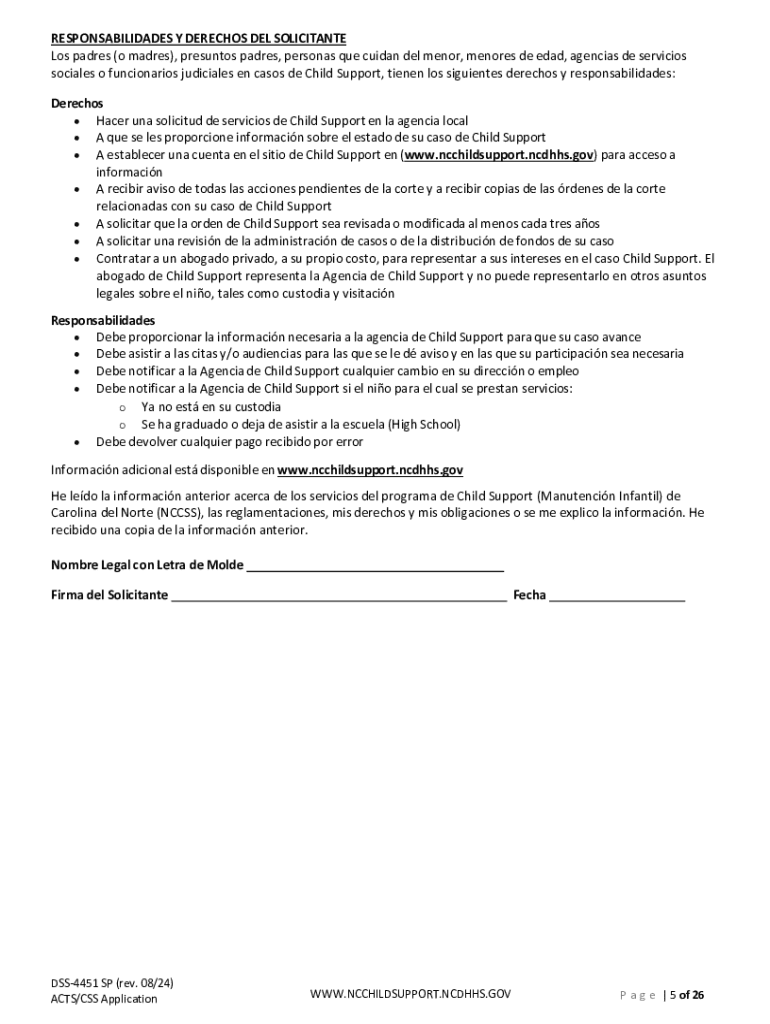







Definition and Meaning of Form Online
The term "form online" refers to any document that can be completed electronically over the internet. These forms are increasingly adopted across various sectors, including legal, business, and governmental processes, to streamline activities such as applications, submissions, and surveys. The online form simplifies the conventional paper-based approach by allowing users to input, submit, and manage data digitally. This digital format is particularly advantageous for efficiency, accuracy, and convenience, ensuring that users can access and complete forms at any time without geographical constraints.
How to Use the Form Online
Using an online form is straightforward, generally involving a few simple steps:
-
Access the Form: Navigate to the specific website or platform hosting the form. In some cases, you might need to register or log in to access the form.
-
Fill Out the Fields: Enter the required information in the designated fields. Online forms often include text boxes, dropdown menus, and checkbox options to guide users through the data entry process.
-
Review and Verify: Before submission, review all input data to ensure accuracy and completeness. Many platforms allow you to save as you go, reducing the risk of data loss.
-
Submit the Form: Once all fields are completed and verified, submit the form by clicking the provided button. Always ensure you receive a confirmation notice, which indicates that your submission was successful.
-
Save a Copy: After submission, it's advisable to save or print a copy of the completed form for your records.
Steps to Complete the Form Online
Completing an online form entails a structured approach to avoid errors:
-
Understand Requirements: Before beginning, familiarize yourself with what information and documents are required. This preparation prevents last-minute searches for necessary data.
-
Gather Documents: Collect all relevant documents specified in the form instructions, such as identification numbers, certificates, or proofs of address.
-
Fill Out Sections Incrementally: Address each form section methodically. Use the 'save' function, if available, to preserve progress.
-
Verify Input: Double-check each entry for typos or misplaced information. Pay close attention to mandatory fields often marked with an asterisk (*).
-
Submit and Confirm: After submitting, look for a confirmation message or email detailing the successful submission and any next steps.
Key Elements of Online Forms
Online forms typically encompass several fundamental components:
-
User Input Fields: These are interactive sections where users enter data, including text fields, dropdown selections, and checkboxes.
-
Instructions and Guidelines: Many forms provide instructions to help users understand and correctly fill out each part.
-
Validation and Error Messages: Built-in validation checks ensure all required fields are completed correctly, with prompts or error messages for incorrect entries.
-
Submission Button: This is the final step for sending completed forms, often accompanied by a message confirming receipt.
-
Data Protection: Secure platforms implement encryption and authentication protocols to protect user information during transmission.
Legal Use of the Form Online
Using forms online for legal purposes demands adherence to specific guidelines to ensure compliance and authenticity:
-
Electronic Signatures: Many legal forms permit electronic signatures, which are considered legally binding under acts like the ESIGN Act.
-
Security Measures: Ensure sensitive data is protected through encryption and secure access protocols to uphold privacy and data integrity.
-
Verification Process: Some forms may require additional verification steps, such as uploading identity documents or third-party witness signing.
-
Retention Policies: Understand and adhere to retention policies for legal documents, ensuring that copies of all submissions are preserved according to relevant laws.
Who Typically Uses the Form Online
Online forms are utilized by a diverse range of users:
- Businesses: For client intake, contracts, and order processing.
- Individuals: For applications, feedback surveys, and registrations.
- Government Agencies: For tax filing, benefit claims, and public service applications.
- Educational Institutions: For enrollment, feedback, and administrative processes.


State-Specific Rules for Forms Online
Certain forms, especially those related to state processes like taxes or permits, may have state-specific requisites:
-
Variations in Requirements: Different states may have unique requirements for what information is needed or how it should be submitted.
-
Jurisdictional Guidelines: Ensure compliance with the specific jurisdiction's regulatory frameworks to avoid submission rejections or processing delays.
-
Local Resources: Some states provide resources or helplines to assist with state-specific forms and requirements.
Required Documents for Online Form Submission
Typically, forms online stipulate certain documents that must accompany the submission:
- Identification: Personal IDs such as a driver’s license or social security card.
- Proof of Residence: Utility bills or lease agreements as evidence of address.
- Financial Records: For forms related to finance or taxes, bank statements or pay stubs might be necessary.
- Supporting Documentation: Specific to the form’s purpose, such as business licenses or professional certifications.
By understanding these multi-faceted aspects of forms online, users can efficiently navigate and complete them, ensuring compliance and correctness in their submissions.




