




01. Edit your mpc 162 online
Type text, add images, blackout confidential details, add comments, highlights and more.

Type text, add images, blackout confidential details, add comments, highlights and more.

Draw your signature, type it, upload its image, or use your mobile device as a signature pad.

Send form 162 via email, link, or fax. You can also download it, export it or print it out.

Start using our platform today for seamless document editing and form completion!
At DocHub, your data security is our priority. We follow HIPAA, SOC2, GDPR, and other standards, so you can work on your documents with confidence.
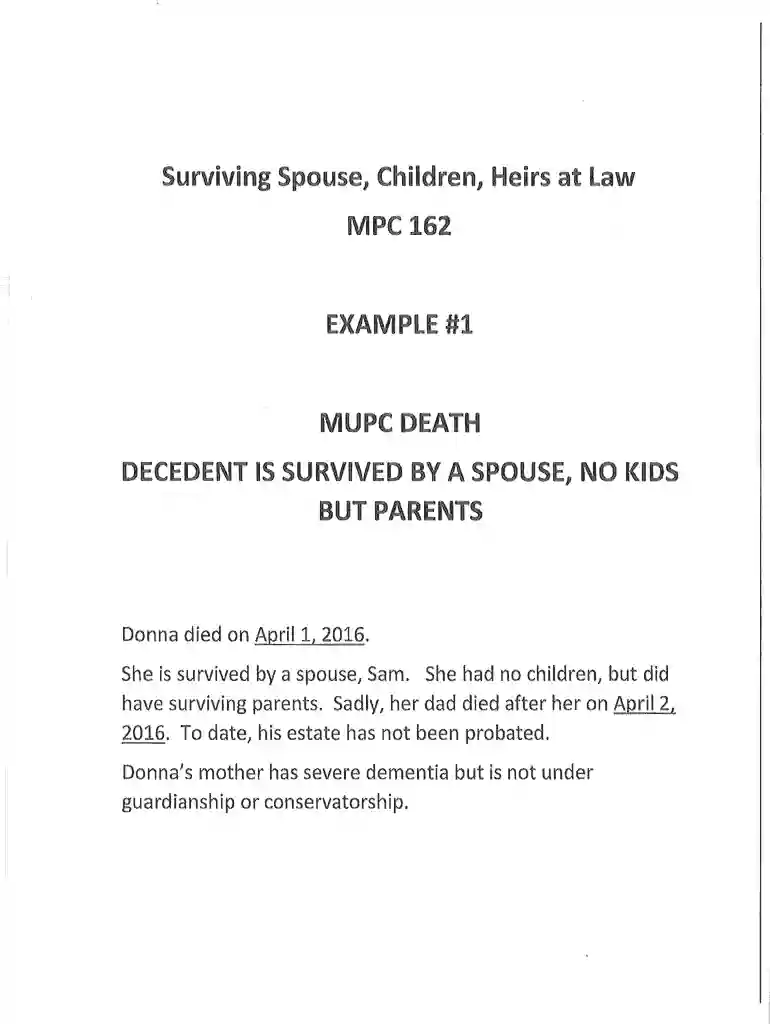
This form must be used to identify a Decedents surviving spouse, children and heirs at law. Heirs at law are persons entitled to receive the DecedentsRead more
This course covers repair and rebuilding of modern automotive engines. Topics include theory, disassembly, cleaning, inspection, diagnosis, and failure analysisRead more
This document contains licenses and notices for open source software used in this product. With respect to the free/open source software listed in thisRead more


