




01. Edit your form online
Type text, add images, blackout confidential details, add comments, highlights and more.

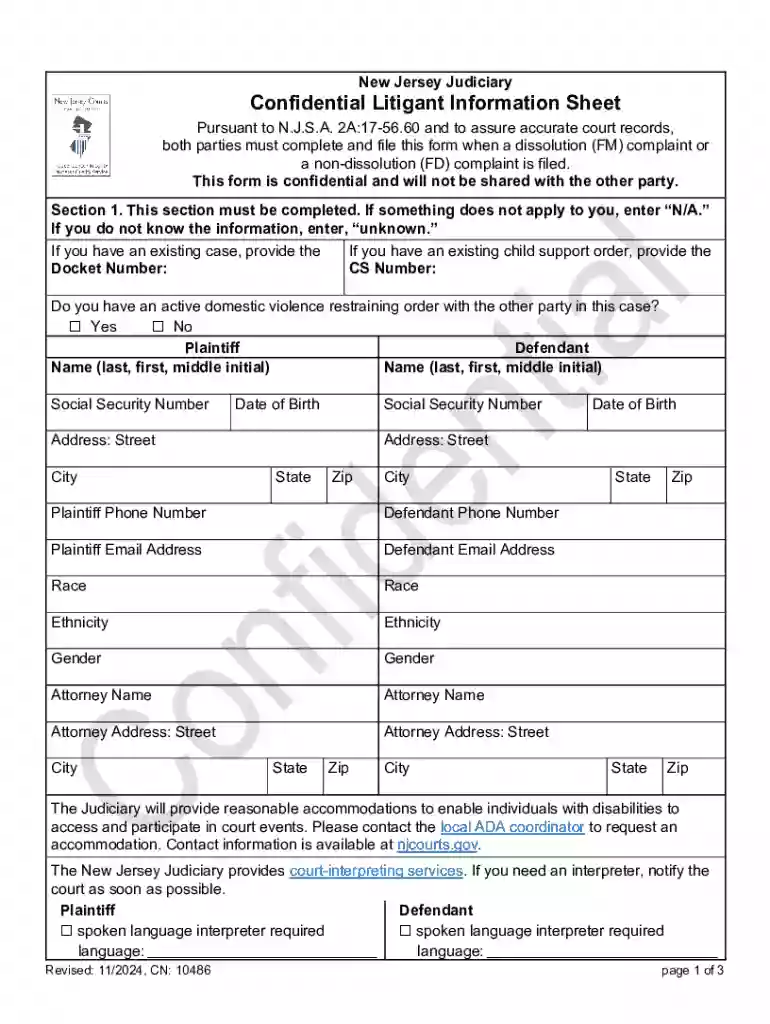
Type text, add images, blackout confidential details, add comments, highlights and more.

Draw your signature, type it, upload its image, or use your mobile device as a signature pad.

Send it via email, link, or fax. You can also download it, export it or print it out.
Filling forms online refers to the process of completing digital forms via an internet platform. This allows users to efficiently input necessary information without the need for physical paperwork, offering convenience and speed. Online forms can range from simple surveys to complex legal documents, making them an essential tool across various sectors such as government, business, education, and healthcare. The digital nature ensures a streamlined method for collecting and processing data, reducing manual errors, and enhancing data accuracy.
Forms online are commonly used for applications, registrations, feedback, and transactions. For instance, businesses often leverage online forms to gather customer feedback, while government agencies may use them for tax submissions and other official filings. These forms are designed to be intuitive, guiding users through each section to ensure all necessary details are captured correctly.
Access the Form: Start by locating the form through the official platform. For example, if using DocHub, users can import the form directly from cloud storage services or upload it from their device.
Read Instructions Carefully: Before filling out the form, review all guidelines and instructions to understand the information required. This helps in avoiding errors that could delay processing.
Input Data: Enter information into the designated fields. DocHub allows adding text, inserting images, and utilizing various annotation tools to enhance clarity.
Utilize Form Fields: For fillable forms, use text boxes, checkboxes, and dropdown menus provided. This structure ensures each data point is collected efficiently.
Review and Edit: Carefully review the entered data for accuracy. DocHub provides tools for making edits, such as highlighting key sections or commenting for clarity.
Sign the Form: If the form requires a signature, DocHub allows users to create legally binding electronic signatures directly. Choose from drawing, typing, or uploading an image of your signature.
Submit the Form: After confirming all details are correct, submit the form as per the given instructions. This could be via direct upload through a platform like DocHub or emailing it to the concerned party.
Official Websites: Most forms are available on respective official websites, such as state or federal government sites for public forms.
Third-Party Platforms: Services like DocHub allow importing forms from a variety of sources. Users can access forms saved on cloud services like Google Drive or OneDrive and upload them into the platform for editing.
Email Requests: In some cases, users may request a form from the issuing authority via email, who might then provide a downloadable link or an attached document for immediate use.
Instruction Section: Detailed information about completing each section of the form. This includes any relevant guidelines or prerequisites necessary for submission.
Data Fields: Sections within the form where users input their information. These fields could be text boxes, check boxes for multiple-choice questions, or dropdown lists for selecting predefined options.
Signature Area: This section requires the user's signature to validate the information provided. Platforms like DocHub offer electronic signature capabilities to facilitate online submissions.
Submission Guidelines: Instructions about how and where to submit the form once completed. This may specify digital submission via email or through a specific software application.
State-specific rules can influence how a form is completed or the details required. Variations might exist in:
Data Privacy Regulations: Different states have specific data protection laws influencing how personal information is handled in online forms.
Eligibility Criteria: Certain forms may have state-specific eligibility requirements. For instance, tax forms might require different documentation based on state law.
Document Submission Preferences: Some states may prefer digital submissions over paper, and vice-versa, based on infrastructure and environmental policies.
Tax Filings: Taxpayers submit forms like the W-9 or 1040 online to report their income and deductions efficiently, aided by software compatibility with platforms like DocHub.
Business Registrations: Entrepreneurs can register their companies using online forms, specifying their business entity type while complying with local regulations.
Educational Enrollment: Schools and universities utilize online forms for student registration and course enrollment processes to streamline admissions and manage data effectively.
Electronic forms are recognized legally when they meet compliance standards such as:
Electronic Signature Laws: According to the ESIGN Act, signatures on digital forms are legally binding, provided they fulfill authenticity and traceability conditions.
Regulatory Adherence: Ensuring that the entire form process, from collection to submission, adheres to pertinent laws regarding data protection and document retention.
Audit Trails: Platforms like DocHub offer features that record who accessed and signed the document, providing an essential layer for legal and transactional documentation.
Compatibility with software like TurboTax, QuickBooks, or DocHub plays a crucial role in form completion and submission. These integrations allow users to:
Seamlessly Import Data: Directly pull necessary information from systems like QuickBooks to auto-populate relevant sections in financial forms.
Ensure Accuracy: With real-time data synchronization, platforms can minimize errors and ensure all calculations reflect the latest records and financial activities.
Efficient Processing: Compatibility leads to faster processing times as users can implement software tools to manage, edit, and submit forms without switching between multiple applications.
At DocHub, your data security is our priority. We follow HIPAA, SOC2, GDPR, and other standards, so you can work on your documents with confidence.
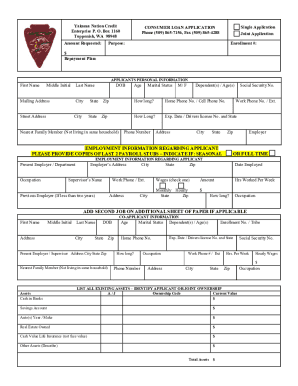
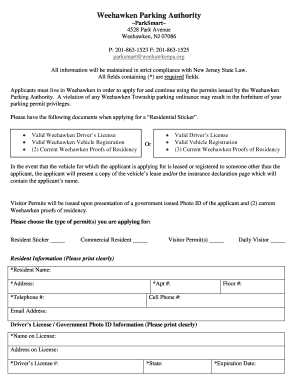

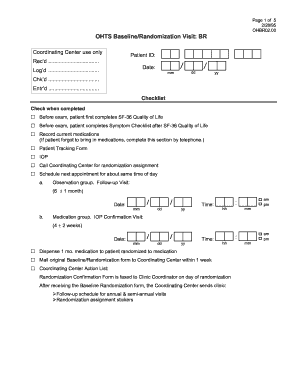

This Guide will briefly introduce you to the CFSAN Online Submission Module (COSM) and illustrate how to create an OFAS Regulatory submission.
Create powerful online forms with pre-fill, AI, and multi-step workflow features. Try our easy-to-use online form builder with enterprise-level
Sep 18, 2025 This page lists the USCIS forms that are currently available to file online. Visit the File Online page to learn about the benefits of filing a form using our


