




01. Edit your form online
Type text, add images, blackout confidential details, add comments, highlights and more.

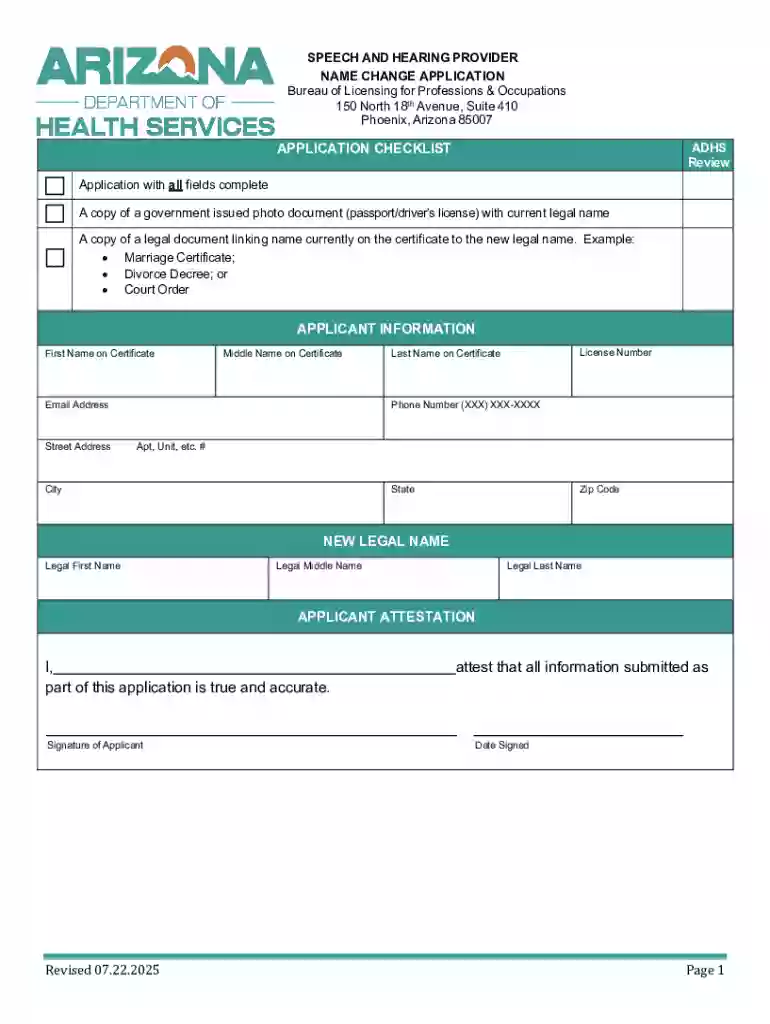
Type text, add images, blackout confidential details, add comments, highlights and more.

Draw your signature, type it, upload its image, or use your mobile device as a signature pad.

Send it via email, link, or fax. You can also download it, export it or print it out.
Online forms are digital versions of traditional paper forms that enable users to input and submit information electronically. They are used in a variety of contexts, such as registration, applications, surveys, and feedback collection. These forms are often embedded in websites or sent via email, making them easily accessible from anywhere with an internet connection. An online form can streamline data collection processes by eliminating the need for manual data entry and reducing the chances of errors associated with paper forms.
Using an online form typically involves several straightforward steps, which make the process efficient and user-friendly. The approach can vary depending on the specific design and purpose of the form, but here are common steps involved:
Access the Form: Locate the online form via a website or email link. Forms hosted on platforms like DocHub can be accessed directly in a browser without any additional downloads or installations required.
Fill Out the Fields: Enter the required information into the interactive fields, such as text boxes or dropdown menus. Some fields may include helper text or validation rules to guide users in entering correct data.
Review the Information: Before submission, carefully review the entered information to ensure correctness and completeness. The form may prompt you to fill any mandatory fields that have been missed.
Submit: Once all fields are filled and reviewed, submit the form. A submission confirmation page or email may be generated to acknowledge receipt.
Completing an online form accurately is essential for successful submission and further processing. Follow these detailed steps to ensure accuracy:
Prepare Needed Information: Gather all necessary documents and information beforehand, such as identification details or supporting documents like PDFs or images.
Fill Required Sections First: Start with mandatory fields to ensure critical information is not overlooked. Most forms highlight required sections with asterisks or bold text.
Use Available Help Tips: Many online forms include help icons or tooltips offering guidance on how to fill specific fields. Use these resources to avoid errors.
Cross-Check Entries: Compare the filled details with original documents, especially in sections requiring numerical data or contact information.
Attach Necessary Documents: If the form requires additional documents, use the upload functions to attach them in supported formats, such as PDF or JPEG.
Final Review and Save: Perform a final review and, if available, use the 'Save and Continue' feature to secure your progress before submission.
Online forms are used by a wide range of individuals and organizations for various purposes, making them versatile tools across different sectors:


The legal standing of online forms is a crucial consideration, especially when these forms involve sensitive information or financial transactions. Online forms can serve as legally binding documents if they meet specific requirements:
Compliance with Legal Standards: Forms, like those involving electronic signatures, must adhere to acts such as the ESIGN Act, ensuring they are recognized as valid equivalents to paper documents.
Digital Signature Authentication: Using digital signatures authenticated through protocols like OAuth 2.0 further enhances legal compliance and security.
Record Maintenance: Platforms offering online forms often include audit trails that log submission dates and any modifications, providing a reliable record for future reference.
Online forms generally comprise several key elements that facilitate a seamless and efficient user experience:
Depending on the nature of an online form, various supporting documents may be necessary to complete submissions effectively:
The submission process for online forms can typically be performed in multiple ways to accommodate user preferences and technical capabilities:
Online forms integrated into various platforms sometimes require compatibility with commonly used software in professional and personal contexts:
When utilizing online forms, it’s essential to consider any eligibility criteria to ensure valid submissions. This may include:

At DocHub, your data security is our priority. We follow HIPAA, SOC2, GDPR, and other standards, so you can work on your documents with confidence.



Create powerful online forms with pre-fill, AI, and multi-step workflow features. Try our easy-to-use online form builder with enterprise-level
Sep 18, 2025 This page lists the USCIS forms that are currently available to file online. Visit the File Online page to learn about the benefits of filing a form using our
This Guide will briefly introduce you to the CFSAN Online Submission Module (COSM) and illustrate how to create an OFAS Regulatory submission.


