
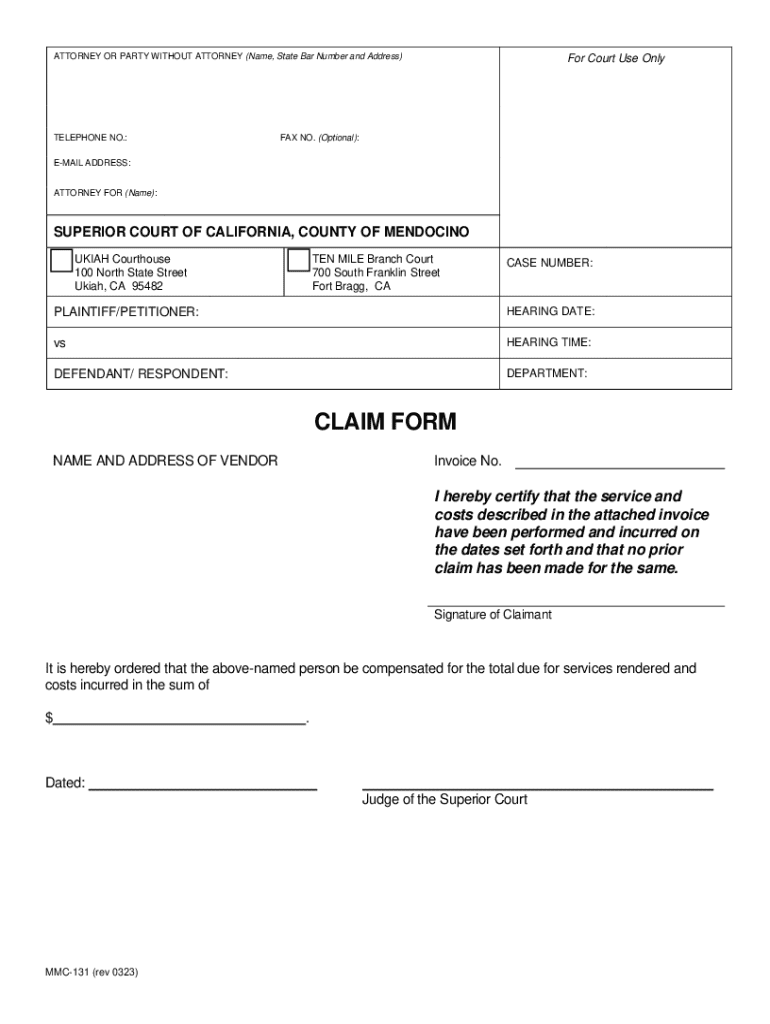







Definition & Meaning
A "form online" generally refers to a digital document that can be completed and submitted via the internet. Forms online are used for a wide array of purposes, including applications, registrations, surveys, order placements, and information collection. These forms are designed to improve efficiency by eliminating the need for physical paperwork and enabling immediate processing and data capture.
The digital nature of online forms allows them to be structured in various ways depending on the required information and purpose. For instance, forms may include text fields, dropdown menus, checkboxes, and signature fields to ensure comprehensive data entry. The key advantage is their accessibility, as they can be accessed and filled out from any device with internet connectivity.
How to Use the Form Online
-
Accessing the Form: Typically, an online form can be accessed through a link provided by the issuer. This can be on a website, through an email, or as an embedded form on a webpage.
-
Filling Out the Form: Users complete the form by entering information into various fields. It's crucial to ensure accuracy, as incorrect data may lead to processing errors or delays.
-
Reviewing and Submitting: Once the form is filled out, review all entered information to ensure it is correct and complete. Upon verification, the form can be submitted through a "submit" button. Most platforms will provide a confirmation message or email indicating that the form has been successfully submitted.
-
Receiving Confirmation: After submission, users should expect some form of acknowledgment. Depending on the nature of the form, this may include a copy of the submitted form or a tracking number.
How to Obtain the Form Online
Online forms can be obtained through several channels:
-
Official Websites: Government agencies, companies, or institutions typically host forms on their websites. Look for sections named "Forms," "Resources," or use the search function.
-
Email: Forms may be distributed via email, either directly or as embedded links.
-
Third-Party Services: Websites and platforms like DocHub provide access to a wide range of forms. These services often offer advanced features like saving partially filled forms for later completion.
Steps to Complete the Form Online
-
Preparation: Gather all required information before starting to fill out the form. This might include identification numbers, personal data, addresses, or electronic documents.
-
Entry: Enter data into each section of the form. For efficiency, start with mandatory fields and proceed to optional ones.
-
Instructions: Pay close attention to form instructions and any specific formats required, especially for dates or alphanumeric codes.
-
Review: Before submission, double-check each entry. Most forms online have a review page summarizing all filled sections for a final check.
-
Submit: Once satisfied with the entries, click the submit button. Look for any pop-up confirmations or errors that may need addressing.
-
Confirmation: Save or print the confirmation for future reference. If required, take a screenshot of any reference numbers or receipts provided.
Why Should You Form Online
Filling out forms online offers several advantages:
-
Convenience: Forms can be completed at any time and from anywhere, allowing flexibility in managing tasks.
-
Speed: Immediate submission reduces processing time compared to mailing paper forms.
-
Error Reduction: Built-in validation checks help reduce incomplete or invalid entries, ensuring higher data accuracy.
-
Environmentally Friendly: Reduces paper usage, contributing positively to environmental conservation.
-
Tracking and Storage: Digital forms are easier to track, retrieve, and store both for personal records and organizational databases.
Who Typically Uses the Form Online
Online forms cater to a diverse audience depending on the form's purpose:
-
Individuals: For applications like college admissions or loan requests.
-
Businesses: For registering services, subscribing to newsletters, or placing orders.
-
Students and Educators: For enrollment, examinations, and feedback surveys.
-
Government Agencies: For applications, permits, and information collection services.
The streamlined nature of digital forms has made them a staple in various sectors, providing efficiency and scalability.


Key Elements of the Form Online
-
Fields: Including text boxes, radio buttons, checkboxes, and dropdowns to capture a variety of data types.
-
Instructions: Clear instructions provided for fields to minimize errors.
-
Validation: Built-in checks ensure correct format and completeness, like mandatory fields and data types.
-
Security: SSL encryption or other security measures are used to protect user data during transmission and storage.
-
Accessibility: Designed for both desktop and mobile interfaces, enabling use across various devices.
Form Submission Methods
-
Online Submission: The most common and immediate method where forms are completed and submitted via the internet.
-
Email Submission: Some platforms allow forms to be downloaded, filled offline, and then emailed back to the issuer.
-
In-Person and Mail: Although less common for digital forms, some contexts may require the form to be printed, physically signed, and mailed or submitted in-person.
Understanding the available methods can assist in selecting the most suitable and efficient option based on personal or organizational needs.




