




01. Edit your form online
Type text, add images, blackout confidential details, add comments, highlights and more.

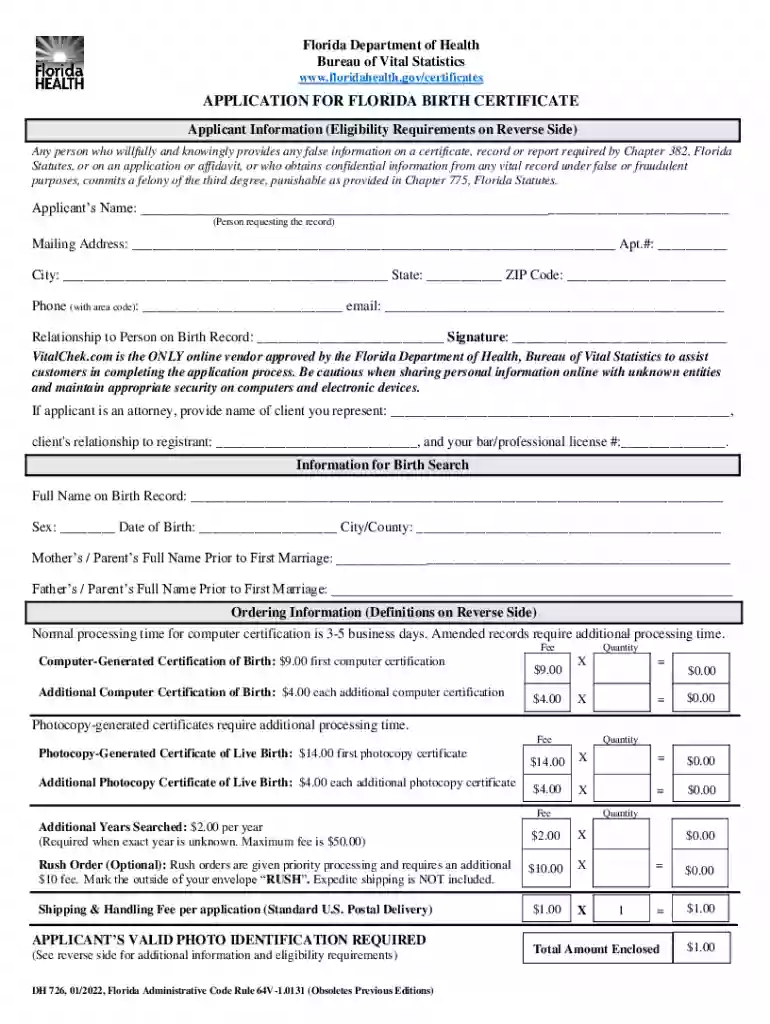
Type text, add images, blackout confidential details, add comments, highlights and more.

Draw your signature, type it, upload its image, or use your mobile device as a signature pad.

Send it via email, link, or fax. You can also download it, export it or print it out.
Publications, Forms, Applications, and Brochures refer to a range of documents that facilitate communication, administration, and various processes. They serve multiple purposes, including conveying information, gathering data, and formalizing requests or transactions. Forms are typically used for data entry and submission, while applications often request services or permissions. Publications and brochures generally disseminate information or promote services/products. In a platform like DocHub, these documents become interactive tools that streamline workflows, enhancing both the document creation and information dissemination processes.
When utilizing publications, forms, applications, and brochures through DocHub, users can take advantage of several features to maximize efficiency:
These tools are designed to ensure that the documents serve their intended purpose effectively, whether it's for marketing, administrative, or legal needs.
To obtain publications, forms, applications, and brochures through DocHub:
This multi-source access ensures users have flexibility in obtaining and working with their required documents.
Completing publications, forms, applications, and brochures effectively involves the following steps:
Attention to detail during each step can prevent errors and ensure the document fulfills its purpose effectively.
These documents are essential for streamlining administrative processes, securing legal or authorized applications, and disseminating important information:
By using DocHub for these tasks, users can further optimize document handling efficiencies.
Organizations and individuals who frequently use these documents include:
Each user group benefits from the customization and efficiency tools offered by DocHub.
These documents typically contain several key elements:
In DocHub, these elements can be customized and adapted to meet specific needs and preferences.
Legal considerations play a significant role when using these documents:
DocHub's compliance with these legal standards helps ensure that users can engage in document transactions confidently and legally.
At DocHub, your data security is our priority. We follow HIPAA, SOC2, GDPR, and other standards, so you can work on your documents with confidence.
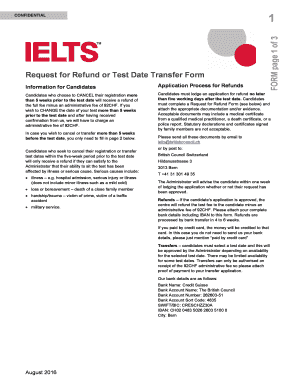
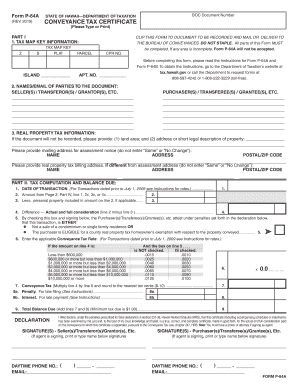
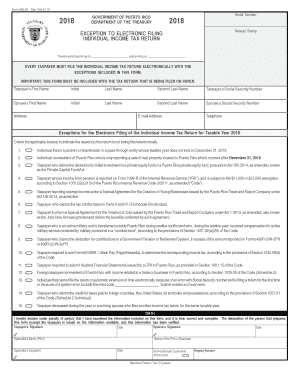
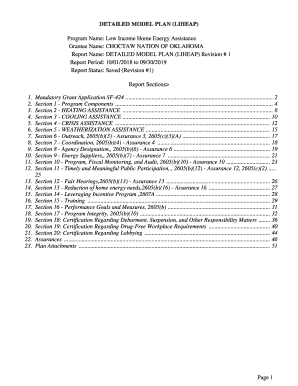
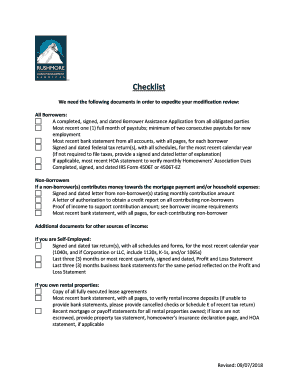
Publications and Forms. Printable Forms. All applicants to OSU are required to use the online application. Undergraduate only: Honors College (HC)
Our latest SpeedPlus and SpeedProfessional range of washing machines cuts out excess time from the washing process, without compromising on wash quality. Now
Mar 10, 2025 This page contains all of the forms, applications and brochures available from the Bureau of Vital Statistics.


