
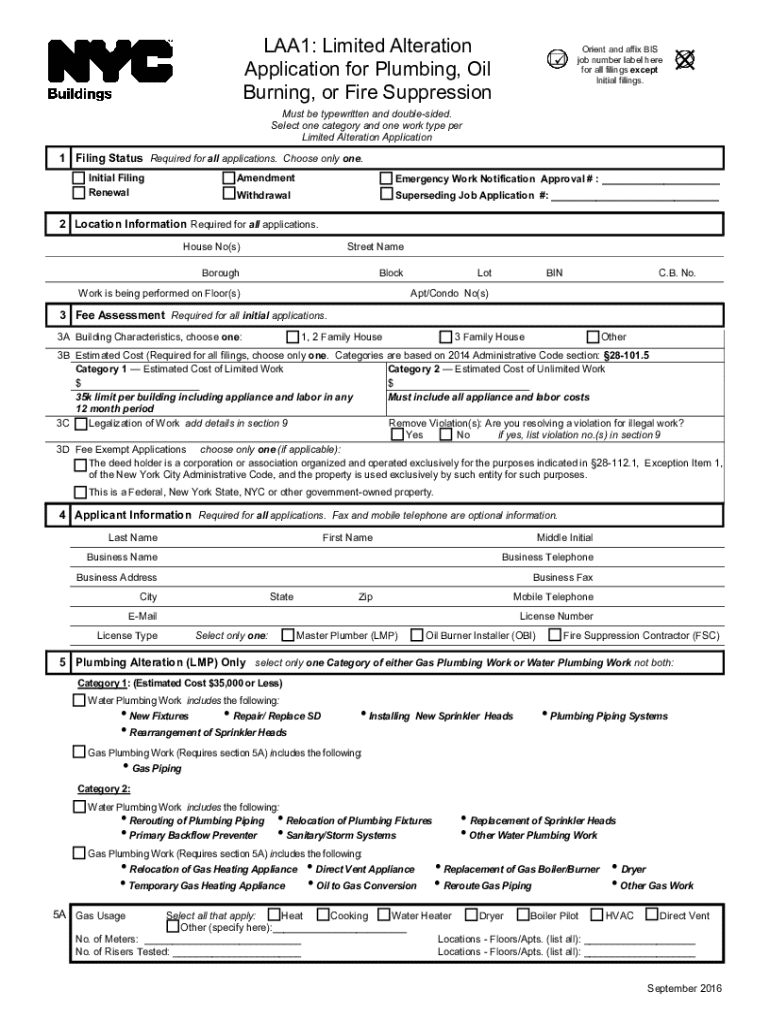







Definition & Meaning
The term "form online" refers to digital forms that can be filled out, submitted, and processed over the internet. Unlike traditional paper forms, online forms facilitate instant data collection and processing, often featuring interactive elements such as dropdown menus, checkboxes, and text fields. These forms are commonly used in a variety of contexts, including government applications, business processes, and personal endeavors. The digital nature of these forms allows for increased accessibility, as users can access and complete them from any device with internet connectivity.
How to Use the Form Online
Using a form online typically involves a few straightforward steps. Begin by accessing the form through a designated website or application where it’s hosted. Once opened, users are prompted to enter the required information into various fields. Forms often include interactive components such as:
- Text fields for entering personal information
- Checkboxes for selecting specific options
- Dropdown menus for choosing from a list of predefined options
- Signature fields for electronic signing
After completing the form, users can review their entries to ensure accuracy. Most platforms provide options to save progress, allowing users to return later to finish or make changes. Once satisfied, users submit the form electronically, receiving a confirmation or receipt automatically via email or within the application interface.
Steps to Complete the Form Online
Completing an online form efficiently requires attention to detail and a methodical approach to ensure all information is accurate:
-
Access the Form: Visit the website or app where the form is available and click to open it.
-
Read the Instructions: Carefully review any guidelines or instructions provided at the top of the form to understand what information is required.
-
Enter Personal Details: Fill in text fields with personal information such as name, address, and contact details.
-
Select Options: Use checkboxes or dropdowns to make selections where applicable, ensuring each choice accurately reflects your situation.
-
Attach Necessary Documents: If the form requires supporting documents, follow the instructions to upload them securely.
-
Add a Signature: In forms requiring verification, use the designated method to add an electronic signature.
-
Review and Submit: Double-check all entries for accuracy. Once confident the information is correct, submit the form and await confirmation.
Key Elements of the Form Online
Online forms contain several critical components designed to streamline the data collection process:
- User-Friendly Interface: Simplified design with clear labels and instructions helps prevent errors.
- Data Validation: Ensures that information entered is complete and formatted correctly.
- Multiple Formats: Supports various input types, such as text input, radio buttons, and digital signatures.
- Security Features: Encryption technologies protect data during transfer and storage.
These elements work together to enhance user experience, promote accuracy, and ensure data is handled securely and efficiently.
Legal Use of the Form Online
Online forms must comply with legal standards to ensure the validity of collected data and electronic agreements. For example:
- ESIGN Act Compliance: Ensures that electronic signatures are legally binding and equivalent to handwritten signatures.
- Data Protection Laws: Adherence to regulations like GDPR or CCPA to safeguard personal information.
- Accessibility Standards: Design that meets ADA requirements, making forms usable for all individuals, including those with disabilities.
These legal considerations are crucial for maintaining trust and integrity in digital transactions and document submissions.
State-Specific Rules for the Form Online
Certain states within the U.S. have unique requirements for online forms, a reflection of differing legal and administrative mandates. Some examples include:
- California: Forms may require compliance with additional privacy laws like the CCPA.
- New York: May have additional documentation for specific industries or governmental processes.
- Texas: Could require notarized digital documents in specific instances.
Understanding and adhering to these state-specific requirements ensures that users remain compliant with local laws and avoid potential legal complications.
Required Documents
Completing an online form may necessitate submitting additional documents. Common requirements are:
- Identification Proof: Such as a scanned driver's license or passport.
- Address Verification: Utility bills or lease agreements.
- Supporting Documents: Tax forms, licenses, or certificates relevant to the form’s purpose.
Uploading these documents correctly is a critical step in the process, ensuring the successful submission and processing of the form.
Form Submission Methods (Online / Mail / In-Person)
While online submission is the fastest and most convenient method, some forms offer multiple submission options:
- Online Submission: Completed directly through the website or application, ensuring immediate processing.
- Mail Submission: Print and send paper forms, typically slower and may require additional shipping fees.
- In-Person Submission: Deliver documents directly to the relevant office, useful for forms requiring verification.
Each method has its advantages and trade-offs, so users should select the one that best meets their needs and timelines.




