




01. Edit your form online
Type text, add images, blackout confidential details, add comments, highlights and more.

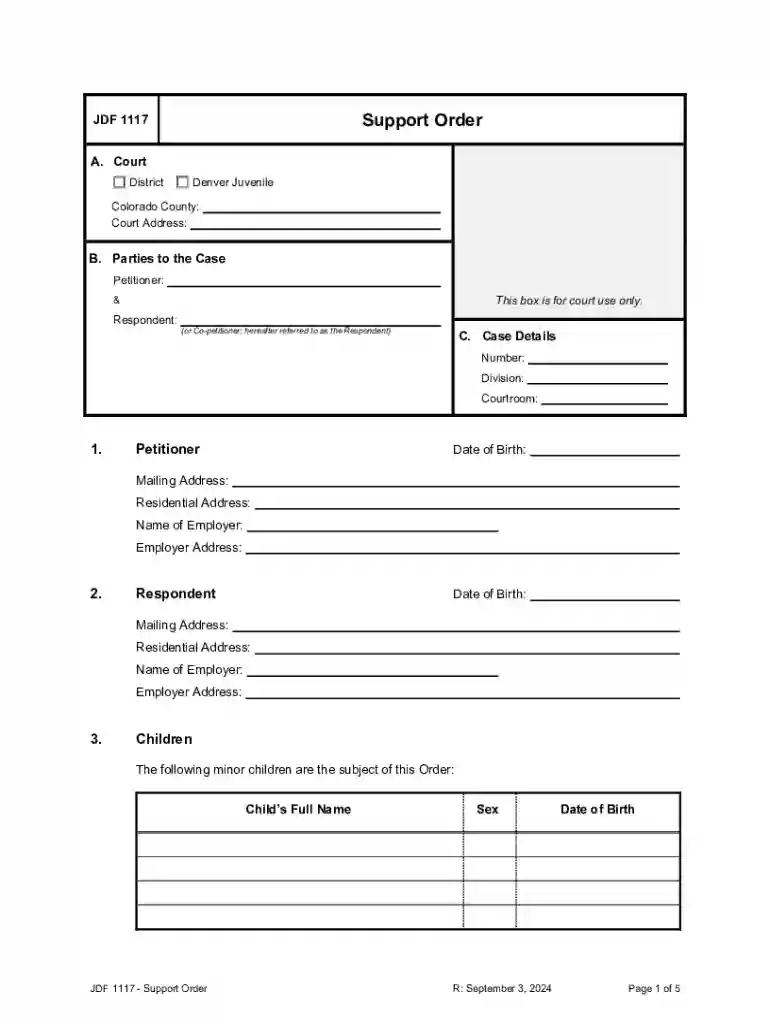
Type text, add images, blackout confidential details, add comments, highlights and more.

Draw your signature, type it, upload its image, or use your mobile device as a signature pad.

Send it via email, link, or fax. You can also download it, export it or print it out.
The term "form online" refers to a digital version of a document that can be filled out, submitted, and processed through an internet platform like DocHub. These forms serve various purposes, from legal filings to business applications, all without the need for physical paperwork. Digitizing forms enhances accessibility, streamlines data collection, and improves efficiency. Users can complete, sign, and share documents from any location, significantly reducing time and resources spent on traditional paper-based workflows.
Using an online form involves several straightforward steps, allowing users to complete and manage documents efficiently. First, access the desired form via a web-based platform. This can often be done by importing forms from cloud services or directly from your computer. Next, utilize the platform’s editing tools to fill in required fields, such as text boxes and checkboxes. Once the form is complete, users can save, share, or submit the form electronically. Many platforms, including DocHub, offer real-time updates, ensuring all contributors see the most recent version. Tools like annotations and comments facilitate collaboration, making it easy for multiple users to provide input on a single document.
Forms can be obtained online through various channels. Websites of governmental agencies, business entities, or educational institutions often provide downloadable forms. For instance, DocHub allows you to import forms from popular cloud storage services like Google Drive, OneDrive, or Dropbox. Another approach is to create forms from scratch using the platform's tools. This flexibility in obtaining documents ensures that users can always access the forms they need without unnecessary hassle.
Filling forms online offers numerous advantages. It simplifies document management by centralizing storage and enhancing accessibility, allowing stakeholders to access documents anytime and anywhere. Online forms reduce paper waste, cutting costs related to printing, storage, and mailing. Additionally, the automatic saving and versioning capabilities minimize data loss risks. For businesses, collecting data via online forms is more efficient, enabling easy data analysis and integration into business systems.
Key elements of online forms include:
Using forms online complies with various legal frameworks, such as the ESIGN Act in the United States, which validates electronic signatures and records. This ensures that online forms can replace traditional paper forms in legal contexts, as long as certain conditions are met, such as clear consent to use electronic records and compliance with accessibility standards. Organizations can confidently process contracts, applications, and other legal documents digitally, knowing they hold the same legal weight as their paper counterparts.
State laws may vary regarding the use of online forms, especially in legal and governmental contexts. It's crucial to understand specific state regulations when designing or processing forms online. For example, tax or business registration forms might have unique submission guidelines or requirements in certain states. To ensure compliance, users should consult local legislation or seek legal advice, and platforms offering form services should provide state-specific guidance or templates reflecting these variations.
At DocHub, your data security is our priority. We follow HIPAA, SOC2, GDPR, and other standards, so you can work on your documents with confidence.
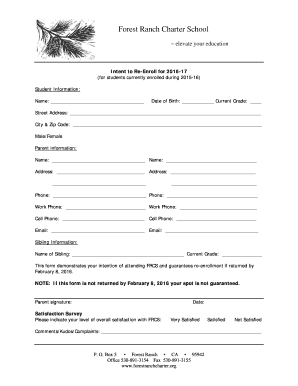
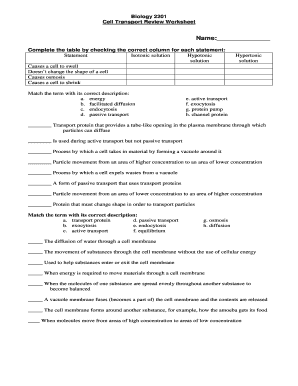

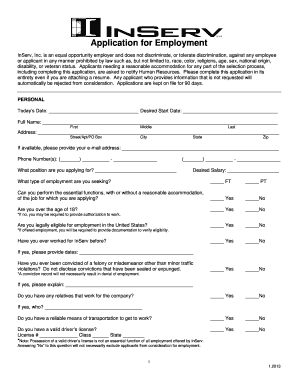
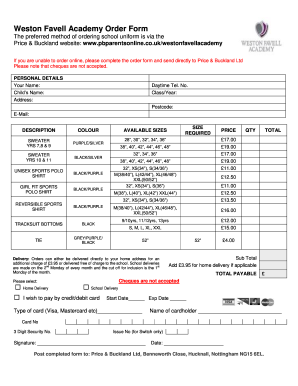
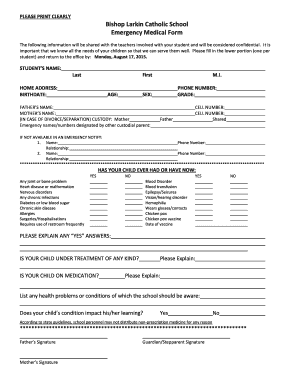
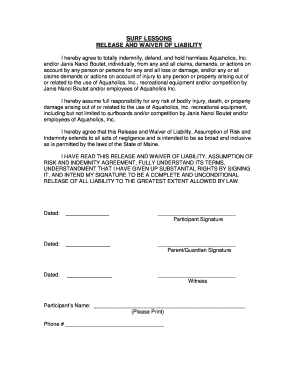
Create powerful online forms with pre-fill, AI, and multi-step workflow features. Try our easy-to-use online form builder with enterprise-level
Sep 18, 2025 This page lists the USCIS forms that are currently available to file online. Visit the File Online page to learn about the benefits of filing a form using our
This Guide will briefly introduce you to the CFSAN Online Submission Module (COSM) and illustrate how to create an OFAS Regulatory submission.


