
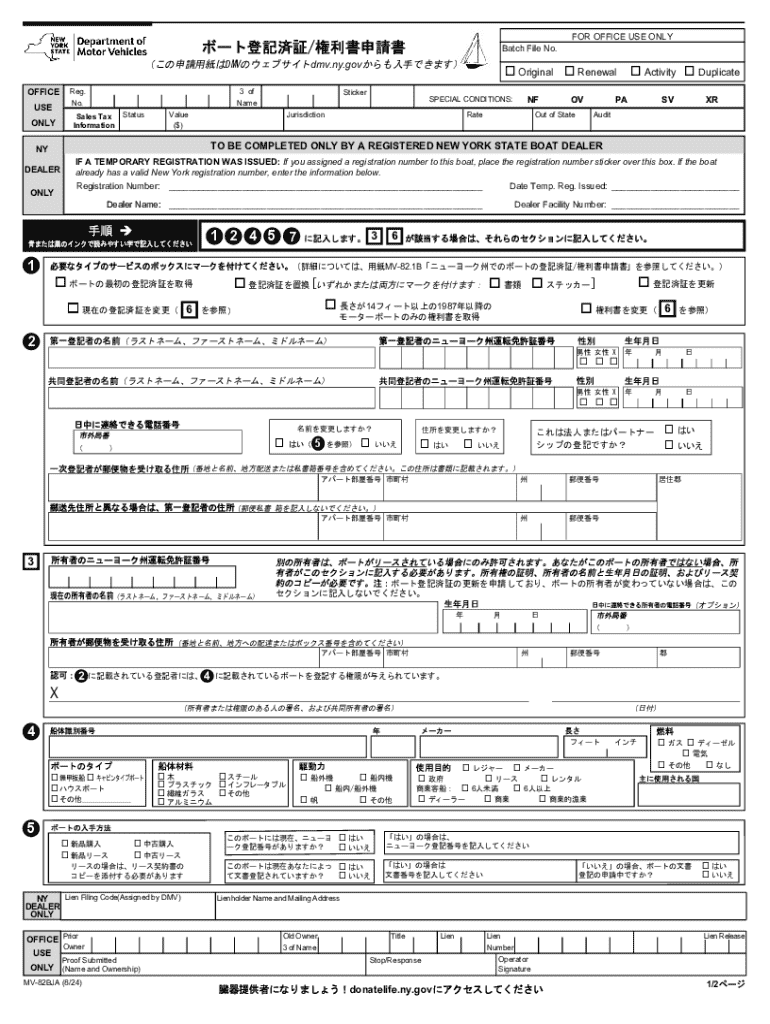







Definition & Meaning
Forms that are completed online, commonly referred to as "form online," are digital equivalents of paper forms used in various applications like registration, applications, or data collection. They offer the convenience of being filled out remotely via an internet-enabled device, eliminating the need for physical paperwork. With platforms like DocHub, these forms provide interactive features, allowing users to input data directly, add electronic signatures, and submit entries seamlessly.
How to Use the Form Online
Utilizing an online form is straightforward and efficient, particularly when leveraging platforms like DocHub. Begin by accessing the form through your web browser. Ensure you have a stable internet connection and compatible devices, such as a laptop, tablet, or smartphone. Once opened, you can fill out fields as prompted. DocHub allows customization of these fields, including text boxes, checkboxes, and signature areas. After entering your information, review it for accuracy before submission.
Steps to Complete the Form Online
-
Access the Form: Open your email or document management system to find the form. Use DocHub to directly open and edit the form within your browser.
-
Input Personal Information: Start with your basic details such as name, address, and contact information. Use text boxes for precision.
-
Add Specific Data: Fill in any specific data fields required, such as financial information or declarations, ensuring each section is completed.
-
Attach Necessary Documents: If the form requests additional documents, use the platform's upload function to attach relevant files directly from your device or integrated cloud services.
-
Review and Edit: Before finalizing, carefully review all entries to ensure there are no errors. Make use of highlighting tools to mark important sections for verification.
-
Sign the Form: Use an electronic signature tool provided by the platform. Options include drawing your signature with a mouse or stylus, typing it, or uploading an image of your handwritten signature.
-
Submit the Form: Once completed, submit the form online through the platform. You will often receive a confirmation of receipt or submission acknowledgment.
Why Should You Form Online
Completing forms online offers significant advantages over traditional paper-based methods. It enhances efficiency and is environmentally friendly, as it reduces paper waste. Online forms are accessible from any location with internet access, allowing for flexible completion times and instantaneous submission. With platforms like DocHub, features such as pre-filled data, auto-saving, and data validation minimize the risk of errors, ensuring forms are completed correctly the first time.
Who Typically Uses the Form Online
Online forms are commonly used by a wide range of individuals and organizations. Business professionals often utilize them for agreements, contracts, and registration purposes. Educational institutions employ online forms for enrollment, surveys, and records management. Governments and legal entities use them for applications, tax filing, and compliance requirements. Individuals benefit from simplified processes in scenarios like job applications, service requests, and online shopping.


Key Elements of the Form Online
- Interactive Fields: Fields that can be filled electronically, such as text input boxes, drop-down menus, and radio buttons.
- Digital Signatures: Features that allow for the addition of an electronic signature to validate and endorse the form.
- Auto-fill and Data Validation: Intelligent tools that help pre-populate fields using user data and ensure entries follow the proper format.
- Document Attachments: Options for users to attach supporting documentation or images directly to the form.
Creating and Managing Fillable Forms
Creating and managing fillable online forms involves using tools that offer a variety of interactive elements. Platforms such as DocHub allow users to design forms with customizable fields that can include text areas, checkboxes, and signature lines. These tools facilitate efficient data collection and streamline information flow, making them ideal for both individuals and organizations seeking organized data acquisition.
Form Submission Methods (Online / Mail / In-Person)
The method of form submission varies depending on requirements. Online submission is the most efficient and widely used, allowing quick processing through platforms such as DocHub. Physical mail is traditional but less efficient, often used when original paper documents are required. In-person submissions provide an option for immediate confirmation but are less convenient. Online submissions are generally favored for their speed and convenience.
Examples of Using the Form Online
Online forms are utilized in diverse scenarios across industries. For example, renters can use them to apply for housing and include digital agreements signed via electronic signature. Schools may use online forms to register new students, gather parental consent, or administer feedback surveys. In the finance sector, loan applications and account updates are often managed through online forms, facilitating secure and timely processing.




