




01. Edit your form online
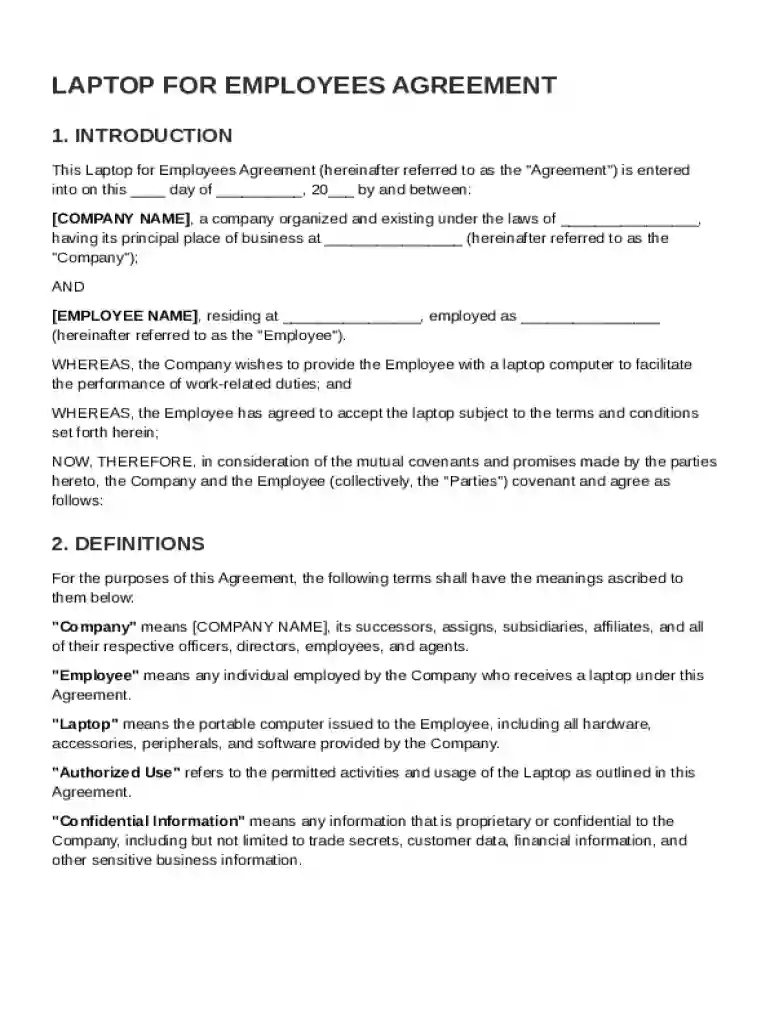
Type text, add images, blackout confidential details, add comments, highlights and more.

Type text, add images, blackout confidential details, add comments, highlights and more.

Draw your signature, type it, upload its image, or use your mobile device as a signature pad.

Send it via email, link, or fax. You can also download it, export it or print it out.
The Laptop for Employees Agreement Template is a formal document used by companies to outline the terms and conditions under which laptops are provided to employees for work purposes. This template serves as a contract between the employer and employee, highlighting essential aspects such as eligibility criteria, responsibilities, and company policies. By detailing these components, the form helps both parties understand their rights and obligations, thereby minimizing potential conflicts. The agreement also emphasizes the importance of maintaining confidentiality and compliance with organizational standards while using the company-issued laptop.
Using the Laptop for Employees Agreement Template involves several key steps to ensure that both the employer and employee clearly understand the agreement. First, employers should customize the template to reflect their company-specific policies and guidelines. This customization might include adding or modifying sections related to authorized use, return conditions, or monitoring rights. Employees then review the document, ensuring they understand each clause, particularly those related to care and use, liability for loss or damage, and confidentiality. Both parties should sign the agreement to demonstrate their acceptance of its terms.
Completing the Laptop for Employees Agreement Template involves a systematic approach:
The template covers several crucial elements to ensure clarity and comprehensive coverage:
The template is primarily employed by businesses and organizations that provide laptops to their employees for business purposes. It is particularly relevant for roles that require remote work, travel, or access to digital resources such as IT professionals, consultants, and remote employees. Human resource departments frequently manage and oversee this agreement to ensure it aligns with company policies and legal requirements.


Understanding key terms within the agreement is critical for ensuring clarity:
The agreement serves as a legally binding document under U.S. contract law. It outlines both parties' rights and obligations, reducing legal risk by ensuring mutual understanding and consent. To maintain its validity, it should be clear, specific, and signed by both parties. Legal counsel may be consulted during its creation to ensure compliance with local, state, and federal laws, including data protection regulations.
While the template offers a general guideline, some provisions may need to be modified to comply with state-specific laws:
Illustrative examples demonstrate the template's practical application:
Eligibility criteria are vital for determining which employees qualify for a company-issued laptop. This section outlines factors such as job role, need for remote access, and duration of employment. Businesses might prioritize specific positions or departments based on their strategic importance, with the criteria serving as a guideline to ensure fair and consistent application across the organization.

The conditions under which an employee must return a laptop are an important consideration. Typically, this includes termination of employment, transfer within the organization, or upgrade to a new device. The return process should be clearly defined, stating the timeframe and condition assessments required upon return to avoid disputes.
This comprehensive breakdown ensures that all facets of managing company-issued laptops are addressed, reducing the likelihood of misunderstandings and ensuring legal compliance.
At DocHub, your data security is our priority. We follow HIPAA, SOC2, GDPR, and other standards, so you can work on your documents with confidence.




This agreement includes, but is not limited to, laptops, cell phones, and other equipment. Employees are responsible if the equipment is not returned or damaged
Laptops must employ full drive encryption with an approved software encryption package. No (^Company^) data may exist on a laptop in clear text.


