
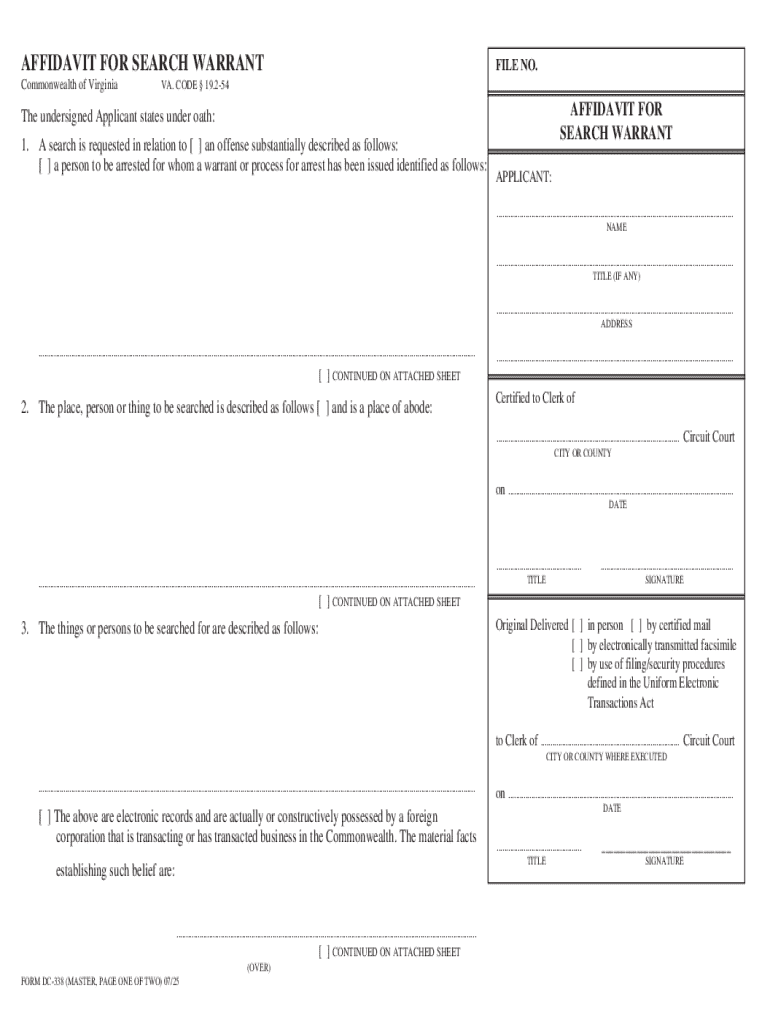







Definition & Meaning
The term "form online" refers to the digital version of documents that require completion for various purposes, such as applications, tax filings, or legal attestations. An online form allows users to input data directly through a web interface, facilitating faster processing without the need for physical paperwork. These digital forms are often used in personal, business, government, and educational contexts to streamline information gathering and processing.
Online forms are typically equipped with interactive elements such as text fields, checkboxes, and dropdown menus, allowing users to provide necessary information in a structured manner. They can accommodate various file types and may include guidelines or instructions to assist users in completing them accurately. Unlike their paper counterparts, online forms often allow for immediate submission and receipt, making them a preferred mode for many transactions and applications.
How to Use the Form Online
Using a form online involves several straightforward steps designed to facilitate ease of use and accessibility:
-
Accessing the Form: Begin by locating the form on a relevant website or platform. This usually involves navigating to a specific section dedicated to forms or applications and downloading it if offline completion is required.
-
Filling the Form: Once accessed, fill out the required fields. Many online forms guide the user with placeholders or prompts that specify what type of information is needed.
-
Reviewing Information: Before submission, review the completed form to ensure accuracy and completeness. Pay attention to required fields that must be filled to proceed.
-
Submitting the Form: After verifying all entries, submit the form through the website's designated button. Many platforms will provide a confirmation of receipt either on-screen or via email.
Examples of platforms offering form completion include government websites for tax and legal documentation, educational institutions for admission processes, and businesses for client feedback or services.
Steps to Complete the Form Online
Completing an online form is a meticulous process that requires attentiveness to detail. Follow these steps to ensure thorough and correct completion:
-
Read Instructions Carefully: Online forms often include specific instructions. Reading these ensures understanding of what's required and what sections you need to fill.
-
Gather Required Information: Before starting, make sure you have all necessary information and documents to avoid disruptions, such as identification numbers, previous records, or reference numbers.
-
Fill Out All Relevant Fields: Enter information in the provided fields carefully. Look for required fields marked with an asterisk (*) and ensure these are completed.
-
Validate Data Entered: Cross-check entered data for typos or inaccuracies, particularly important with numerical entries like social security numbers or financial data.
-
Electronic Signature: If the form requires an electronic signature, use a mouse, trackpad, or pre-uploaded signature image to complete this step.
-
Submit and Confirm: After careful review, submit the form. Check for confirmation messages or emails to ensure that your submission was successful.
Key Elements of the Form Online
Online forms consist of essential elements designed to facilitate user interaction and data entry:
- Input Fields: Spaces where users enter specific data, such as names, addresses, or numerical codes.
- Dropdown Menus: Lists that allow users to select an option from predefined choices.
- Checkboxes/Radios: For responses that require selection between multiple options, such as 'Yes' or 'No'.
- File Upload: Some forms allow the attachment of supplementary documents, such as identification scans or photos.
- Submission Button: Allows users to send completed forms to the receiving party.
These elements work together to ensure that users provide the necessary data in a standardized format, enhancing the efficiency and accuracy of data collection.
Who Typically Uses the Form Online
Online forms cater to a diverse audience, depending on their purpose and context:
- Individuals: For personal applications such as loan requests, job applications, or event registrations.
- Businesses: Companies use online forms for client feedback, order forms, or internal data collection.
- Government Agencies: Utilize forms for citizen applications, tax filings, or compliance documents.
- Educational Institutions: For admissions, enrollment, and feedback processes.
Each group benefits from the streamlined process and increased efficiency in handling data with online forms.


Software Compatibility
Online forms are typically designed to be compatible with various software systems to reach a wide audience. Popular compatibility options include:
- Operating Systems: Available for Windows, macOS, Android, and iOS, ensuring users on any platform can access and complete forms without compatibility issues.
- Browsers: Most forms function seamlessly on popular web browsers such as Chrome, Firefox, Edge, and Safari, adapting to different user preferences.
- Integration Tools: Many forms integrate with software like TurboTax, QuickBooks, and other data management systems, mainly for tax-related forms, enabling users to import or export data efficiently.
Compatibility with these tools and systems ensures that online forms can be accessed, filled, and submitted from almost any digital environment, making them a versatile and practical option for various users.
Legal Use of the Form Online
Online forms are often used for legal purposes and thus must comply with specific regulations to be considered valid:
- Electronic Signatures: The ESIGN Act provides that electronic signatures on online forms are legally valid, provided they meet specific authentication standards.
- Data Protection: Compliance with data protection laws, such as GDPR or state-specific privacy laws, is essential to protect user information.
- Record Keeping: Many forms require that digital copies be stored and retrievable as proof of submission or for future reference.
Forms submitted online often come with audit trails or confirmation receipts to provide legal proof of submission, ensuring that users can uphold compliance and meet necessary legal standards.
State-Specific Rules for the Form Online
When completing certain forms online, being aware of state-specific rules is critical, particularly for legal and tax documents which may vary based on geographic location:
- Tax Forms: States may have different filing requirements, exemptions, or deadlines, affecting how residents complete and submit tax-related online forms.
- Legal Filings: Notarization and witnessing requirements for electronic documents can differ between states, impacting the procedural aspects of filling out and submitting these forms.
- Business Registrations: State-specific requirements may also impact business formation documents, requiring additional documentation or different online submission protocols.
Awareness of these rules is crucial for ensuring compliance, avoiding penalties, and achieving a successful submission in state-reliant processes.




