Type text, add images, blackout confidential details, add comments, highlights and more.
02. Sign it in a few clicks
Draw your signature, type it, upload its image, or use your mobile device as a signature pad.
03. Share your form with others
Send it via email, link, or fax. You can also download it, export it or print it out.
How to use or fill out Restructuring Plan 2007 with our platform
Ease of Setup
DocHub User Ratings on G2
Ease of Use
DocHub User Ratings on G2
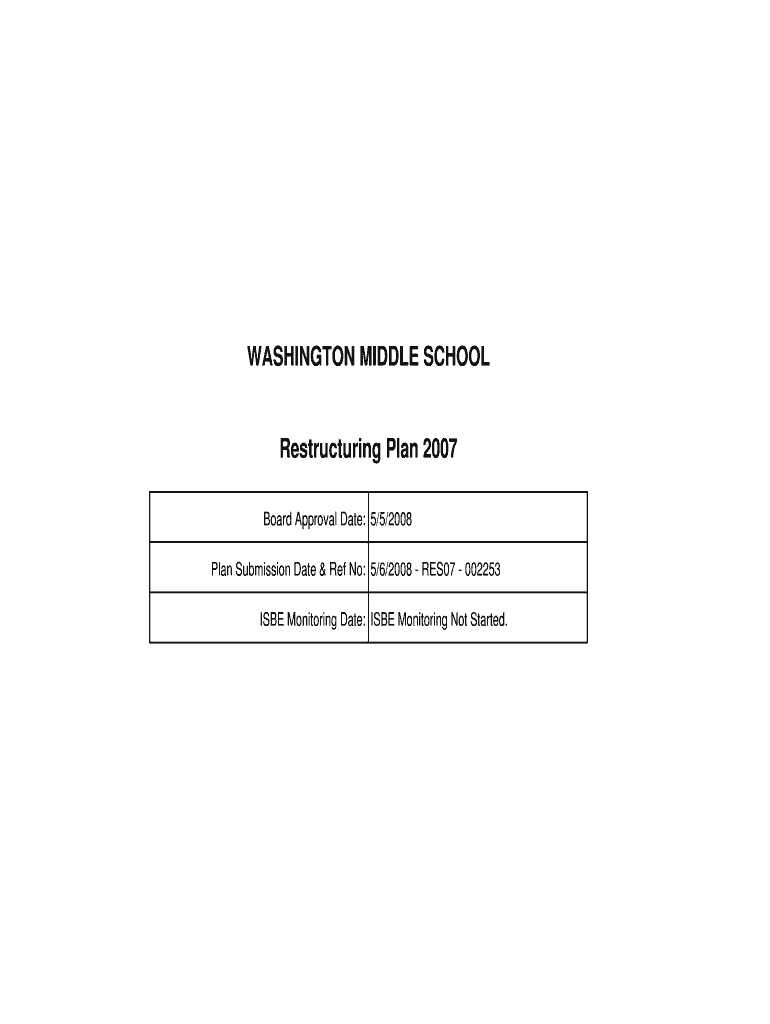
Click ‘Get Form’ to open the Restructuring Plan 2007 in the editor.
Begin by filling out the preliminary information section, including the school and district details such as RCDTS Code Number, District Name, and School Address.
Proceed to Section I-A, where you will analyze data. Input the Adequate Yearly Progress (AYP) status for Reading and Mathematics, ensuring accuracy in reporting whether the school meets AYP.
In Item 3 of Section I-A, provide historical attendance rates and demographic data. Use our platform's tools to easily input percentages and ensure clarity.
For Section II-A, describe your restructuring plan activities. Clearly outline proposed actions and strategies that address identified needs based on previous years' performance.
Finally, review all sections for completeness before saving or sharing your document directly from our platform.
Start editing your Restructuring Plan 2007 today for free with our platform!
Provisional Northern Rock Restructuring Plan - EliScholar
Mar 31, 2008 In the week commencing 10. September 2007 it was necessary to arrange a facility to provide liquidity for Northern Rock in the event that medium
Cookie consent notice
This site uses cookies to enhance site navigation and personalize your experience.
By using this site you agree to our use of cookies as described in our Privacy Notice.
You can modify your selections by visiting our Cookie and Advertising Notice.