
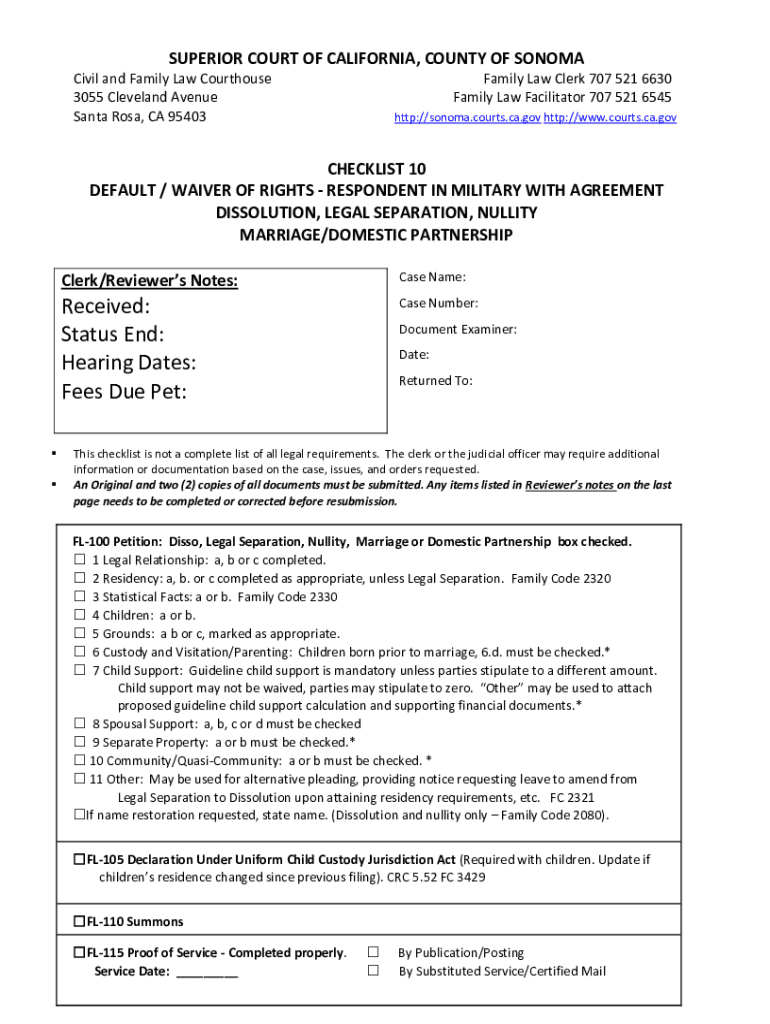







Definition & Meaning
Filling out a form online refers to the process of completing an electronic version of a document or questionnaire using a web-based platform. This method replaces traditional paper forms, allowing users to input information directly into fields within an online application. Online forms can range from simple data collection tools to complex interactive forms used for applications, surveys, or contracts. This format enhances accessibility and efficiency, enabling users to complete forms remotely from any internet-enabled device.
How to Use the Form Online
To use a form online effectively, begin by accessing the specific webpage or platform where the form is hosted. Typically, this requires logging into a secure account or entering necessary credentials. Once logged in, review the instructions provided at the start of the form, which often include guidelines for filling out each section. Proceed by entering information into the designated fields, taking care to ensure accuracy and completeness. Some forms may include interactive elements such as dropdown menus, radio buttons, or mandatory fields to guide the user. Be sure to save any progress in case of an interruption, which allows you to return and complete the form later.
How to Obtain the Form Online
Obtaining a form online usually involves navigating to a website or portal where the form is available. This is often through a company's or government agency's official site. Search for the desired form using relevant keywords or phrases, which can direct you to the correct page. Forms might be available in downloadable formats like PDF or as part of an online submission platform. Some sites may require account registration before you can access or download forms. Always ensure you are on a secure website to protect your personal information.
Steps to Complete the Form Online
- Access the Platform: Open the web browser and navigate to the site hosting the form.
- Log into Your Account: If required, enter login credentials to access the form.
- Review Instructions: Read any introductory text or instructions accompanying the form.
- Input Information: Enter data into the appropriate fields, paying attention to required fields and available field types (text boxes, dropdowns, etc.).
- Verify Data: Double-check your entries for accuracy and completeness.
- Save Progress: Use any available ‘Save’ feature to ensure data isn’t lost.
- Submit Form: Once satisfied with the data entered, submit the form using the provided button or link. Confirm submission by checking for a success notification or confirmation email.
Why Should You Form Online
Filling forms online offers numerous advantages over traditional paper forms. Primarily, it increases accessibility as individuals can complete the form from anywhere with internet access. It also saves time, as it often eliminates the need for in-person visits or mail submissions. Online forms often include validation checks that minimize errors by ensuring necessary fields are filled correctly. Moreover, digital forms are environmentally friendly by reducing paper usage and associated waste. Additionally, data security is often enhanced as reputable online platforms employ encryption and secure network protocols to protect information.
Who Typically Uses Form Online
Various individuals and organizations benefit from using online forms. They are commonly used by government agencies for tax submissions and civic records, corporate entities for HR processes, and educational institutions for registrations and applications. Individuals applying for loans, admissions, or employment frequently use online forms to expedite the process. Companies leverage online forms for market research, customer feedback, and internal data collection. Non-profit organizations and professional associations also utilize these forms for member registrations or event sign-ups.
Key Elements of the Form Online
Online forms consist of several key components designed to collect information efficiently. These include:
- Input Fields: Spaces for entering text, numbers, dates, or other types of data.
- Dropdown Menus: Allow for selection from predefined options.
- Radio Buttons: Used for choosing one option from a set.
- Checkboxes: Enable selection of multiple options.
- Submit Button: Finalizes and sends the collected data to the hosting platform or database.
- Validation Logic: Alerts users to complete mandatory fields or correct errors before submission.
Understanding these elements is crucial for effectively navigating and completing online forms.
Legal Use of the Form Online
Online forms used for legal purposes must comply with specific laws and regulations to ensure validity and enforceability. For instance, electronic signatures on online forms are legally binding, provided they adhere to the ESIGN Act, which grants electronic signatures the same legal status as traditional handwritten signatures. Users must ensure that personal information submitted via online forms is handled in accordance with privacy laws such as GDPR or CCPA, depending on jurisdiction. Additionally, when sharing sensitive information, forms should include encryption and other security measures to protect user data.
Important Terms Related to Form Online
Understanding key terminology can aid in using online forms effectively:
- Encryption: Process of converting information into a secure format to prevent unauthorized access.
- Responsive Design: A web design approach ensuring the form is accessible and usable on various devices, such as phones and tablets.
- OAuth 2.0: An authentication protocol enabling secure authorization access between applications.
- PDF (Portable Document Format): A file format commonly used for displaying documents without losing formatting.
- SSL Encryption: A standard security technology for establishing an encrypted link between a server and a client to protect data.
Knowing these terms will help users navigate and complete forms more effectively and securely.




